VPS 4GB
Start small with reliable VPS performance.
Special PriceSave 50%
Renews at $19.99/month
Core Resources
- 2 vCPU
- 4 GB RAM
- 80 GB SSD Storage
- Unmetered Transfer
Deploy Now
30-day money back guarantee!


Plex VPS Docker Hosting
Stream your personal Plex library from a GreenGeeks VPS with dedicated CPU for transcoding, strong datacenter upload bandwidth, fast SSD, and uptime.





Prefer an open-source alternative? Try our Jellyfin VPS.
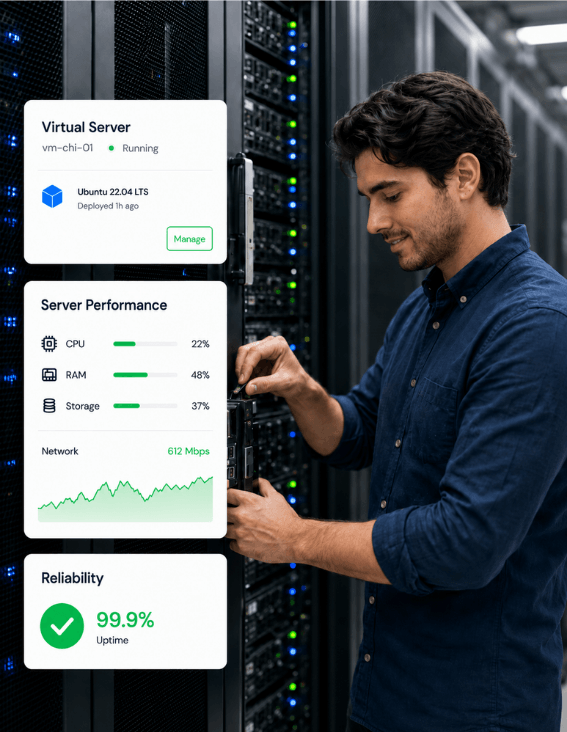
A VPS gives Plex dedicated CPU for transcoding, strong datacenter upload for remote streams, SSD storage, and a 99.9% uptime target around the clock.
Dedicated CPU cores give Plex room to run a software transcode without slowing the rest of the home.
Datacenter upload bandwidth gives remote streams steady throughput most home ISP plans rarely match.
A 99.9% uptime target keeps Plex online any time a household member opens the app to start a movie.
SSD storage helps Plex scan new files, seek in long videos, and refresh metadata across the library.
Full root access, guaranteed resources, and unmetered transfer — you take control.
Start small with reliable VPS performance.
Renews at $19.99/month
Core Resources
30-day money back guarantee!
Scale up apps, databases, and containers.
Renews at $39.99/month
Core Resources
30-day money back guarantee!
Run production workloads with more resources.
Renews at $79.99/month
Core Resources
30-day money back guarantee!
High-capacity VPS for demanding applications.
Renews at $109.99/month
Core Resources
30-day money back guarantee!
Plex is a self-hosted media server that organizes your personal video, music, and photo files and streams them to apps on phones, tablets, smart TVs, browsers, and game consoles. You install Plex Media Server, point it at your folders, and it scans the files, identifies them, and pulls posters, plot summaries, cast, and ratings from databases like The Movie Database and TheTVDB.
The Plex Media Server software is free, with client apps available across nearly every modern platform. A paid Plex Pass subscription unlocks extras like hardware transcoding, mobile downloads, Live TV with a tuner, multi-user Home, and, since 2025, remote streaming of your own library. Personal media stays on your hardware in either case.
The main use case is a personal Netflix for the media you already own. You rip and collect movies, TV shows, music, and photos into one library, then stream them to almost any device on the network. Local network streaming is free and needs no extra setup, and remote streaming with a Plex Pass lets the same library follow you out of the house.
Households also use Plex to share a library with family and friends, with viewing restrictions per user and collaborative collections. A common pattern in self-hosted circles is pairing Plex with the Sonarr, Radarr, and Medusa automation stack, plus a download client, so new releases arrive in the library on their own.

Plex covers the basics of a polished media app. Client apps are available on Android, iOS, Apple TV, Android TV, Fire TV, Roku, PlayStation, Xbox, and web browsers, with a familiar grid of posters and a Netflix-style detail page for each title. Automatic metadata agents handle artwork, episode info, and ratings for movies, TV, music, and photos, so the library reads cleanly without manual tagging.
A free ad-supported catalog called Movies and Shows runs alongside the personal library inside the same apps. Paid Plex Pass features include hardware transcoding for high-bitrate or 4K streams, Skip Intro and Skip Credits, mobile downloads for offline use, multi-user Home with parental controls, and remote streaming.
Everything you need to know about self-hosting Plex on GreenGeeks VPS.
Plex is a self-hosted media server that organizes your personal video, music, and photo files and streams them to almost any device with a Netflix-style interface. You install Plex Media Server, point it at your media folders, and the server scans the files, identifies them, and pulls cover art, posters, plot summaries, cast, and ratings from databases like The Movie Database and TheTVDB. Client apps then connect to that server to browse and play your collection from any room or location.
Plex is the free server software you install on a computer or NAS to host your media library, plus the free client apps used to browse and play it. Plex Pass is the paid subscription that unlocks the premium feature set on top of that free base. Examples include hardware transcoding, Live TV DVR with a connected tuner, mobile downloads, multi-user Home, parental controls, Skip Intro and Skip Credits, and, since April 29 of 2025, remote streaming of personal media.
Since April 29, 2025, remote playback of personal media from a Plex server requires the server owner to hold Plex Pass, or the viewer to hold a Remote Watch Pass. Local network streaming on the same router stays free for both sides. Enforcement of the remote rule started rolling out in November 2025 on the Roku app and is being added to other TV apps and third-party clients during 2026. Current plans and pricing are listed on the plex.tv plans page.
Plex itself is light on memory. The 2 GB minimum from the official requirements covers a basic install, and 4 GB is comfortable for a typical home setup with a couple of streams. Running the arr automation stack, a download client, or Docker containers alongside Plex pushes practical memory toward 8 to 16 GB. Direct play across the local network barely touches memory, and most of the actual pressure comes from transcoding plus background scans, which are also helped by extra RAM.
In practice, yes. A Plex server is only useful when it is powered on, online, and reachable by client apps. A laptop that sleeps overnight or a desktop you reboot midweek leaves the library offline at exactly the moments people want to watch. The usual solutions are an always-on home NAS, a dedicated mini-PC, or a VPS in a datacenter. A datacenter VPS adds steadier upload bandwidth than most home ISP plans, which matters for any kind of remote streaming.
The Plex Media Server software and personal-media streaming on your home network are free for any user. A paid Plex Pass subscription is what unlocks the advanced features. That list now includes hardware transcoding, mobile downloads, Live TV DVR, multi-user Home with parental controls, Skip Intro, and remote streaming of your own library outside the home. Some viewers can avoid Plex Pass by buying a cheaper Remote Watch Pass that lets them stream from a server whose owner has subscribed.
As of late November 2025, Plex Pass costs about 6.99 dollars a month or 69.99 dollars a year. The lifetime Plex Pass is 249.99 dollars until July 1, 2026, after which the price rises to 749.99 dollars. A separate Remote Watch Pass starts around 2 dollars a month and lets a viewer stream from a server whose owner does not have Plex Pass. Pricing has moved twice in the past year, so current Plex.tv pages are the best place to confirm.
Hardware needs depend on the streams you serve. Direct play, where the file is sent as-is to a compatible device, uses very little CPU and runs comfortably on a modest box. Transcoding is the heavy load. For multiple concurrent transcoding users, community guidance suggests at least 4 physical CPU cores, with 6 to 8 cores recommended for smooth handling and higher clock speed helping under load. Storage scales with library size, and a separate volume for media is the usual setup.
Transcoding is the process of converting a video file on the fly so a client device can play it. Plex does this when the source format or bitrate does not match what the device or the network can play. Transcoding is the most CPU-heavy task a Plex server runs, while direct play of an already compatible file uses almost no CPU. Hardware transcoding offloads the work to a GPU or Intel Quick Sync, which is included as a Plex Pass feature.
Yes, the server supports Live TV viewing and DVR recording, but the setup is more involved than software alone. You need a compatible tuner device, such as an HDHomeRun, plus an antenna physically wired to the Plex Media Server. North American tuners use ATSC or QAM signals. DVR recording also requires a Plex Pass subscription. Because Live TV needs a physical antenna and tuner connection, it does not run cleanly on a remote VPS, where the tuner and antenna cannot be wired in.
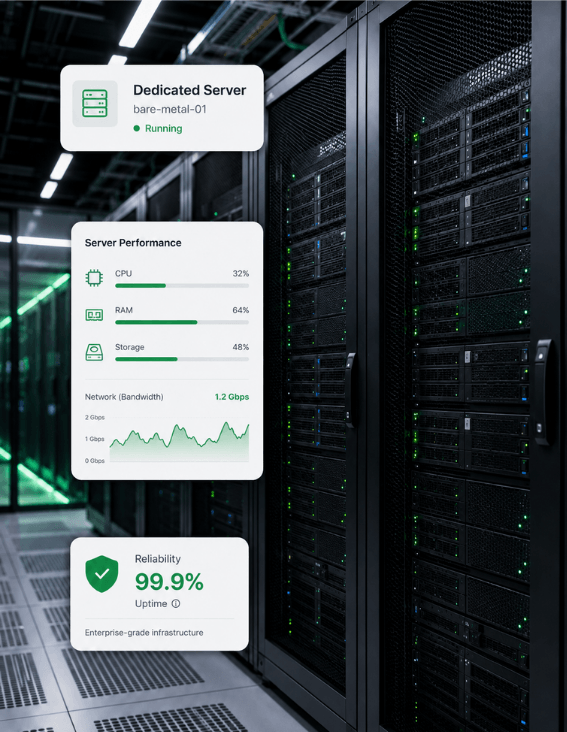
Stream your personal Plex library from GreenGeeks VPS hosting — dedicated CPU for software transcoding, strong datacenter upload for remote streams, fast SSD for the library, and 24/7 uptime, all on 300% renewable-powered servers.
Dedicated CPU cores give Plex room for software transcoding under load.
Datacenter upload bandwidth for steady remote streams outside the home.
SSD storage speeds up library scans, seeks, and metadata refreshes.
300% renewable energy match on every VPS.