
Domain owner information is contained in a few different regional databases that are collectively known as the WHOIS database. The contact information for your domain must be correct and accurate. Otherwise, you could run into problems when trying to update, move, or transfer ownership of a domain.
If you use our ID Protect service to keep your personal information out of the public WHOIS database, you should still maintain up-to-date contact information for your domain in GreenGeeks.
When you update the registrant (owner) contact information for most domains, there are important email messages you need to be aware of. If you fail to respond properly, your changes may not be made.
What is ICANN?
ICANN stands for “Internet Corporation for Assigned Names and Numbers.” Its purpose is to ensure Internet stability and interoperability. You can learn more about what ICANN does on its website. ICANN creates many of the policies that affect domain names and IP addresses. Companies like GreenGeeks that sell or manage domains have to abide by those policies.
Making Changes to Domain Contact Information
These requirements apply to all generic top-level domains (gTLDs). A gTLD is any domain with an extension that is not a country code. The requirements do not apply to country code domains, such as .uk, .tv, .co, etc. If you use a country code domain, check with your registrar to learn about the rules that apply to your domain name.
When you change the first name, last name, email address, or organization of the registrant (the domain name owner), you have to acknowledge the change via email. You must click the link in the email(s), or the update will fail.
This only applies to changes made to the registrant’s contact information. Changes to admin, billing, and technical contacts do not have to be acknowledged.
Updating your registrant contact information may lock the domain and prevent transfers for 60 days. If your domain is already locked, there is nothing that can be done except wait for the 60 days for the lock to expire.
Changing Domain Contact Information at GreenGeeks
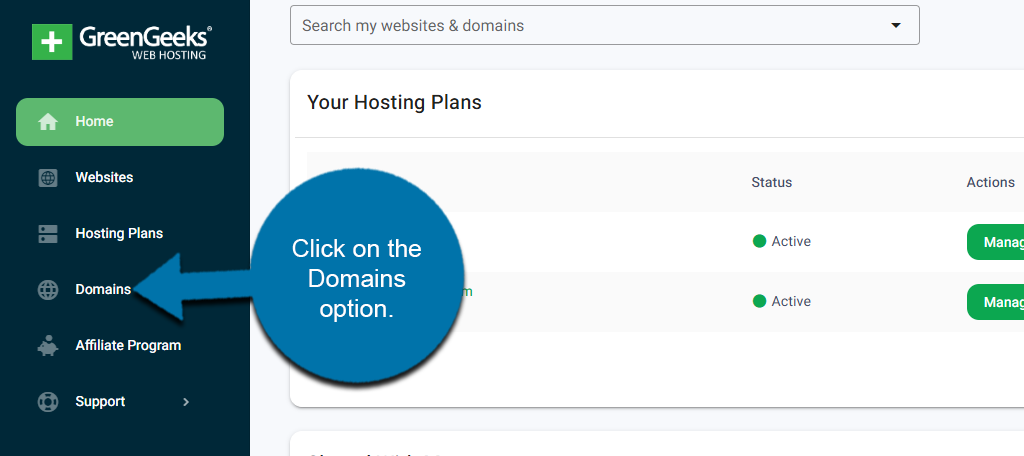
On the left-hand panel, click on the Domains option.
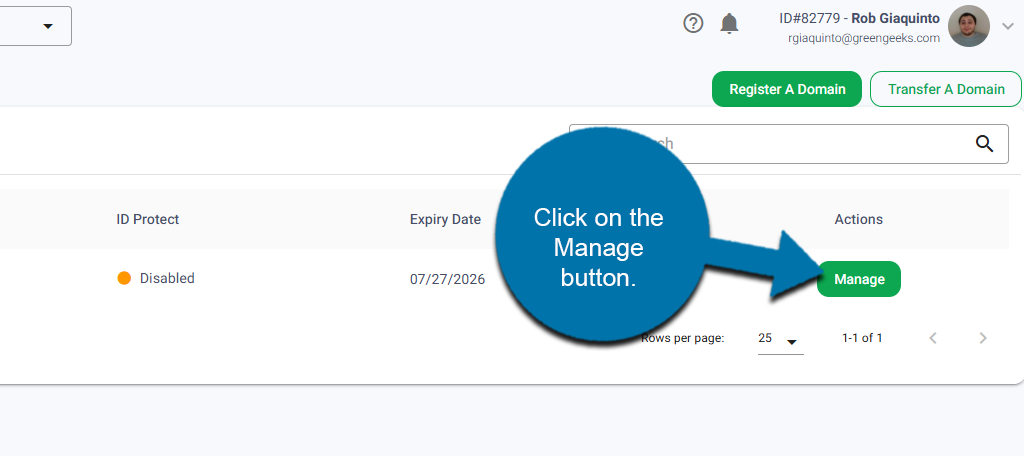
Locate the domain you want to update the contact information for and click on the Manage button next to it.
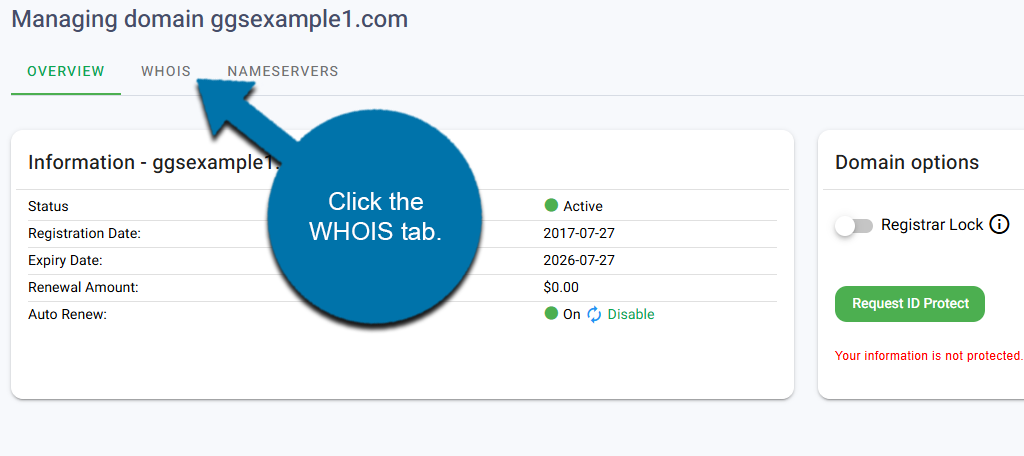
Click the WHOIS tab at the top.
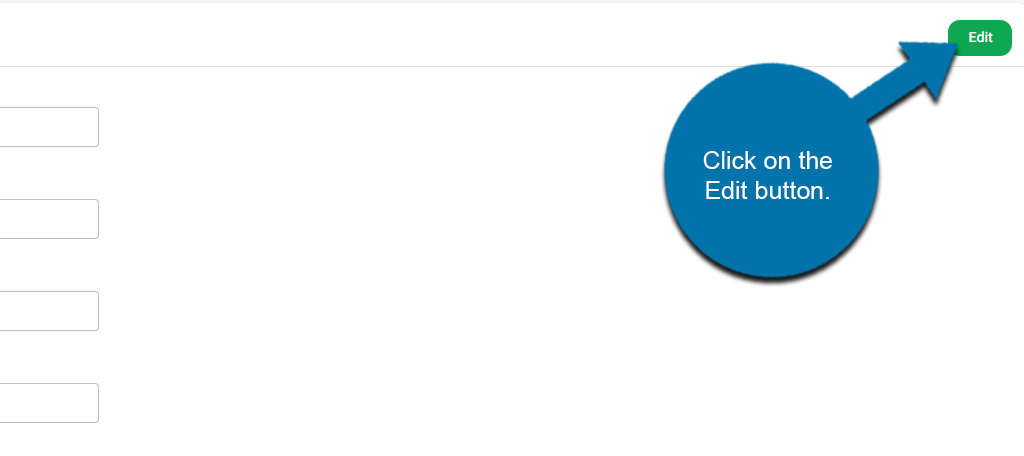
Here you will find the Registration, Technical, and Billing information. Each can be edited by clicking the Edit button next to it. In this case, click on the Edit button next to Registration Details.
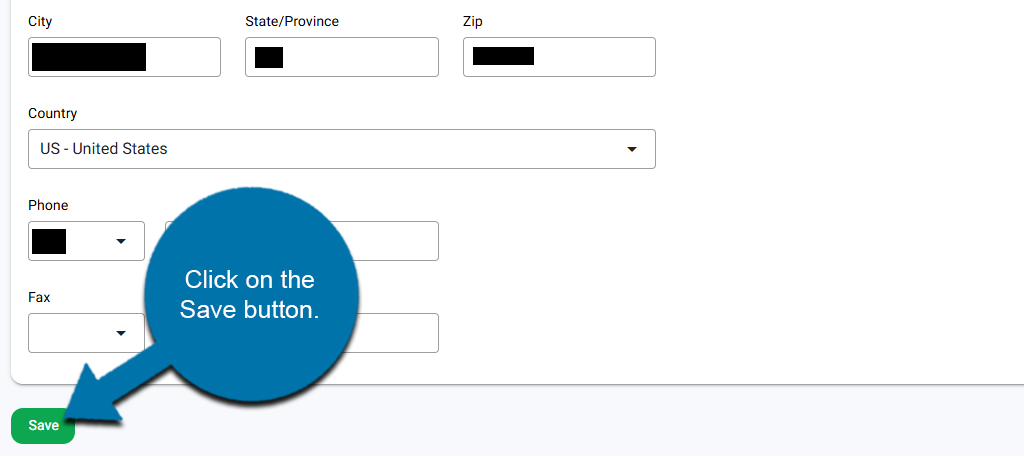
You can now edit the Registration details, making any changes you need. When you are done, click on the Save button.
That’s it!
NOTE: You can also request to protect your identification from the “Overview” tab, as well as lock or unlock the domain if you plan to change registrars.
To Avoid Problems or Delays
Take a few minutes to make sure your registrant information is up to date, especially the email address. When you change the first name, last name, email address, or organization for the registrant, make sure you approve the change by clicking the link in any email(s) you receive.
I don’t want my information available for public view. Will giving consent do that?
Hello Helena. Most WHOIS information is public. If you want to make it private, there’s a service that will remove your personal details from public view.