A clean WordPress install with only WooCommerce active and the default theme, with no products and no traffic, has been measured driving CloudLinux resource limits to 100% on several shared plans, where admin API requests took over 15 seconds and some returned a 500, before the store had sold anything.
Specialist ecommerce hosting is unnecessary for most stores, and catalog size is the wrong variable to judge by. How much server a store needs comes from the count of uncacheable requests it has to answer per minute at its busiest.
Why WooCommerce Turns Off Caching on Checkout
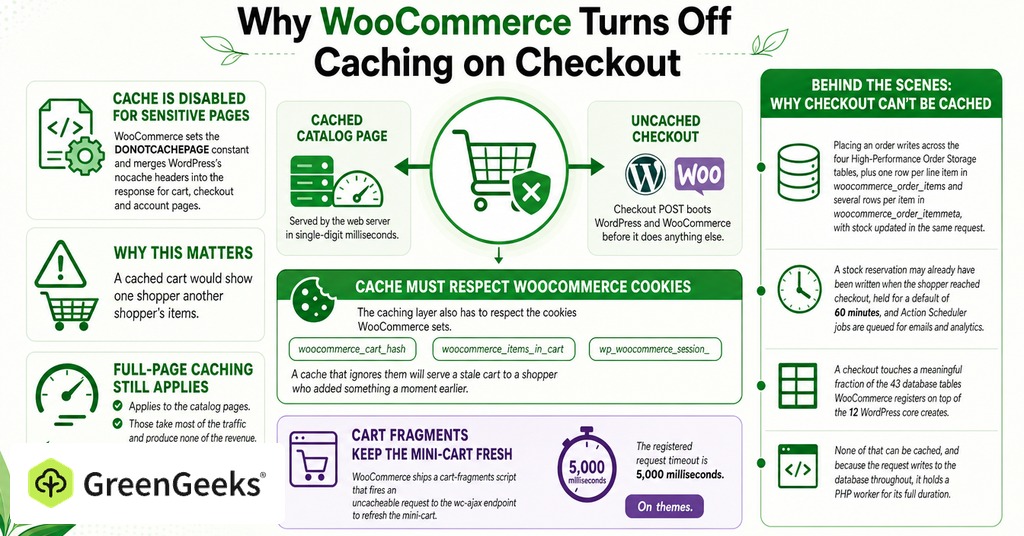
WooCommerce sets the DONOTCACHEPAGE constant and merges WordPress’s nocache headers into the response for cart, checkout and account pages, because a cached cart would show one shopper another shopper’s items. Full-page caching still applies to the catalog pages. Those take most of the traffic and produce none of the revenue.

Which Pages Cannot Be Cached
WooCommerce publishes five exclusions for any caching plugin.
The Cart page.
The Checkout page.
The My Account page.
Any URL containing ?add-to-cart=.
Any URL containing ?wc-api=.
The caching layer also has to respect the cookies WooCommerce sets, including woocommerce_cart_hash, woocommerce_items_in_cart and wp_woocommerce_session_, since a cache that ignores them will serve a stale cart to a shopper who added something a moment earlier.
What Happens on a Checkout Request
A cached product page is served by the web server in single-digit milliseconds, while a checkout POST boots WordPress and WooCommerce before it does anything else.
Placing an order writes across the four High-Performance Order Storage tables, plus one row per line item in woocommerce_order_items and several rows per item in woocommerce_order_itemmeta, with stock updated in the same request. A stock reservation may already have been written when the shopper reached checkout, held for a default of 60 minutes, and Action Scheduler jobs are queued for emails and analytics. A checkout touches a meaningful fraction of the 43 database tables WooCommerce registers on top of the 12 WordPress core creates. None of that can be cached, and because the request writes to the database throughout, it holds a PHP worker for its full duration.
Cart Fragments and the wc-ajax Endpoint
WooCommerce ships a cart-fragments script that fires an uncacheable request to the wc-ajax endpoint to refresh the mini-cart. The registered request timeout is 5,000 milliseconds. On themes that leave fragments enabled, that is one full uncached PHP request per page view, on pages that would otherwise have cost the server nothing.
How Many Products Can WooCommerce Handle?
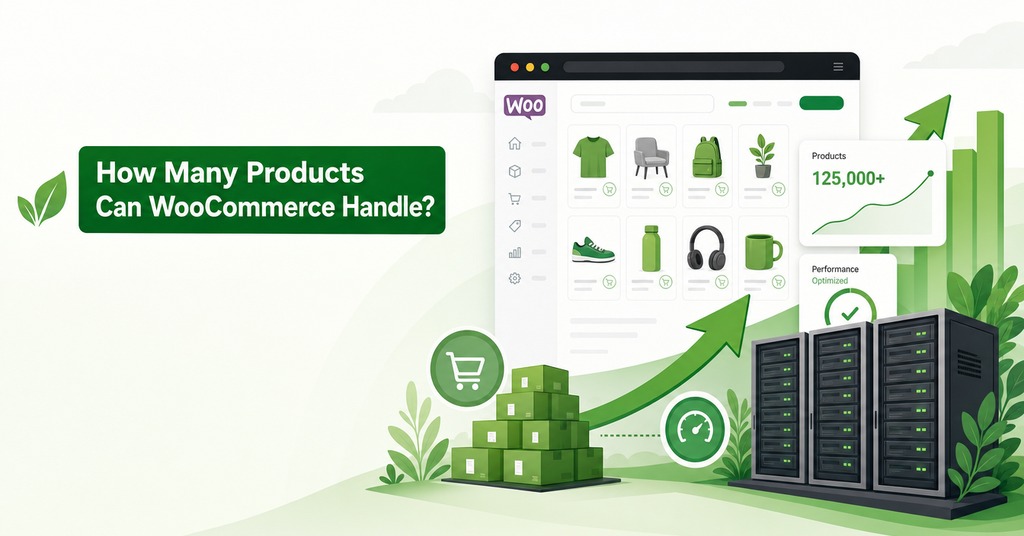
Shops above 100,000 products have handled thousands of transactions per minute, though every one of those stores had dedicated hosting support and in-house developers working on optimization.
No product count marks the point where shared hosting fails. The pressure a large catalog creates is admin-side, in product list queries, bulk edits and imports, as well as on filtered category pages, and managing products keeps getting harder as the catalog grows. A cached product page costs the same at 40 products and at 40,000. The server cost of showing them stays flat.
Do You Need Ecommerce Hosting for a Small Store?
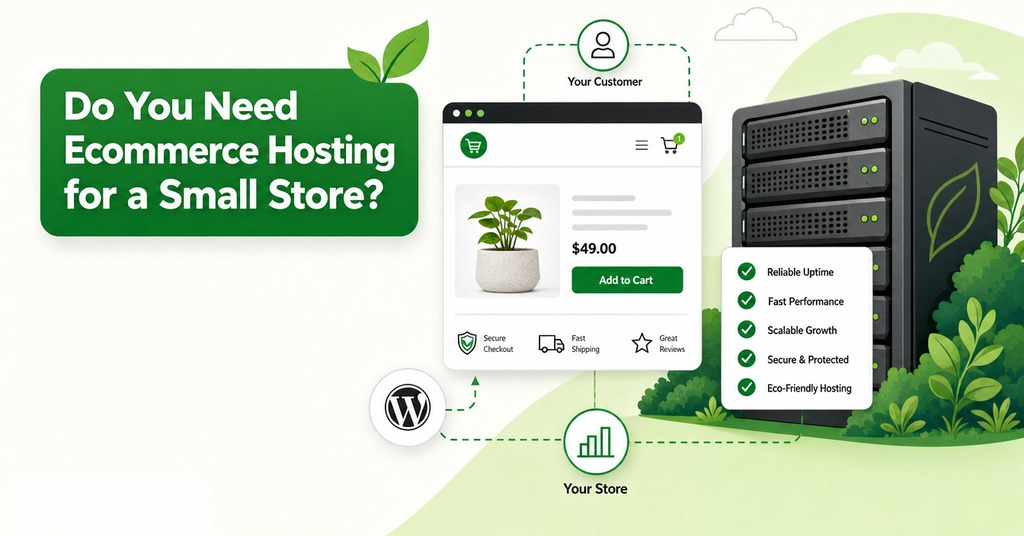
Most small stores do not, because a store taking two orders an hour rarely has two uncacheable requests in flight at once. The claim that WordPress does not scale has been a persistent myth for years, and the four factors behind the outcome rank in a fixed order, with traffic and its distribution first, followed by WooCommerce’s code, other plugin and theme code and server hardware.
Two of those four are code the store owner installed, so the outcome depends more on plugin and theme choices than on the hosting tier, and shared-hosted stores that have gone years without an update keep taking orders. Marketing for the specialist category is built on the exceptions, the store with 100,000 products and a developer on staff, and the median store has neither.
Where Shared Hosting Stops Being Enough
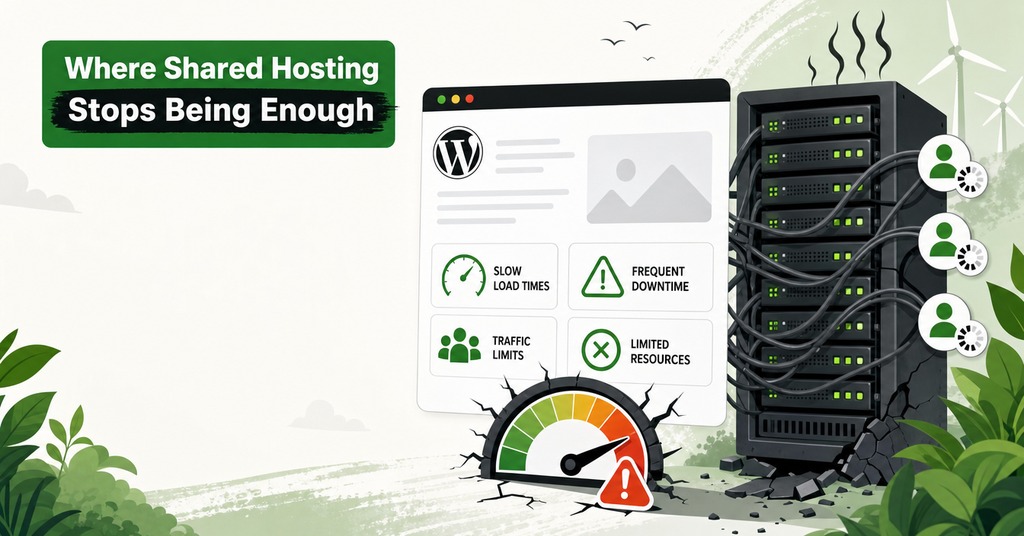
Shared hosting stops holding up on write paths. Order logging, checkout concurrency and the admin dashboard each arrive at a different volume for a different reason.
Orders Per Day and the 100-File Cleanup
WooCommerce’s order-step debug logger creates one log file per checkout, and the daily cleanup job deletes at most 100 files per run, a hard constant with no filter. Any store above 100 orders a day accumulates those files permanently under default settings.
The log handler also scans the whole directory on every write, so the files are read as well as stored, and a checkout emits about a dozen log calls with one scan each. At 38,000 files a single sweep of the directory takes 26 milliseconds against 0.1 milliseconds on a small one. Per-checkout cost rises linearly with the file count, reaching 300 milliseconds at that size.
During a flash sale, checkout requests were pushed past php-fpm’s request termination timeout and killed mid-request, with workers blocked reading the directory, and checkout stayed down until logging was disabled. At 20 to 30 orders a day the cleanup rate of 100 a day keeps up comfortably.
Concurrent Checkouts and PHP Worker Slots
1,000 concurrent users is enough to take a small shared-hosted site offline, and the failure appears on write paths before it appears on cached static content. Hosts quote concurrent visitors, a figure describing the cacheable half of the traffic. That half was never the constraint on a store’s capacity.
On a shared plan the worker slot is the first limit reached. A checkout POST occupies one for the length of the request, so a plan with a small number of slots and a request taking 800 milliseconds gives single-digit checkouts per second at best, fewer once the database is under contention. Bandwidth is rarely the resource that runs out first.
Two stores with identical annual revenue can end up on opposite sides of this. One takes 20 orders a day at $60 each. That is $438,000 a year and fewer than one order an hour. The other takes 2,000 orders across a six-hour sale, or 5.5 orders a minute.
WooCommerce Admin Load on a Shared Plan
The zero-product measurement is the third threshold, since a store owner logging into wp-admin during a busy period competes for the same resource envelope as the shoppers, and the admin side is the heavier of the two loads.
The cause has not been reconciled, because the same clean install has been measured driving resource limits to 100% across several different shared hosts and running only slightly faster on a two-core VPS with 4 GB of memory. The cost sits with either the shared host or the WooCommerce admin itself.
WooCommerce Server Requirements in 2026
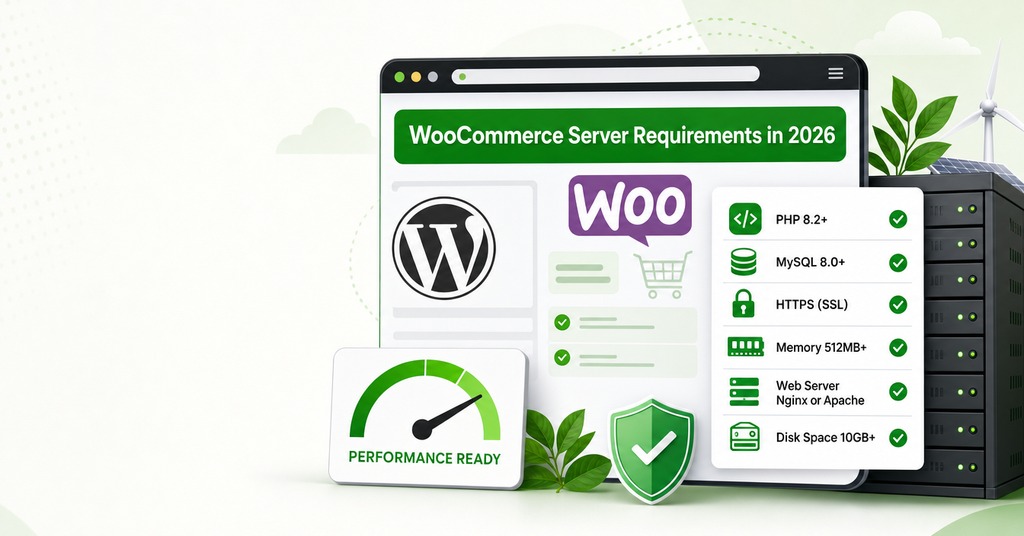
The host sets which PHP branch is offered and how quickly a new one arrives, so none of the published version floor is under a store owner’s control on a shared plan. WooCommerce 10.8 and later sets the following requirements.
WordPress 6.9 or greater.
PHP 8.3 or greater, tested to PHP 8.4.
MySQL 8.0 or greater, or MariaDB 10.6 or greater.
HTTPS support.
A WordPress memory limit of 256 MB or greater.
More than a fifth of WordPress installs are below that floor, with 18% still on PHP 7.4 and another 4% on PHP 8.0, and MySQL 5.7 and older plus MariaDB 10.5 and older account for a comparable share on the database side. Those numbers describe what hosts offer, since almost no store owner picks a PHP branch, so the branch a plan runs on should be checked before the plan is bought. GreenGeeks runs PHP 8.4 on its shared plans against a WooCommerce floor of 8.3.
WooCommerce also names three settings a store owner may need raised, post_max_size, max_input_vars and max_execution_time, and it tells store owners to ask the host before any of the three is changed. A standard WooCommerce setup runs into those three values before any others.
PCI Compliance for a Small Online Store
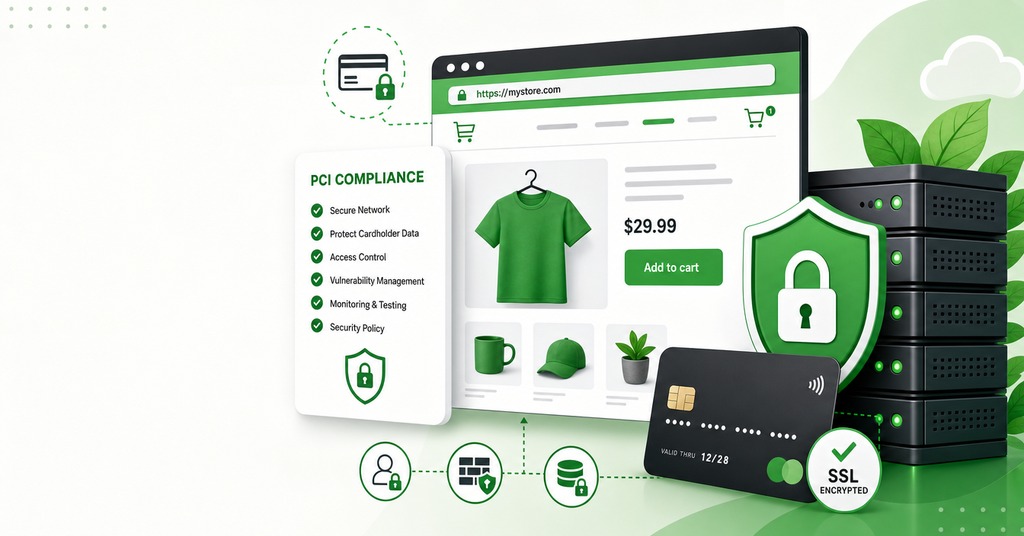
PCI got harder in 2025 and then, for the smallest merchants, got easier again. Both requirements that changed govern the payment page, the same page that cannot be served from cache.
What Changed on March 31, 2025
PCI DSS v4.x contains 64 future-dated requirements that stopped being best practice and became mandatory on March 31, 2025. Requirement 6.4.3 asks for an inventory of every script that loads in the shopper’s browser on a payment page, a written justification for each, a method of confirming each is authorized, and assurance of its integrity. Requirement 11.6.1 asks for a mechanism that alerts on unauthorized changes to the payment page’s HTTP headers and content as the shopper’s browser receives them. Both are client-side controls aimed at skimming attacks that an SSL certificate does nothing to address.
What the Revised SAQ A Changed in 2025
The PCI Security Standards Council formed a task force because stakeholders said those two requirements were complex to implement, including for merchants validating to Self-Assessment Questionnaire A. The revised SAQ A under v4.0.1, effective April 1, 2025, replaced them with a single eligibility criterion, that the merchant has confirmed their site is not susceptible to attacks from scripts that could affect their ecommerce systems.
A merchant can confirm that by using techniques such as those in 6.4.3 and 11.6.1, or by obtaining confirmation from their compliant payment processor that its solution, implemented per its instructions, includes protection against script attacks. For a small store the second route is a written statement from the processor. The criterion only applies where the merchant’s own page embeds the processor’s payment form, typically in an iframe. A merchant who redirects the shopper away to the processor falls outside the criterion.
The Quarterly ASV Scan
A self-hosted store pays for quarterly scanning and an outsourced-payment store does not. Approved Scanning Vendor scanning is largely automated version detection with no manual confirmation, so a current CVE scored above 3.9 that cannot be patched means a failed scan.
For a merchant running an older storefront release, the scanner finds the version string, matches it to a published CVE and fails the report whatever the exposure is in practice, and the route through is a compensating control, assessed and documented by the scanning vendor itself, with the merchant never permitted to edit the report.
A store’s compliance posture is coupled to how quickly its host allows PHP, the web server and the storefront application to be updated. The scan applies or does not depending on which questionnaire the acquirer puts a merchant on, since SAQ A covers fully outsourced payment while SAQ A-EP covers stores that never receive card data but whose own pages control how the payment happens.
Does Checkout Speed Change Conversion?
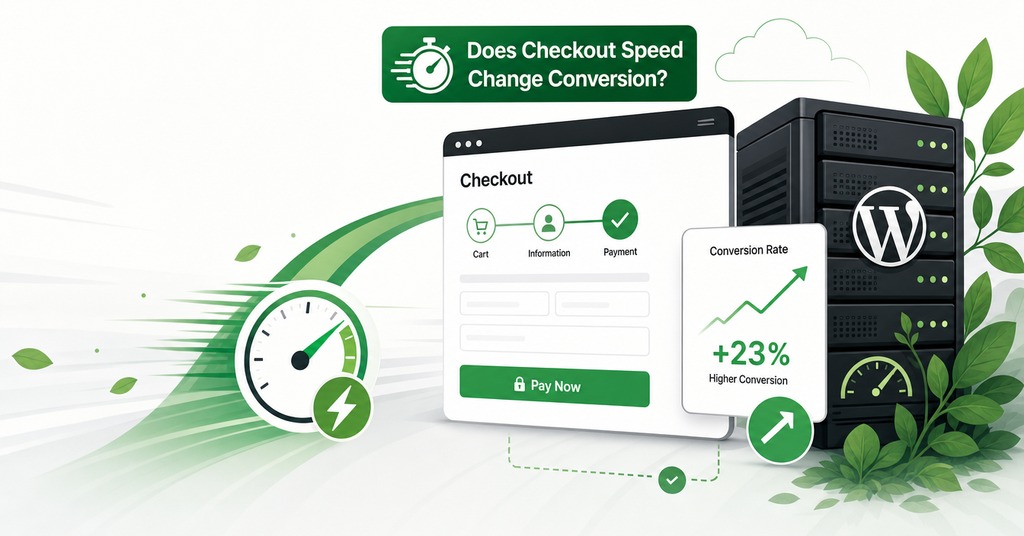
Speed changes conversion by enough to pay for hosting several times over, and the effect concentrates on the pages a cache cannot serve. A 0.1-second improvement in mobile site speed increased retail conversions by 8.4% and average order value by 9.2% across four weeks of mobile data measured in 2020, with speed isolated as the only variable.
Where the One-Second Number Comes From
The claim that a one-second delay costs 7% of conversions traces to a November 2008 Aberdeen Group survey of more than 160 organizations about the performance of enterprise web applications, which makes it 18 years old, with no ecommerce in it at all. The retail figure that gets confused with it is more aggressive, putting a 7% conversion hit on a 100-millisecond delay across 10 billion visits measured in 2017.
The most usable modern figure comes from more than 100 million page views measured across 20 sites in 2022, where ecommerce conversion fell by an average of 0.3 percentage points per additional second. A 1-second site converts 2.5 times better than a 5-second site. The best rates sit between 1 and 2 seconds.
Which Pages Are Worth Making Faster
Checkout, login and home pages are where speed matters most, followed by product category pages. That ordering matches the caching split almost exactly. Checkout and account are precisely the pages full-page caching has to skip.
Server and page configuration now outweigh page weight in load time, and on an uncacheable page the remaining controls are a current PHP version, faster database storage and an object cache, all three of them in the host’s hands rather than the store’s. An object cache stores query results where a page cache stores rendered pages, so it reaches pages a page cache cannot.
What an Hour of Downtime Costs a Small Store
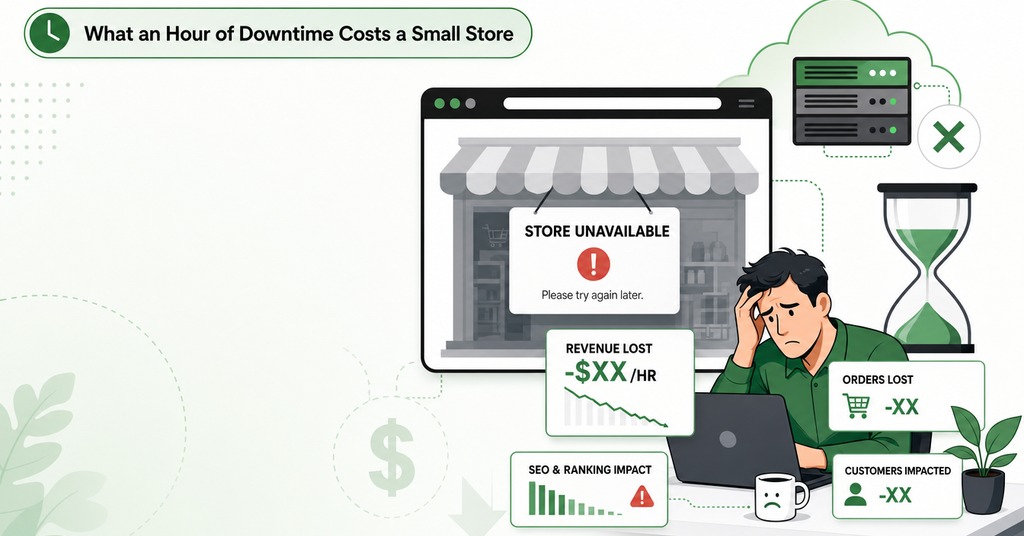
On November 18, 2025, Cloudflare’s network began failing to deliver core traffic after a permissions change caused a configuration file to double past a hard size limit, and shoppers saw error pages while the origin servers behind them were healthy. Outages originate upstream of the host often enough that an uptime guarantee describes less of the risk than its number suggests.
A 99.9% guarantee permits 8 hours 45 minutes and 36 seconds of downtime a year, or 44 minutes a month. At 99.99% the allowance is 52 minutes and 34 seconds a year. The standard remedy across shared hosting is a prorated credit against the hosting fee. On evenly distributed sales, a store doing $500,000 a year averages about $57 an hour, so a full year’s 99.9% allowance is worth $500 of average-hour revenue against a refund worth a few dollars.
Sales arrive unevenly and so do outages, so an hour lost during a launch or inside the Black Friday window is worth a large multiple of an average hour, and the case for paying more rests on those hours rather than on the annual allowance.
Shopify Compared With Self-Hosted WooCommerce
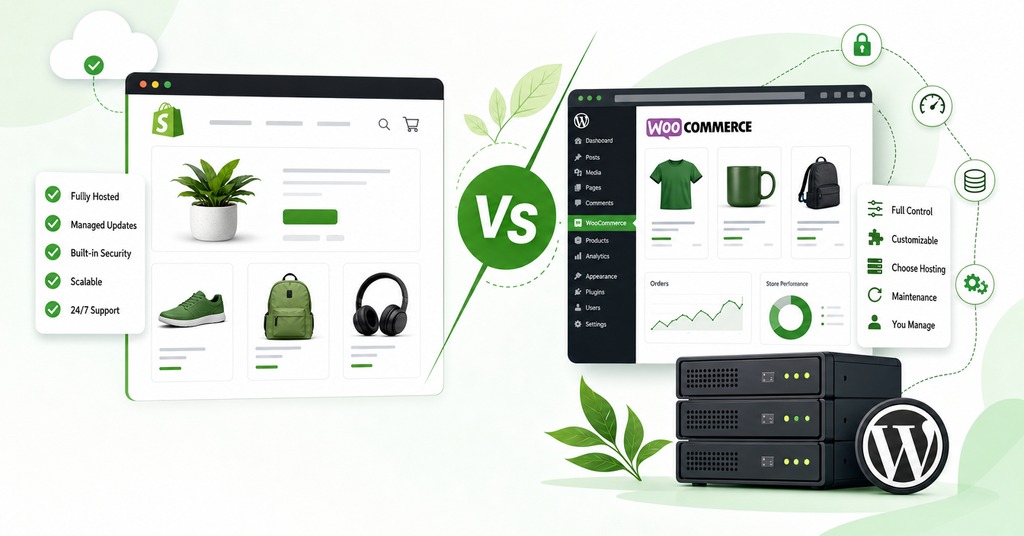
The one fee that changes the arithmetic between the two platforms is Shopify’s third-party transaction charge, at 2% on Basic and 1% on Grow, applied on top of the store’s own gateway rate when a gateway is brought in. Shopify Payments itself takes 2.9% plus 30 cents on Basic, matching standard Stripe and PayPal online rates, and US pricing in 2026 is $29 a month on Basic paid yearly, $79 on Grow and $299 on Advanced.
Shopify’s checkout is uncacheable for the same reason WooCommerce’s is, and the subscription price covers the server capacity that requires. A store doing $10,000 a month at an $80 average order value is 125 orders, which comes to $290 in percentage fees plus $37.50 in per-transaction fees plus the $29 subscription. The same store self-hosted pays a comparable gateway rate plus hosting and extensions, itemized in detail in the cost of running WooCommerce, and the two totals end up close enough that price does not answer the question.
Operations work is the real difference between the two. Shopify includes commerce hosting, unlimited bandwidth and a TLS certificate in the plan, and states that stores powered by Shopify are PCI compliant by default, so a store owner never touches a PHP version, a TLS configuration or an ASV scan. Against that, several million a year in revenue has been run on WooCommerce with hosting as the only infrastructure line item, and which outcome applies depends on who is doing that work.
How Many Orders a Day Shared Hosting Handles
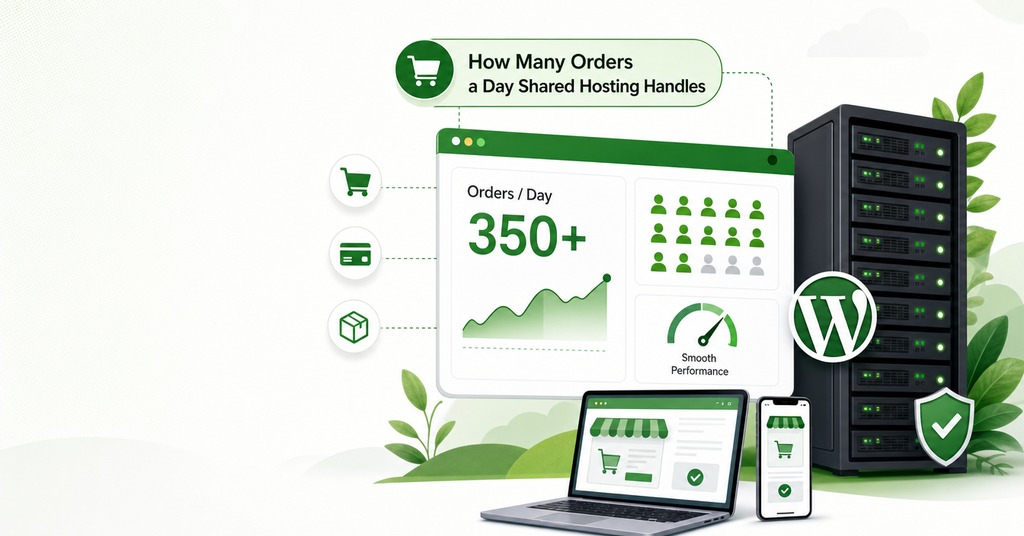
Three order rates set the decision, and none of them is catalog size. Below 30 orders a day, good shared hosting is sufficient at any catalog size, and a persistent object cache does more at that volume than a larger plan does. At 100 orders a day the logging defaults and the worker pool both need attention, and only the worker pool is fixed by buying a bigger plan.
The third rate is the sale itself, where 2,000 orders in 6 hours is a peak-hour load on top of an unremarkable annual revenue, and the store owner who reaches it usually finds the log directory only after checkout has already failed, since the annual figure the plan was chosen against describes none of what happens in that hour.
Frequently Asked Questions
Can WooCommerce run on shared hosting?
Yes, provided the plan meets WooCommerce’s published requirements. For version 10.8 and later those are WordPress 6.9 or greater, PHP 8.3 or greater, MySQL 8.0 or MariaDB 10.6 or greater, HTTPS and a 256 MB WordPress memory limit.
What are the WooCommerce server requirements in 2026?
WordPress 6.9 or greater, PHP 8.3 or greater and tested to 8.4, MySQL 8.0 or greater or MariaDB 10.6 or greater, HTTPS support, and a 256 MB WordPress memory limit. The legacy floor is PHP 7.4 and MySQL 5.6, both past end of life.
How much memory does WooCommerce need?
The documented recommendation is 256 MB or greater. WooCommerce also tells store owners to ask their host about raising post_max_size, max_input_vars and max_execution_time.
Which WooCommerce pages should be excluded from caching?
Cart, Checkout and My Account, plus any URL containing ?add-to-cart= or ?wc-api=. The caching layer also has to respect the woocommerce_cart_hash, woocommerce_items_in_cart and wp_woocommerce_session_ cookies.
Does an SSL certificate make my store PCI compliant?
No. HTTPS is one requirement among many. Since March 31, 2025, PCI DSS v4.x has also required payment-page script management and payment-page tamper detection as part of its 64 future-dated requirements.
Does using Stripe or PayPal make me PCI compliant?
It reduces your scope without removing the obligation. Businesses handling card data directly can face more than 300 controls, while low-risk integrations keep card details off your servers. You still attest annually.
What happens if my PCI scan fails?
Approved Scanning Vendor scanning is largely automated version detection, so any current CVE scored above 3.9 that you cannot patch will fail the scan. The only route through is a compensating control the scanning vendor assesses and documents, and you may never edit the report.
What is a good page load time for an online store?
The highest ecommerce conversion rates occur between 1 and 2 seconds, with conversion roughly halving above 5 seconds. Retail data from 2017 found 53% of mobile visitors leaving a page that takes longer than three seconds.
How much downtime does a 99.9% uptime guarantee allow?
8 hours 45 minutes and 36 seconds a year, or 44 minutes a month. 99.99% allows 52 minutes and 34 seconds a year. Most shared hosting remedies refund a prorated share of the hosting fee.
What is High-Performance Order Storage in WooCommerce?
It moves order data out of wp_posts and wp_postmeta into four dedicated tables. It has been the default for new installs since WooCommerce 8.2.
Do I need Redis or object caching for WooCommerce?
It is the main control left once full-page caching is ruled out on cart, checkout and account. A persistent object cache stores query results, and without a drop-in, WordPress caches objects only for one request.
How much does Shopify cost in 2026?
US pricing is $29 a month on Basic paid yearly, $79 on Grow and $299 on Advanced, with Plus starting at $2,300. Monthly billing raises those to $39, $105 and $399.