
An iframe is an HTML element that embeds another HTML document inside the current page as a separate browsing context. The minimal syntax is one line: <iframe src="https://example.com" title="Embedded page"></iframe>. Most production sites use iframes to embed video players, map tiles, payment fields, and third-party widgets without giving those resources access to the parent page’s DOM.
The element has been part of HTML since HTML 4 and remains a first-class part of the HTML Living Standard maintained by the WHATWG. Recent additions like loading="lazy" and the allow attribute for Permissions Policy keep the element relevant for performance and security work.
The iFrame Element in HTML

The iframe element creates a nested browsing context. Each frame holds its own document, window, history stack, and event loop. The browser treats the embedded document as a separate page that happens to render inside a rectangular region of the parent.

That isolation is the source of every iframe’s strengths and limits. A parent page can read iframe.contentWindow and iframe.contentDocument only when both pages share an origin. When origins differ, the same-origin policy blocks direct DOM access, and any communication has to route through window.postMessage. The isolation also means that crashes, memory pressure, and malicious script execution inside the frame stay contained from the host page.
Each frame carries real cost. The HTML Living Standard notes that every browsing context is a complete document environment, and memory and CPU usage scale roughly linearly with the number of frames on a page. A page with 30 frames pays 30 times the document overhead, even when most of those frames render small UI. That cost is the reason the loading="lazy" attribute exists and the reason most production pages keep their frame count low.
A working example with a title for accessibility:
<iframe src="https://en.wikipedia.org/wiki/HTML" title="Wikipedia article on HTML" width="600" height="400" loading="lazy"> </iframe>
Syntax and Core Attributes
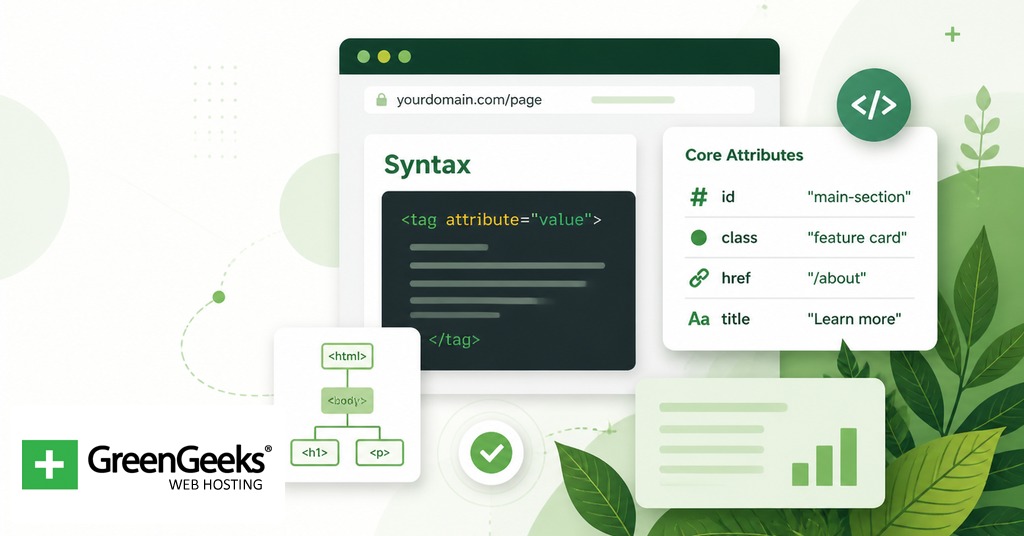
Every iframe needs a source. The src attribute points to a URL, and the srcdoc attribute holds inline HTML that overrides src when both are set. A bare frame with srcdoc looks like this:
<iframe srcdoc="<p>Inline content rendered as a document.</p>" title="Inline note"></iframe>
The title attribute is mandatory in practice. Screen readers announce the title when the user enters the frame, and WCAG 2.1 success criterion 4.1.2 (Name, Role, Value) requires an accessible name on every frame. Frames without a title are flagged by every modern accessibility audit.
Attributes Reference
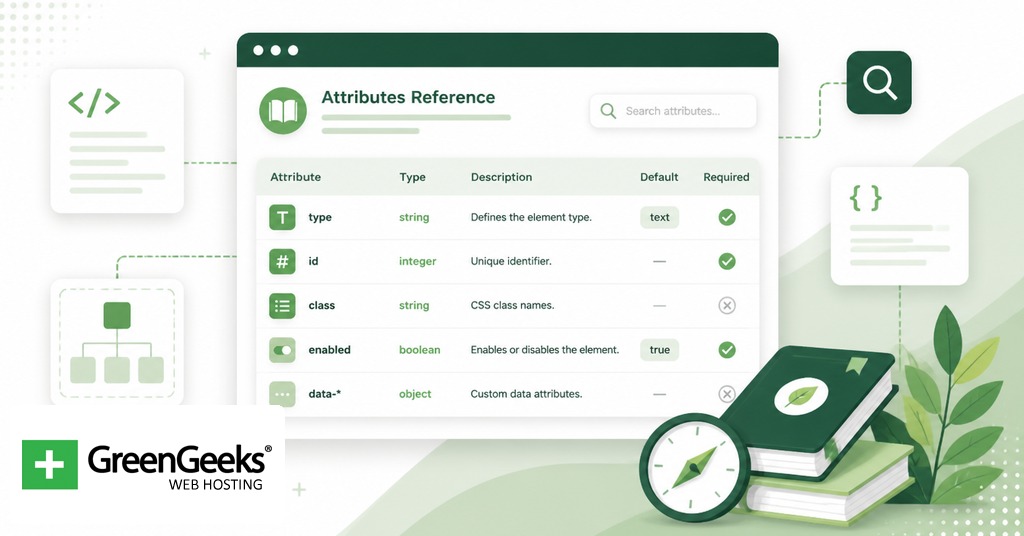
The table below covers the attributes defined for the iframe element in the HTML Living Standard.
| Attribute | Purpose | Default | Notes |
| src | URL of the embedded document | empty | Required for most use cases |
| srcdoc | Inline HTML rendered as the embedded document | empty | Overrides src when both are set |
| sandbox | Applies extra restrictions to the frame | absent (no extra restrictions) | Empty value enables all restrictions; tokens loosen specific ones |
| allow | Permissions Policy for the frame | inherits parent policy | Tokens such as camera, microphone, payment |
| allowfullscreen | Permits Fullscreen API requests | absent | Boolean attribute |
| loading | Network priority hint | eager | lazy defers until the frame nears the viewport |
| referrerpolicy | Referer header policy on subresource fetches | strict-origin-when-cross-origin | 8 standard values |
| name | Navigation target name | empty | Lets target="frameName" load into the frame |
| title | Accessible name | empty | Required for WCAG conformance |
| width | Width in CSS pixels | 300 | Plain number, no units |
| height | Height in CSS pixels | 150 | Plain number, no units |
The attributes frameborder, scrolling, longdesc, marginwidth, marginheight, and align are deprecated. Borders, scrollbars, and margins are now handled with CSS.
Common Use Cases with Code

Production iframes generally fall into a small set of shapes. Each shape has its own attribute requirements.
Video embeds
A YouTube embed is the textbook case. The provider gives a URL on a sandbox-friendly origin, and the parent attaches the permissions the player needs.
<iframe src="https://www.youtube.com/embed/dQw4w9WgXcQ" title="Sample video player" width="560" height="315" loading="lazy" allow="accelerometer; autoplay; encrypted-media; gyroscope; picture-in-picture" allowfullscreen> </iframe>
The allow attribute exposes specific Permissions Policy tokens to the frame so the player can request fullscreen, autoplay, and the encrypted media extensions used for DRM-protected streams. Without allow, modern browsers block those APIs in cross-origin frames by default.
Map embeds
A Google Maps frame fits the same pattern with simpler permissions.
<iframe src="https://www.google.com/maps/embed?pb=…" title="Office location map" width="600" height="450" loading="lazy" referrerpolicy="no-referrer-when-downgrade"> </iframe>
Caption: the referrerpolicy value is the one Google’s embed builder generates because the map tiles need a Referer to validate the embedding domain.
Sandboxed user-generated content
A blog or community site that lets users submit HTML snippets should never render those snippets inline. A sandboxed iframe is the standard quarantine.
<iframe srcdoc="<!– user-submitted HTML –>" title="User-submitted preview" sandbox> </iframe>
Security note: the empty sandbox value treats the document as a unique opaque origin, blocks scripts and forms, prevents top-level navigation, and disables popups. Tokens loosen specific limits. A read-only preview that lets scripts run but never shares storage with the parent looks like sandbox="allow-scripts". Avoid the combination sandbox="allow-scripts allow-same-origin" for same-origin content, because the embedded page can then remove the sandbox attribute through DOM manipulation and lose the protection.
Payment widgets
Payment processors host card-collection forms in iframes so the merchant page never touches raw card data. That keeps the merchant out of PCI DSS scope for cardholder data storage.
<iframe src="https://payments.example.com/elements/card" title="Card details" width="100%" height="60" allow="payment 'self' https://payments.example.com"> </iframe>
The allow="payment …" token is required for the Payment Request API to function inside the frame.
Security Considerations

Clickjacking is the dominant attack pattern against pages that allow themselves to be framed. An attacker loads the target page in an invisible iframe over a decoy interface so the victim’s clicks reach hidden controls on the framed page. The OWASP Clickjacking Defense Cheat Sheet documents the attack and the recommended defenses.
The modern defense is the Content-Security-Policy header with a frame-ancestors directive. The directive lists which origins may embed the page.
Content-Security-Policy: frame-ancestors 'self' https://partner.example.com;
X-Frame-Options is the legacy header, accepting DENY or SAMEORIGIN. CSP Level 2 obsoleted it in favor of frame-ancestors. Pages that need to support older clients can set both; browsers that support frame-ancestors ignore X-Frame-Options when the CSP header is present.
Cookies marked SameSite=Lax or SameSite=Strict are not sent on cross-site iframe requests. That single setting defeats clickjacking attacks against authenticated sessions because the attacker’s hidden frame loads without the victim’s session cookie.
For pages that embed third-party content, the sandbox attribute is the parent’s defense. The frame-side controls and the parent-side header work together. The frame-ancestors directive says which origins are allowed to embed a page. The sandbox attribute says what the embedded page is allowed to do once it loads. Both belong on every site that takes security seriously.
The sandbox tokens worth knowing in practice are allow-scripts, allow-forms, allow-popups, allow-popups-to-escape-sandbox, allow-modals, allow-top-navigation, allow-pointer-lock, allow-presentation, allow-orientation-lock, and allow-downloads. Each token corresponds to a category of capability the empty sandbox value blocks. The general rule is to start with sandbox alone and add only the tokens the embedded content needs to function.
Accessibility and Performance

Every iframe needs a title attribute. Screen readers announce the title when the user enters the frame; without it, the frame is announced as “frame” with no further information, which fails WCAG 2.1 success criterion 4.1.2.
For performance, set loading="lazy" on any frame below the fold. The browser then defers the network request until the frame nears the viewport. Lazy loading a YouTube embed saves more than 500 KiB during initial page load according to the web.dev iframe-lazy-loading article from the Google Chrome team. The attribute degrades safely; older browsers ignore it and load eagerly.
<iframe src="https://example.com" title="Example" loading="lazy"></iframe>
Alternatives to the iFrame Element

The <embed> element embeds typed external resources such as PDFs and offers less control than an iframe. The <object> element does the same with fallback content and parameters, which suits legacy plugin-style content. For media specifically, <video> and <audio> are the right elements; both are simpler than iframe and integrate with native browser controls. The Picture-in-Picture API detaches a <video> element into a floating window and is sometimes confused with iframe video embeds, but the two solve different problems.
Frequently Asked Questions

What is an iframe used for?
Iframes embed another HTML document inside the current page. Common uses include video players, map tiles, advertisement units, payment fields, third-party forms, and sandboxed previews of user-generated content. The element gives the embedded source a full browsing context while keeping it isolated from the host page.
Are iframes still used in 2026?
Yes. The iframe element is part of the current HTML Living Standard and is widely deployed across video, maps, payments, and ad delivery. Newer features like loading="lazy", the Permissions Policy allow attribute, and frame-ancestors keep the element aligned with current performance and security expectations.
What is the difference between iframe and embed?
The iframe element embeds a full HTML document with its own browsing context, scripting, and DOM. The embed element handles typed external resources such as PDFs and legacy plugin formats and offers fewer controls. Iframe is the right choice for HTML; embed is the right choice for non-HTML resources that need a viewer.
How do I prevent clickjacking on my site?
Set a Content-Security-Policy header with a frame-ancestors directive listing the origins permitted to embed your page. Add X-Frame-Options: SAMEORIGIN as a fallback for older clients. Mark session cookies SameSite=Lax or SameSite=Strict so they are not sent on cross-site iframe requests.
Should I use loading=“lazy” on iframes?
Yes for any iframe below the fold. The attribute defers the network request until the frame nears the viewport, and web.dev measured savings of more than 500 KiB on a single YouTube embed during initial load. Older browsers safely ignore the attribute and load the frame eagerly.
Are iframes bad for SEO?
Search engines index content inside iframes separately from the parent page, so embedded content is not credited to the host page. Use iframes for supplementary material like videos, maps, and widgets, and keep primary content the host wants ranked outside any frame.