A first store can take $2,000 in orders in its first month and still be unable to touch the money. Two days before the first payout, the payment processor freezes the funds over a bank verification that was never completed. Support gives inconsistent answers. The funds stay locked for weeks while the storefront keeps taking orders and sending confirmations as usual.
Payment verification runs on the processor’s timetable and takes 2 to 5 business days on Shopify Payments. Starting that paperwork after the store is built leaves a shop taking orders it cannot get paid for.
What You Need Before You Start
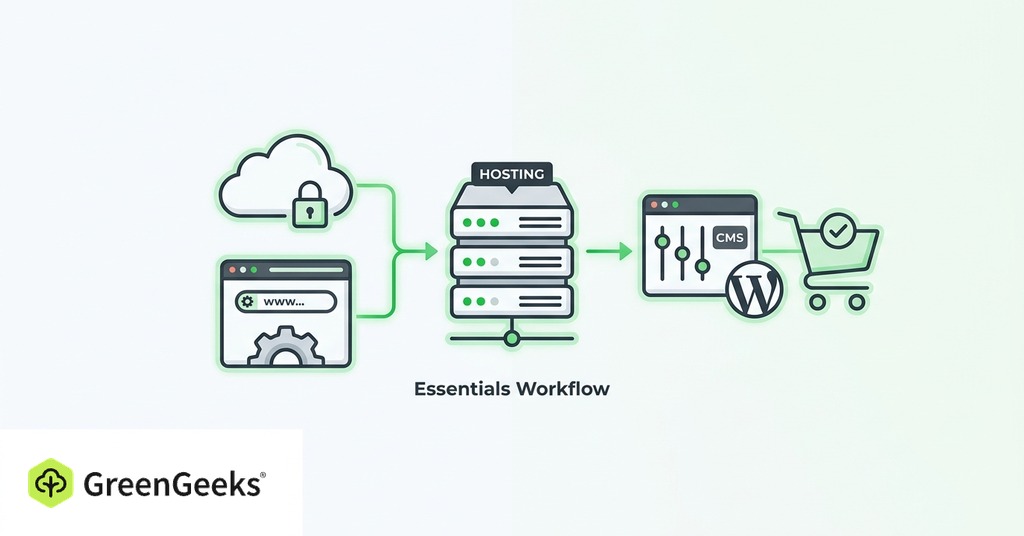
Setup wizards prompt for more than a first store needs on day one. An LLC is the obvious example. Registering one costs $50 to $500 depending on the state. Until the store has revenue at risk, that filing buys nothing and can wait until orders arrive steadily.

Hosted Builder or WooCommerce: Choosing the Platform
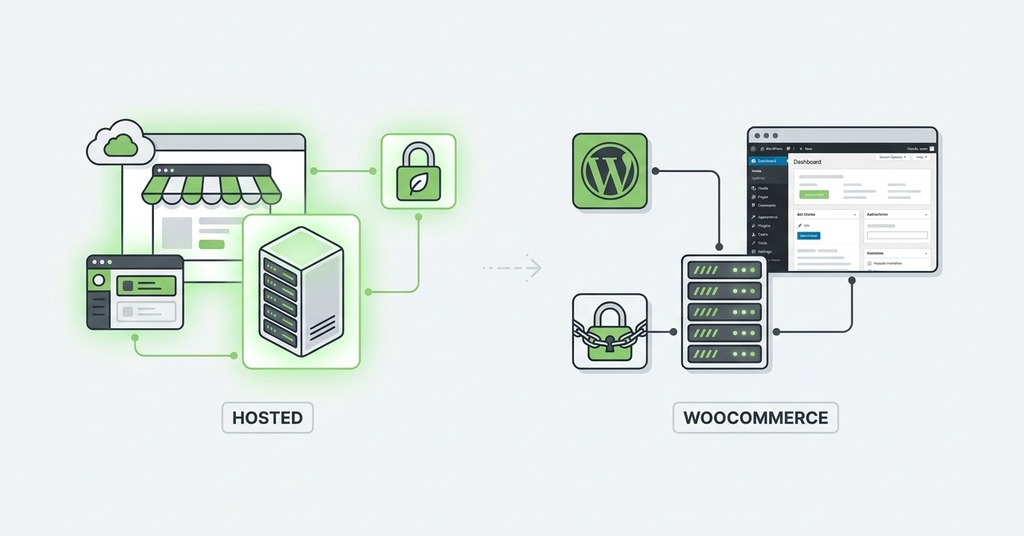
Platform choice has little effect on whether the store sells, but it sets the monthly cost and the maintenance burden for as long as the store exists. Weigh both against the advertised price, a figure that is never what a store ends up paying each month.
Hosted Builders and What They Cost
Shopify’s Basic plan costs $39 per month, or $29 on annual billing, with hosting and SSL bundled alongside checkout. Beginners miss the surcharge. Use any payment gateway other than Shopify Payments and Shopify adds 2% on top of that gateway’s own fees on the Basic plan.
Squarespace’s Core plan costs the same $29 per month on annual billing. It charges no platform fee on sales. That is the one line where it undercuts Shopify’s Basic tier. Since the cheaper Light plan has no ecommerce, Wix will not let a store sell anything until it is on the $29 Core plan.
Hosted builders earn their monthly fee by removing the maintenance layer. Nothing needs patching. No plugin update can break the checkout.
The WooCommerce Route on Your Own Hosting
A basic DIY store on WooCommerce comes to roughly $480 to $560 per year. That covers hosting and a domain plus a few paid extensions. A more polished build with a premium theme and paid plugins costs $2,350 to $2,800. The plugin is free and open-source. The cost is in everything built around it. Most stores run 5 to 20 plugins, and each one is a recurring bill and a patching obligation.
Because WooCommerce runs on WordPress, a host configured for WordPress is the practical choice. GreenGeeks’ WordPress hosting pairs LiteSpeed with LSCache caching behind a one-click WordPress install, which covers the technical base a WooCommerce store needs at a shared-plan price.
Self-hosting costs a weekend a quarter in plugin conflicts. WordPress core patches on one schedule. WooCommerce, the theme and each plugin all patch on their own. The store owner covers the gaps between those schedules. Once a store owner’s own hours are priced in, the hosted builders’ monthly fee is the cheaper of the two. On either route, budget against the hosting renewal rate. Cheap shared plans renew at two to four times the advertised figure.
Set Up Payments Before Anything Else
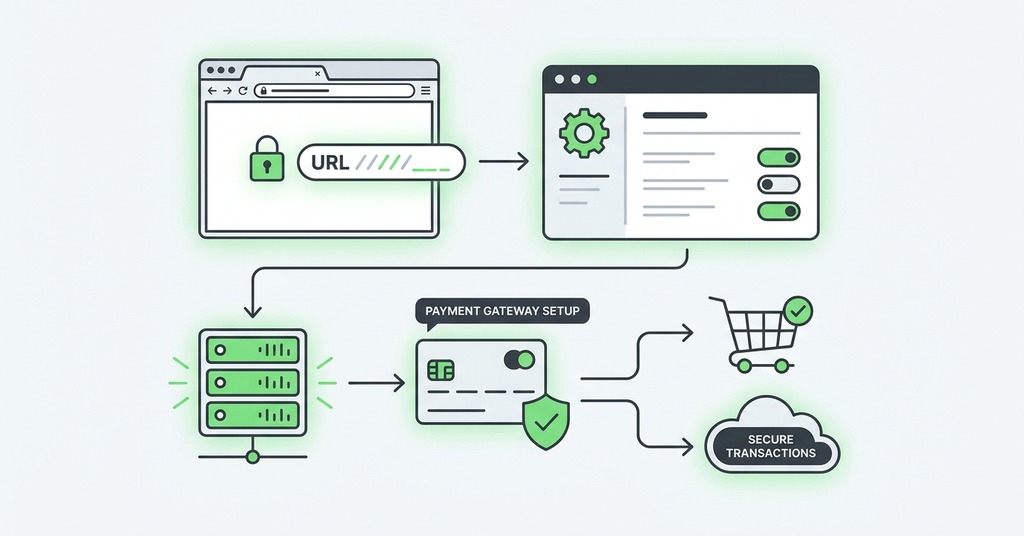
Payment processors verify identity before they trust anyone with payouts. The verification is document work running on the processor’s timetable rather than the merchant’s. Shopify Payments verification typically takes 2 to 5 business days. Extra document requests stretch that to weeks. Merchants have had thousands of dollars frozen without notice and without any stated release date, with the money coming back after about a month of repeated follow-up. Submit every document early, ahead of the first sale. Have a second processor in mind before it is needed.
Two numbers set the cost of taking a payment, the percentage and the fixed per-transaction charge. Stripe’s standard online rate is 2.9% plus 30 cents with no monthly fee. PayPal charges 3.49% plus 49 cents. For small tickets the fixed portion matters more than the percentage. At a $30 average order the effective rate is about 3.9%, and at $250 it falls to about 3.0%. For a store selling cheap items, that 30 cents is the real cost of payments.
Place at least one test order before launch, using the test card number 4242 4242 4242 4242. Then place one real small order to a personal card. Watch for the confirmation email and check that inventory decremented, then refund the order and confirm the refund processes. Turn test mode off before the store goes live.
WooCommerce fails in one more way before launch. Orders paid in the gateway but stuck on “Pending payment” in the store almost always trace to a blocked or mismatched webhook, so the customer is charged while the store never hears about it. Checking the gateway’s webhook logs is the first diagnostic when that happens.
Product Pages That Carry the Sale
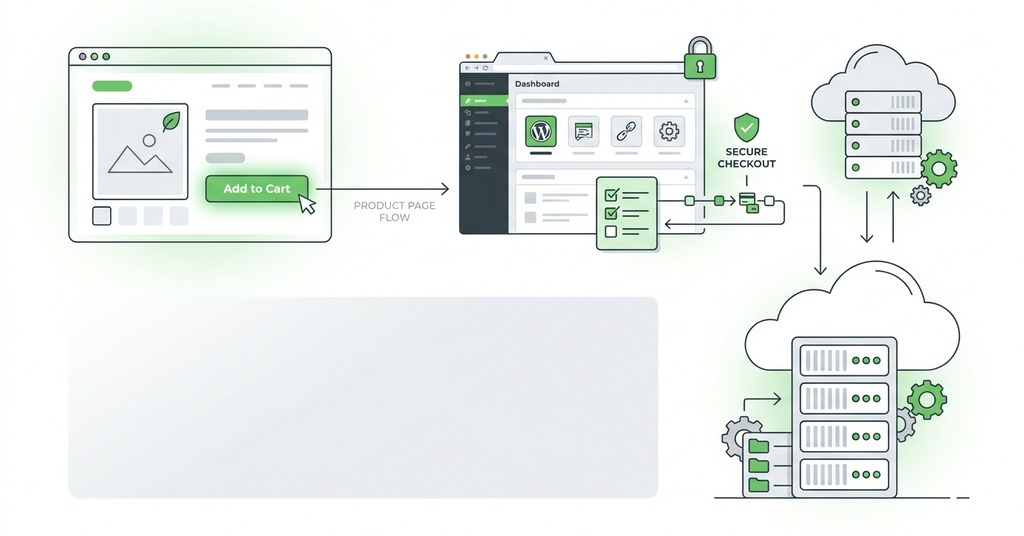
A product page has to answer what the item looks like, what shipping costs, and what happens if it comes back. Each product needs 3 to 5 images at a minimum, shot at 1000 pixels square or larger, because shoppers judge what they are buying from images. A shipping cost estimate belongs near the buy button. Two-thirds of major sites fail to show one, and surprise shipping at checkout is a top abandonment driver.
The return policy belongs on the product page as well. 44% of sites leave it off. Reviews that carry a real name and a date alongside a verified-purchase marker raise conversion, and the negative ones raise it too. Write the product descriptions in-house, because every other seller of that same item is running the supplier’s boilerplate.
Shipping and Tax Settings
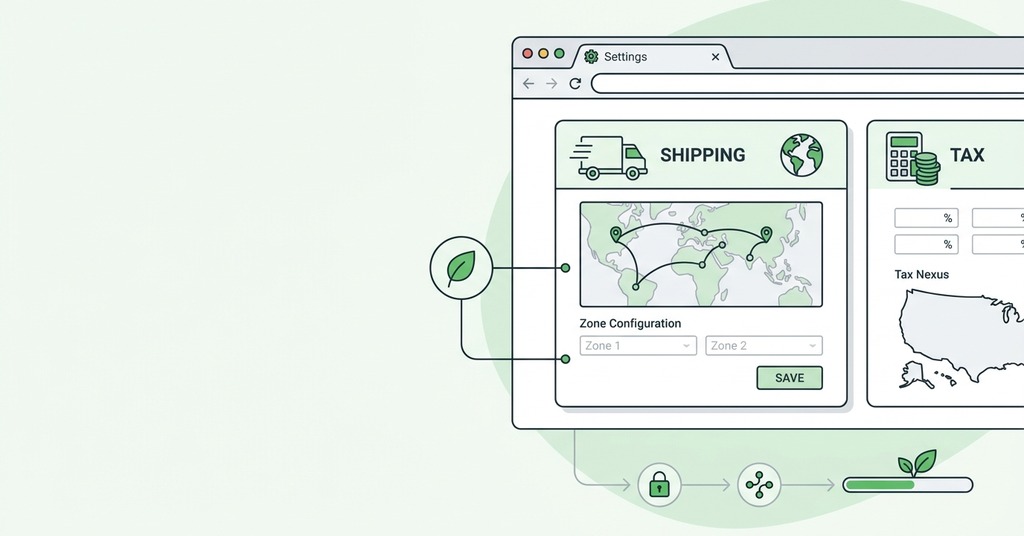
Pick a shipping model first. For most first stores that means flat rate or free shipping above a threshold. Live carrier rates are a third option and a higher-tier feature on some platforms. For small items, package weight drives cost more than distance does. Configure the zones, then run test orders to several ZIP codes before launch.
A first-year store almost always collects tax only in its home state. After the 2018 Wayfair ruling a seller collects where it has nexus. The common economic-nexus threshold is $100,000 per year in sales into a state. Register for the seller’s permit before collecting anything. Collecting tax without a permit is itself illegal in most states. Shopify and WooCommerce both calculate rates automatically once the ship-from address is entered.
What to Finish Before You Open the Store
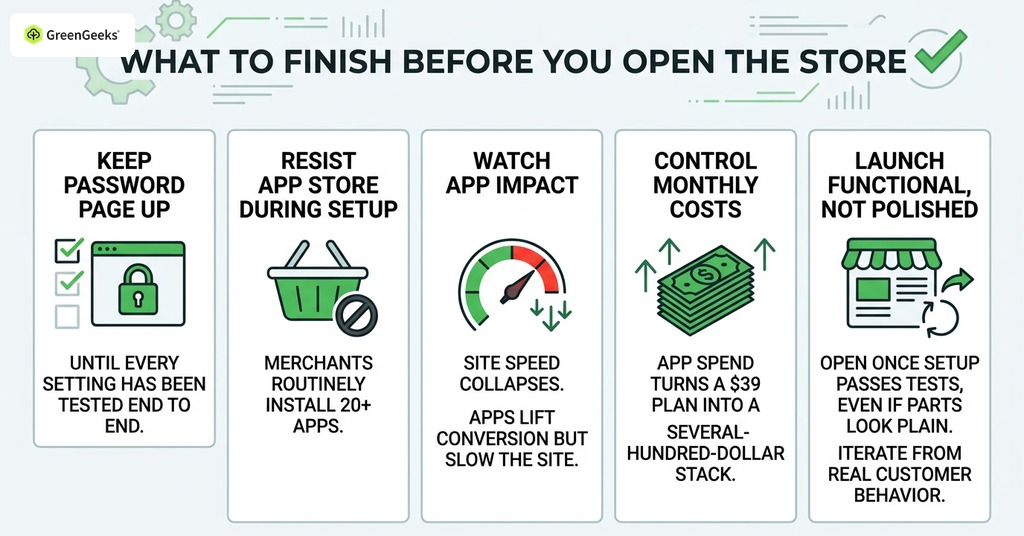
Keep the store’s password page up until every setting has been tested end to end, then open.
Resist the app store during setup. Merchants routinely install 20 or more apps while building the store. The speed score then collapses. Apps installed to lift conversion slow the site enough to lower it. App spend alone turns a $39 plan into a several-hundred-dollar monthly stack for the average merchant.
Launch functional rather than polished and iterate from real customer behavior. Open the store once the setup passes its own tests, even if parts of it look plain.
Frequently Asked Questions
How Much Does It Cost to Set Up an Online Store?
A lean no-inventory launch can come in under $500. Most successful new stores launch on a total budget of $500 to $2,000.
What Is the Cheapest Way to Start an Online Store?
An entry plan on a hosted builder with its included SSL and theme, a $10 to $15 domain, and a no-inventory model such as print-on-demand keep the floor near $100 to $500.
Do I Need a Business License to Sell Online?
Often not on day one, since sole proprietors can sell with no filing. Most sellers eventually need a seller’s permit. It is usually free. A local business license may also apply at $50 to $150 per year. A free EIN keeps your SSN off payment forms. An LLC costs $50 to $500 by state and is worth adding once real revenue is coming in.
Is Shopify or WooCommerce Better for Beginners?
Shopify is easier to launch, because hosting and SSL come bundled with payments from $29 per month on annual billing. WooCommerce is free software and you maintain the stack yourself, so it costs less only when your maintenance time is free.
How Much Does Shopify Charge per Sale?
With Shopify Payments you pay only card processing of 2.9% plus 30 cents per online sale on Basic. A third-party gateway adds a 2% Shopify surcharge on top of the gateway’s own fees.
What Percentage Does Stripe Take?
Stripe’s standard US online rate is 2.9% plus 30 cents per transaction with no monthly fee, and international cards add 1.5%.
Do I Need an SSL Certificate for an Online Store?
Yes, and it costs nothing in practice. Let’s Encrypt certificates come bundled with most hosting plans, and every major hosted builder includes one.
Do I Have to Charge Sales Tax on My Online Store?
You collect in states where you have nexus, most commonly after $100,000 per year in sales into the state, and a new store usually registers in its home state first.
How Do I Set Up Shipping for an Online Store?
Start with flat rate or threshold-based free shipping and leave live carrier rates for later, as they are often a higher-tier plan feature. Set any free-shipping threshold above your average order value. Marketplaces like Etsy nudge US sellers toward a $35 threshold, with the cost priced into the item.
How Long Does It Take to Set Up an Online Store?
A basic hosted store can stand up in 1 to 3 days. A properly prepared first launch, covering photography and legal pages, plus payment verification and checkout testing, typically takes 2 to 6 weeks of part-time work.
How Do I Test My Online Store Before Launch?
Place a test order in test mode, then one real small transaction to your own card that you refund. Verify the confirmation email arrives and that inventory decrements, with tax and shipping calculating correctly. Confirm test mode is off before opening.
Why Is My Payment Processor Holding My Money?
New merchant accounts routinely face payout reviews while the processor confirms your identity and bank details. These reviews usually resolve in days, though documented cases run to several weeks, so submit documents fast and follow up until you get an answer.