Suppose 5 shoppers open the same product page after a promotion. While 4 continue browsing, 1 checks out. The product page may come from a cache, but checkout requires current inventory and a customer session before it saves a new order.
For launch, the host must support a maintained store platform and keep personalized pages out of the public cache. Payment handling needs a documented PCI path. Database backups must preserve orders at an acceptable interval, and application capacity must cover simultaneous buyers.
Why Checkout Is Harder Than Catalog Browsing
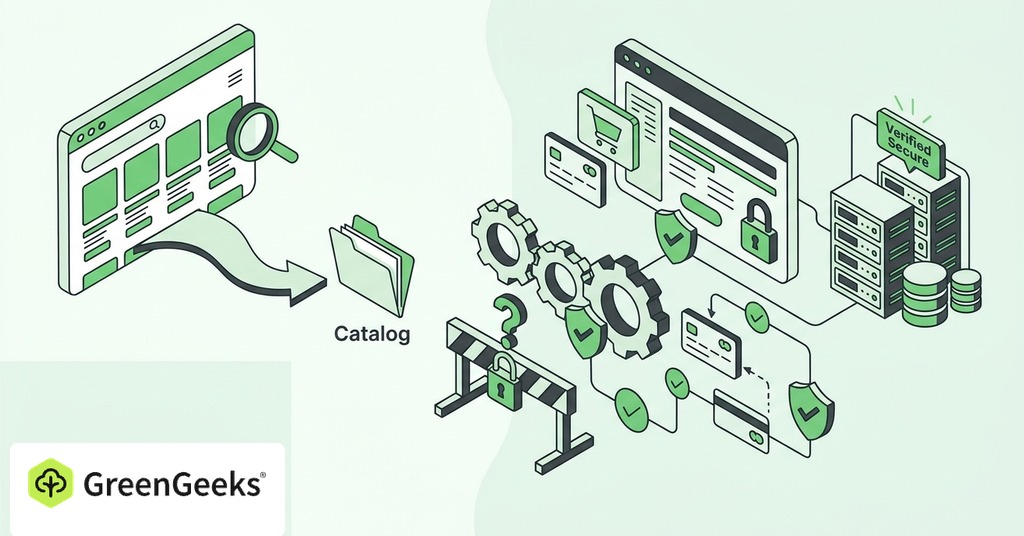
Public product pages can be prepared in advance and served from a full-page cache. Images and scripts can also be delivered through a content delivery network. Together, both methods reduce work at the origin server. Carts and customer account pages remain personalized for each shopper. Checkout must use current prices and stock while creating records that belong to a particular shopper. Those requests reach the application and database, so a fast home page says little about the slowest commercial path on the site.

Follow One Order Through the Hosting Stack
How Product Requests Become Carts
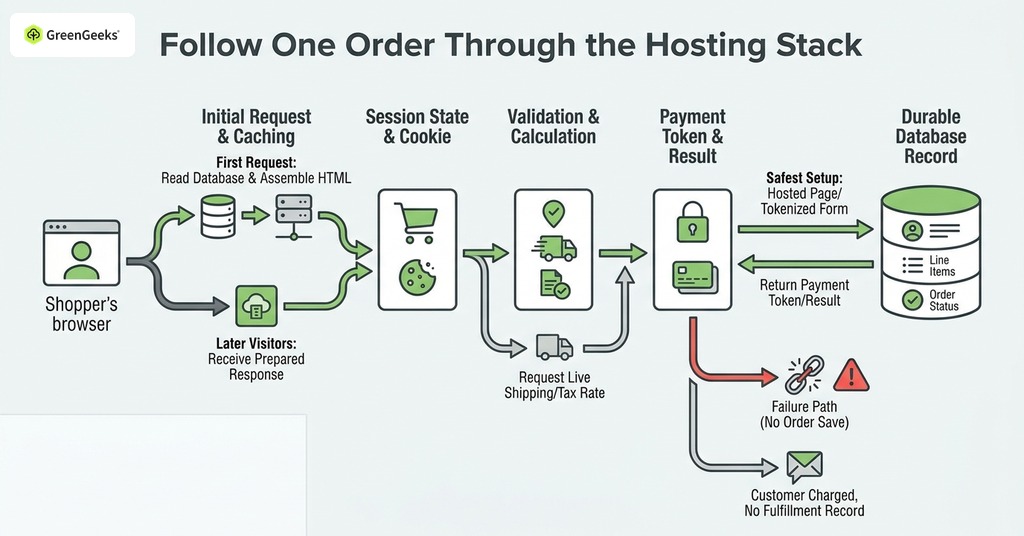
The first product-page request may cause the store application to read product information from the database and assemble HTML.
Once cached, later visitors can receive that prepared response. A shopper who selects a variation or checks current availability may trigger another application request.
Adding an item to a cart creates state for that shopper. The store records a session through a cookie and server-side data. Cache rules must keep that personalized response private to the shopper. If a full-page cache treats every visitor as interchangeable, one shopper can receive stale cart information or a broken checkout flow.
A promotion can concentrate many checkout requests into a short interval even when average monthly visits remain modest. The host must provide enough PHP workers or equivalent application capacity to process those uncached requests without a long queue.
What Happens During Payment?
At checkout, the application validates the address and recalculates the total. It may request a live shipping rate or confirm a tax rule. The payment integration then sends the shopper or payment data through the configured processor flow.
The safest common setup keeps raw card details away from the store server through a hosted payment page or an eligible tokenized form. The processor returns a payment token or result. That design can reduce PCI scope, although the merchant retains duties under the applicable validation method.
Successful payment must become a durable order whose database record includes the customer and line items. The transaction result and order status belong in that record as well. If the processor approves payment but the store cannot save the order, the customer may be charged while the merchant sees no normal fulfillment record.
Payment callbacks create another failure path after the shopper leaves the payment page. A processor may send a webhook at that point. Firewall rules or DNS trouble can block it, and application errors can have the same result. Monitoring only the home page will miss that condition.
Post-Order Work
After order creation, the store may reduce stock and send confirmation mail. The store can also schedule fulfillment integrations whose queued tasks consume server capacity. Some platforms use a queue so the customer does not wait for every operation before seeing the thank-you page. Failed scheduled jobs can leave email unsent or inventory out of date even while the storefront appears available. Store monitoring should cover order jobs and payment callbacks in addition to ordinary uptime.
Choose Supported Runtimes and Cache Rules
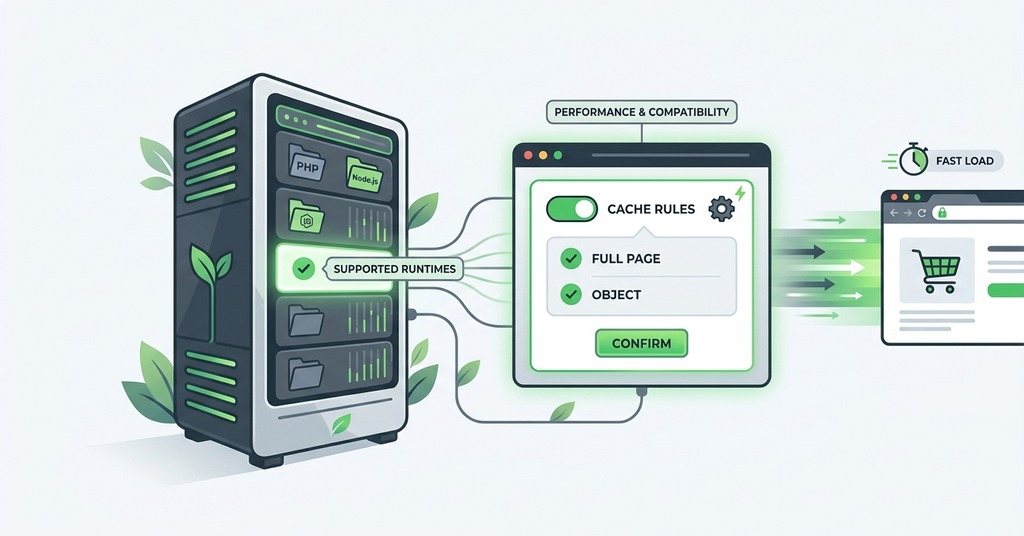
Hosting must support maintained versions of the store platform and its runtime. For current WooCommerce, that means a maintained WordPress environment with modern PHP. Use a supported MySQL or MariaDB branch and enable HTTPS. A published minimum can include a database version that has since reached end of life, so current maintenance status deserves an additional check.
Set full-page caching to bypass cart and checkout routes. Customer-account pages require the same cache exclusion as checkout. Public catalog pages can use server-level caching, while a CDN can serve product images or other static assets closer to shoppers. Neither tool makes an uncached database write complete faster at checkout.
Apply each extension update first in a staging copy of the store. Run a test order through tax calculation and shipping. Move the update to production after the expected totals return.
How PCI Scope Follows the Payment Path
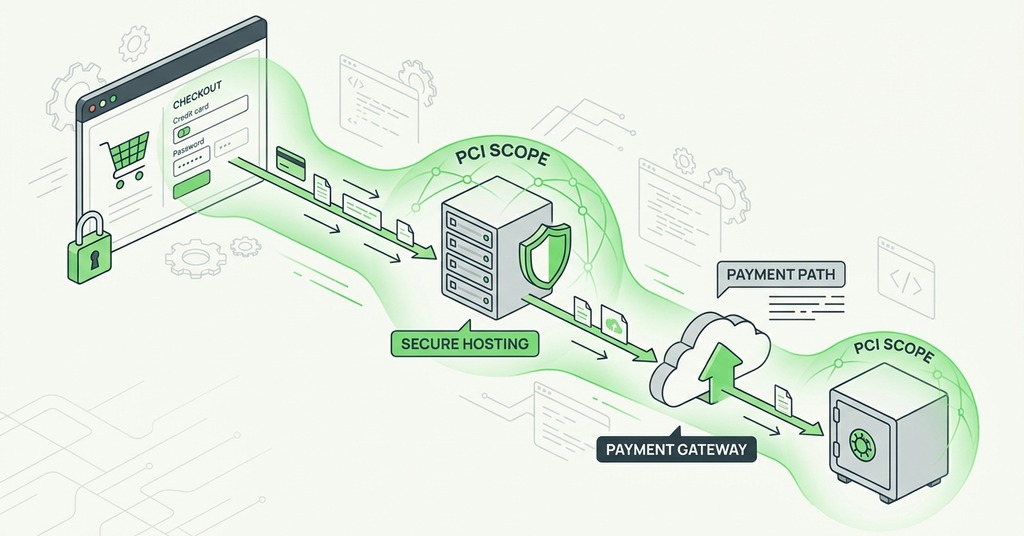
PCI DSS 4.0.1 is the active payment-card standard in 2026, and the applicable scope follows the path taken by account data. A plan labeled PCI compliant does not determine the merchant's validation method because hosting covers only the systems named in the provider's responsibility matrix. The processor and store owner retain the controls assigned to them.
Document the payment integration by recording where the shopper enters card data and which services receive it. Confirm the self-assessment questionnaire that applies to that flow, then keep the description with the store's compliance records. Revisit it after replacing the processor or changing the checkout form.
Store software and administrator access remain within the controls assigned to the merchant. The host's responsibility matrix should name its infrastructure duties and any managed security work. A broad compliance label cannot assign the application's updates or account permissions to the provider.
Protect Orders With Backups
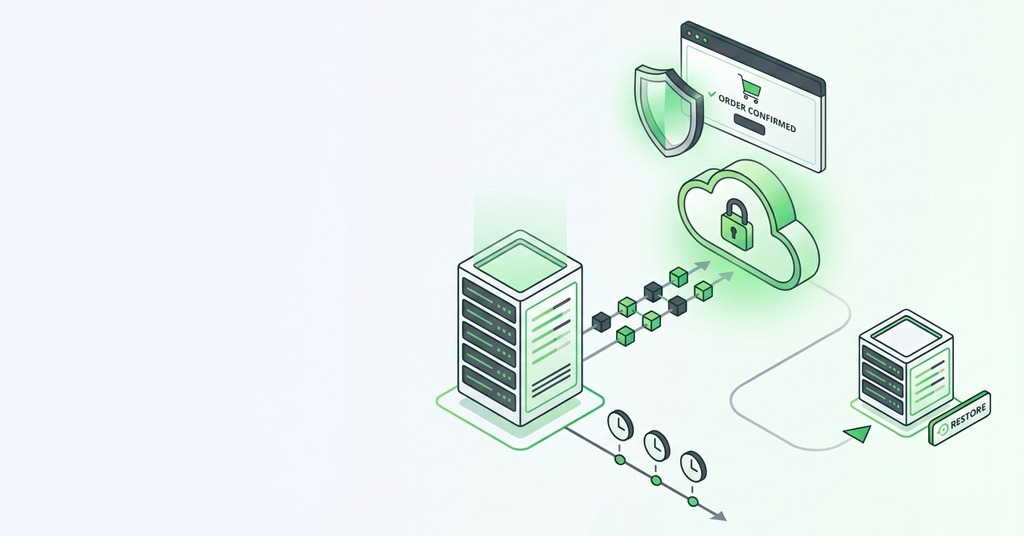
Set an Acceptable Recovery Point
A backup policy needs a maximum acceptable data-loss interval. With one database backup each day, a failure near the end of the interval can remove almost a full day of orders. That exposure may exceed the store's stated recovery point even if the backup job completed normally.
Estimate exposed orders by multiplying the peak order rate by the recovery-point interval. The result gives the business a concrete basis for choosing backup frequency. More frequent database backups or transaction replication can narrow that interval.
Product media and application files may change less frequently, so they can use a different schedule. Give the database priority because it records orders and stock, then confirm that its backup can be paired with the corresponding uploaded files. The recovery plan should state the timestamp shared by those components.
How Long Will Recovery Take?
Recovery time depends on restore permissions and the support queue. A copy that requires a lengthy escalation can keep the store unavailable for many hours. Set the maximum acceptable outage before comparing the host's restore process with it.
Ask who can initiate restoration and how long the host expects the process to take. Confirm that the copy covers the database and uploaded media needed to reopen the store. An independent export protects the business if the hosting account itself becomes unavailable.
Record the promised recovery time separately from the duration measured during a restore test. The test should include reconnecting the application to the restored database. Any manual credential request belongs in the measured result.
Test the Restore
Run the restore test in the following order on a staging system.
- Restore the backup to a staging location where the test cannot overwrite production data.
- Open several recent products and sign in through a test customer account. Confirm that the latest order records appear in the administration screen.
- Record the full recovery duration from the restore request through successful verification. Note the credentials required and any steps missing from the written procedure.
The backup job records only that data was copied. A restore test proves the copy opens and contains the expected records. It also confirms that the operator has the recovery credentials.
When Shared Hosting Needs an Upgrade
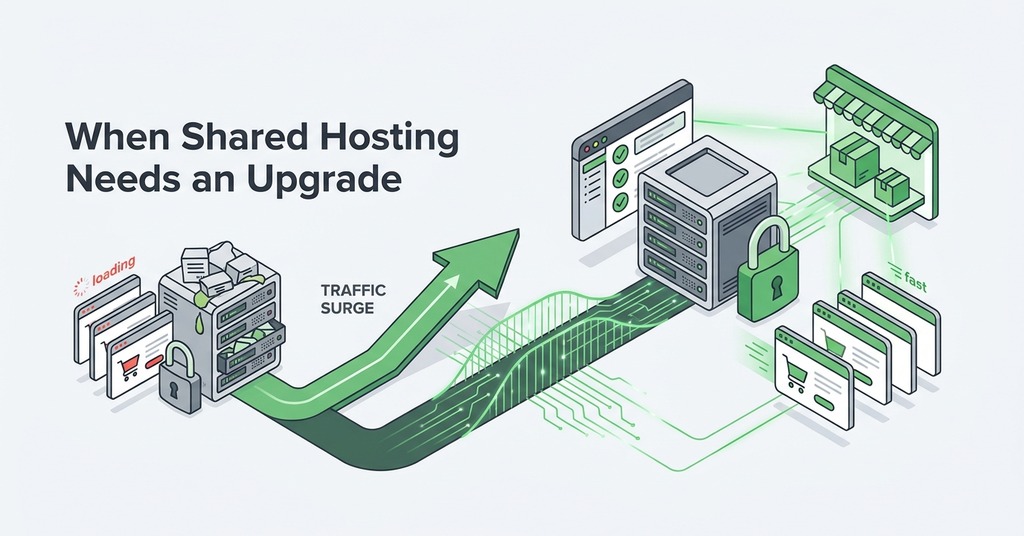
Can a First Store Begin on Shared Hosting?
A small WooCommerce store can begin on capable shared hosting. Efficient code and correct public-page caching keep much of the browsing load away from PHP.
Managed platform support also reduces the administrative work required from a first-time owner.
Plugin behavior and query cost change memory demand. Another tenant can affect a shared environment as well. Test the cart and checkout path with a modest concurrent workload, then compare the results with the plan limits.
Upgrade When Measurements Show a Limit
Upgrade when uncached requests queue during ordinary peaks or when application workers repeatedly reach their limit. Database contention and memory exhaustion provide additional evidence. A need for custom server software can justify a VPS even at low traffic.
Observe transactions through direct measurements. Track checkout response time and HTTP errors. Payment callback failures and delayed scheduled jobs deserve alerts of their own. The store should also warn an operator when disk space approaches its limit.
A Worked First-Store Setup
No feature included with a hosting plan guarantees that a particular checkout will withstand a future promotion. Daily backups may also leave more order exposure than an active store accepts, and the payment integration sets PCI scope.
Within those limits, GreenGeeks provides a reasonable starting configuration for a first WooCommerce store. LiteSpeed supports server-level caching for public pages, while NVMe storage serves the application and database. Automatic SSL covers the checkout connection, and migration support reduces common launch work. Around-the-clock help is available, with store-specific load testing left to the owner.
Check the Minimum Hosting Stack
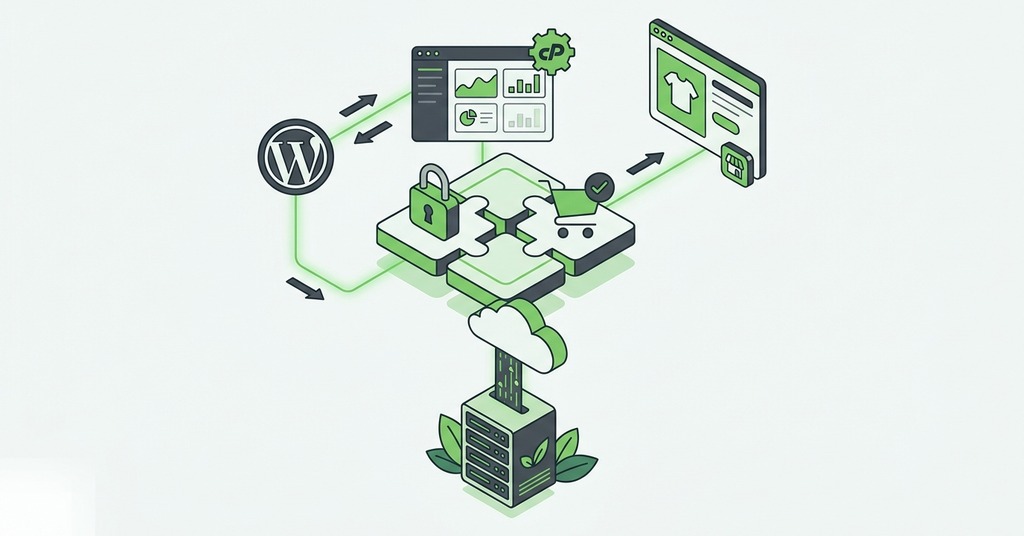
Before opening the store, confirm these items.
- The store platform and runtime versions receive security maintenance.
- HTTPS renews automatically and all checkout pages use it.
- Full-page caching excludes carts and personalized account routes.
- The payment integration has a documented PCI validation path.
- Database backups match the number of orders the business can lose.
- A restore has been tested and its duration recorded.
- Monitoring checks checkout behavior and payment callbacks. It also covers scheduled jobs.
- Support can handle the platform and explain escalation for a store outage.
Begin with a tier that meets these requirements and passes a realistic checkout test. Add isolated resources after monitoring identifies a queue or a database constraint.