A Discord bot hosted on a free tier goes dark at 3 in the morning because the platform slept its processes after half an hour of inactivity. Bots have been dying this way since Heroku removed its free tier in November 2022.
One small virtual server can run a Discord bot and a game server for friends at once, for less than most people expect. The tier each workload needs is usually a step or two below what the plan pages push.
What Can You Run on a VPS?
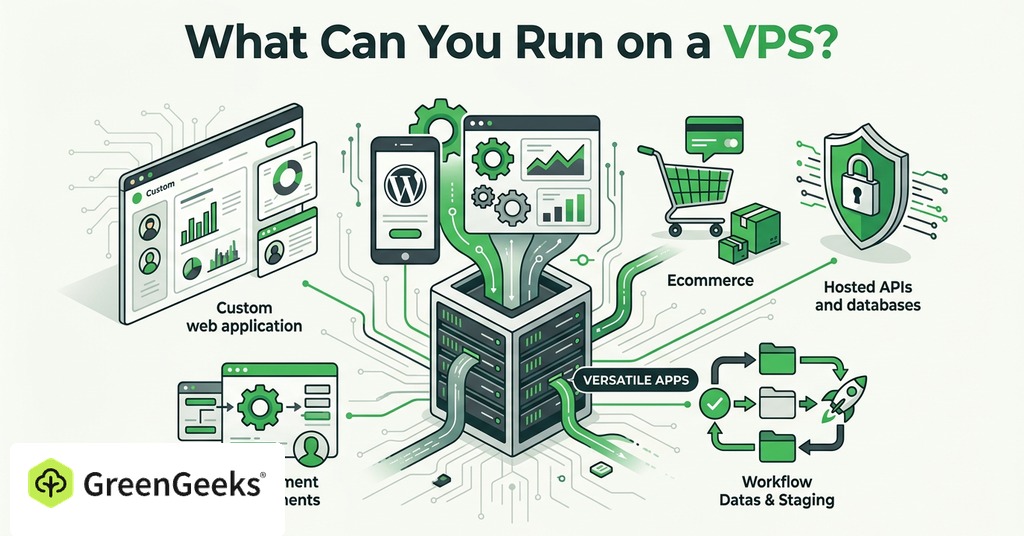
A VPS runs anything that runs on Linux and needs to stay alive after the laptop closes. Most of what hobbyists build fits that description:

Discord and Telegram bots
Game servers for friends
Self-hosted apps such as Nextcloud and Vaultwarden
A personal Wireguard VPN
Ad blocking for the whole house through Pi-hole or AdGuard Home
Monitoring dashboards
Dev sandboxes
Shared hosting forbids what a VPS permits. No shared plan allows long-running processes or root-level installs at any price, so a bot or a game server needs a VPS no matter how large the plan is.
A 1 GB machine holds more than the plan pages imply. One will run a full phone system built on Kamailio and FreeSWITCH, two databases and an XMPP server at once, without strain. LowEndBox, the deals site for low-cost virtual servers, once ran on 64 MB.
Running Bots and Automation Around the Clock
How Much RAM a Discord Bot Needs
A moderation bot with slash commands idles in the 128 to 256 MB range. Music bots run at 256 to 512 MB because of audio buffering. The number climbs with server count. Caching drives it, and traffic barely registers. Bot libraries keep guild configs and member lists in memory, so a bot present in 500 servers of 200 members each is caching roughly 100,000 member objects before its own code runs. The cache alone is 100 to 200 MB. A bot in 1,000 servers with full member caching can consume 300 to 500 MB, and cache tuning cuts that by half or more.
CPU rarely matters here. One or two vCPUs serve almost any bot unless it processes images or video. Disk is modest at 10 to 20 GB for the code and a small database.
Bots fail by running out of memory more than anything else. When a bot crosses its allocation, the operating system kills the process without warning. Users see “interaction failed” and anything being written to a database can corrupt. Operators who watch a bot sit near its limit week after week move it up a tier before the process is killed.
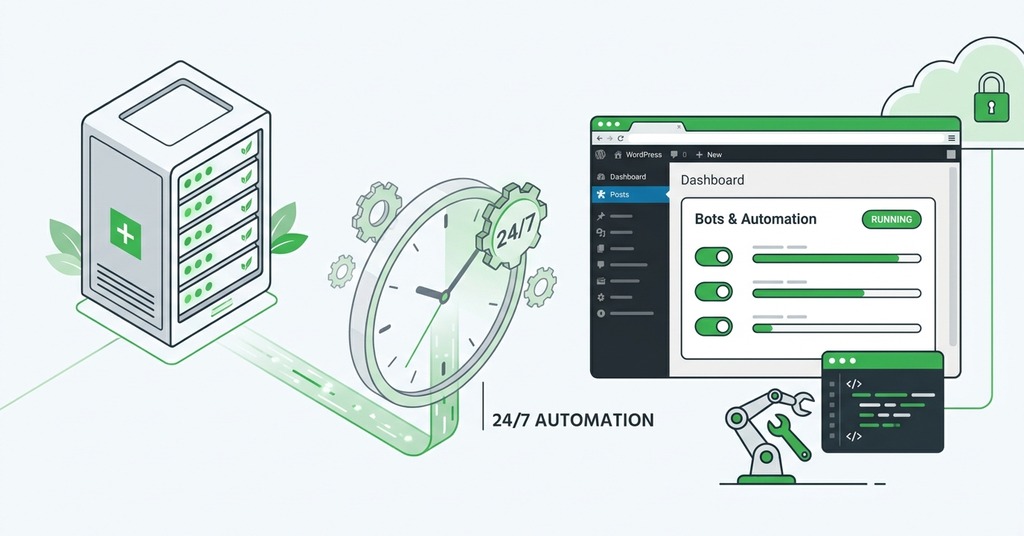
Keeping a Bot Alive 24/7
A web dashboard or OAuth callbacks are the only reason to open a port for a bot. A gateway-based bot makes an outbound connection to Discord and needs no open inbound ports, which leaves nothing to open on the firewall. Keeping the process alive is a solved problem, and the tool depends on the deployment:
PM2 for a Node.js bot
A systemd unit with Restart=always
A Docker restart policy
Free hosting exists and mostly does not work for this job. Many free tiers sleep idle processes or cap total runtime, and either behavior breaks a bot that must stay connected. Oracle Cloud’s always-free ARM instance is the exception. Its 4 OCPUs and 24 GB of RAM will run several bots indefinitely. On any paid box, a free UptimeRobot monitor checks the bot every five minutes and sends an email when it stops answering. The monitor covers the hours between a bot going down and anyone noticing.
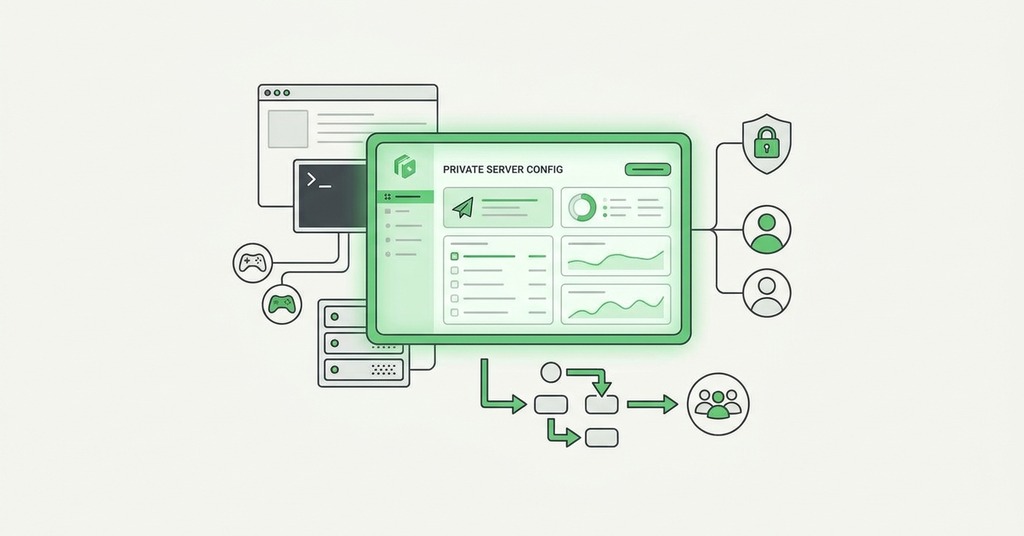
Game Servers for Friends
RAM per Game
Minecraft is the best-documented of the common game servers. The numbers are consistent across setups. Two GB runs a vanilla survival world for up to 10 players, and 4 GB covers a medium modpack of around 40 mods. A build with 50 or more mods calls for 6 to 8 GB. Large active communities reach 16 GB. A 1 GB server is viable for two players and nothing else. Too little memory shows up as stuttering, chunk-loading failures, and crashes during world generation.
Terraria and Factorio need the least at 1 to 2 GB minimum. Valheim is comfortable at 4 GB against a 2 GB minimum, and the game hard-caps servers at 10 players, which makes it one of the cheapest survival titles to host. Palworld and ARK are the heaviest. A busy server on either wants 8 to 16 GB.
Why CPU Clock Matters More than RAM
Game servers do not follow the pattern web apps do. Traffic is raw UDP to strangers, there is no reverse proxy to put in front, and performance is limited by single-thread clock speed more than core count.
A Valheim player sails toward coastline the world has not generated yet. The server builds terrain on the fly, and below roughly 3.0 GHz per core the generation falls behind the player. Players swing, walk, or place a structure and watch it revert a moment later. New players blame the network, when the cause is almost always the CPU.
A fast 4-core box outperforms a slow 8-core box for this job. Adding RAM past the recommendation changes nothing. Before comparing plans for a game server, ask the host what CPU the node runs.
A First Project Worth Starting With
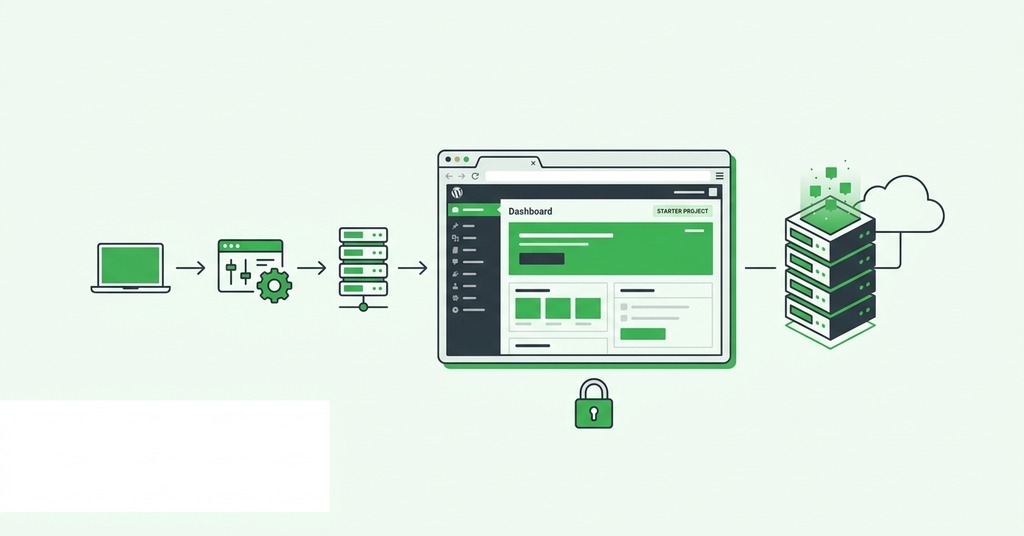
The community’s standard answers are all small, single-container jobs with plenty of written setup guides. A Wireguard VPN runs in 64 MB of RAM and a couple of GB of storage. Pi-hole idles around 85 MB and AdGuard Home around 55 MB on a machine serving 18 devices. Uptime Kuma provides a monitoring dashboard. Vaultwarden holds passwords on your own server in 1 GB. The most common admission in self-hosting threads is a list of services installed once and never opened again, with Nextcloud named most often. A 1 GB box for a first project is $5 a month.
The Self-Hoster’s Stack on One Box

Apps That Fit Together
Nextcloud is the heaviest of the common self-hosted apps, and it is still modest. Two GB of RAM and 1 vCPU handle a family of 1 to 5 users. The all-in-one Docker stack is comfortable at 4 GB. The upgrade that changes how Nextcloud responds is 2 GB to 4 GB, not 1 GB to 2 GB. Disk deserves more attention than RAM here. Photo libraries generate tens of gigabytes of preview thumbnails on top of the originals, and backups need room beyond that.
Nothing else in the common stack competes with it for memory. A documented Home Assistant install with several integrations used 1.3 GB of RAM and 5 to 10% CPU. Vaultwarden serves dozens of users on a single core, though its browser extensions and mobile apps refuse to connect over plain HTTP. A Mumble voice server handles hundreds of users in 128 MB.
Fitting Databases on a 1 GB VPS
Databases run a small box out of memory before anything else does. A 1 GB VPS running Docker Compose will not fit both PostgreSQL and MySQL alongside the apps, and standardizing on one database engine from the start avoids the problem. With that discipline, a 1 to 2 GB box runs a bot, a password manager, a VPN and a dashboard at the same time, each as its own Docker Compose service with its own restart policy.
Compose on a single host has limits to know before building on it. One machine is one point of failure, and updates run manually, one service at a time. The stack stops scaling past a node or two.
What the Cost Math Looks Like
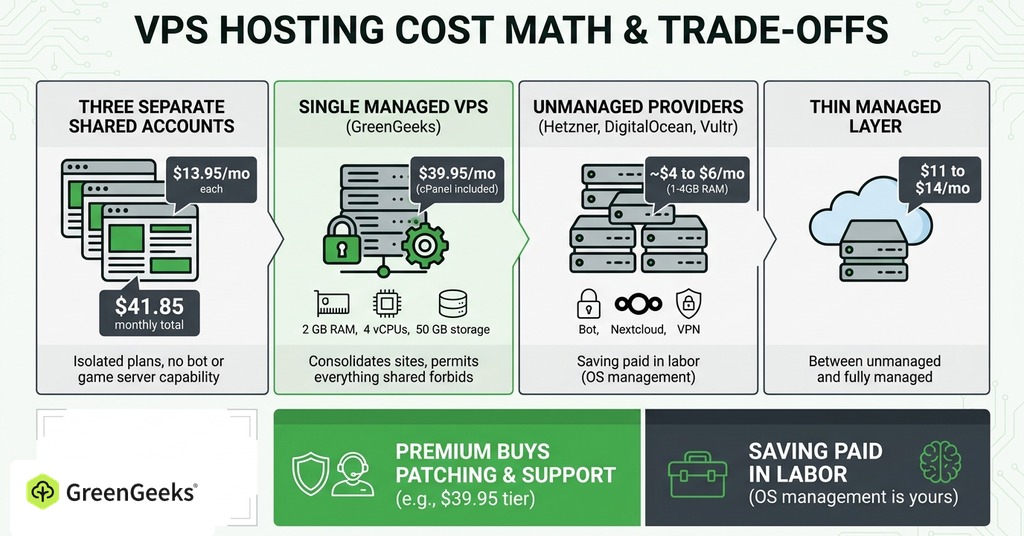
Three small sites on separate shared accounts, each renewed at $13.95 a month, cost $41.85 monthly for three isolated single-site plans that cannot run a bot or a game server at all. A single managed VPS with 2 GB of RAM and 4 vCPUs, with 50 GB of storage, costs $39.95 a month at GreenGeeks with cPanel included. It consolidates the sites and permits everything shared hosting forbids, for the same money, with far more capability.
Unmanaged providers charge less again. Hetzner sells 4 GB of RAM near $4 a month. DigitalOcean and Vultr sell 1 GB boxes at $5 to $6. A box at that price runs a bot alongside Nextcloud and a VPN. The saving is paid back in labor, since the provider keeps the hardware and network online and everything above the bare OS is yours to run.
Managed costs roughly double that floor. A thin managed layer on cloud infrastructure runs $11 to $14 a month against the $4 to $5 the machine costs when bought directly. Both prices are well under a fully managed plan with cPanel included such as the $39.95 GreenGeeks tier. The premium buys patching and a support line that answers.
Managed or Unmanaged When the Project Is a Hobby
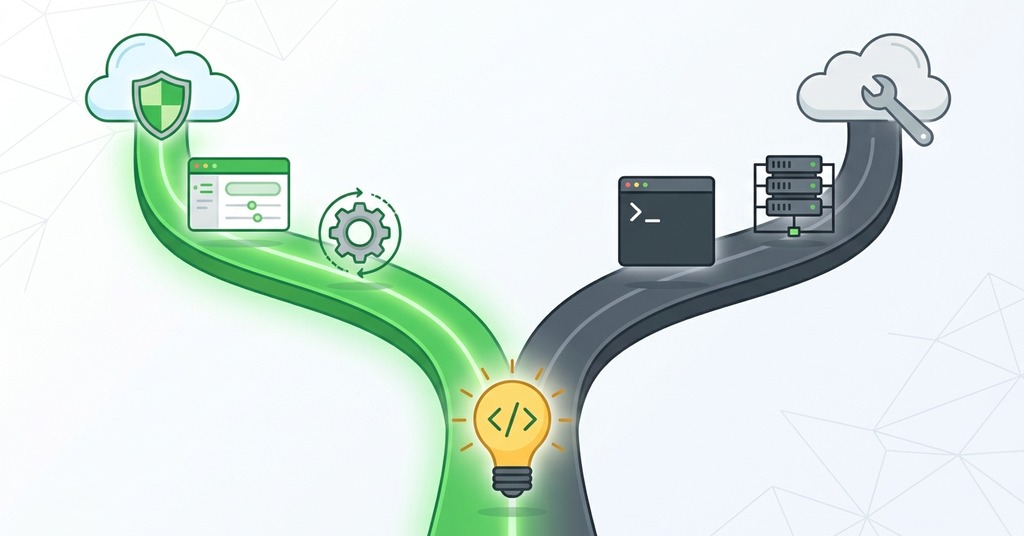
Unmanaged means you apply security updates the day they ship and configure the firewall, and the failures are yours to handle. Ubuntu publishes several security advisories a month, a few of them critical. None of this is hard, and the hobby community treats it as part of the appeal.
Managed makes sense when the project has users who will notice a bad weekend. A guild bot or a game world with 40 hours of builds in it has that kind of audience. The decision follows the audience more than the technology, and it can change as the project grows.
Either way, the maintenance routine is the same. Keep the box patched, keep your own backups regardless of what the provider promises, and run only the services you use.
Frequently Asked Questions
Is a VPS Better than Shared Hosting for Side Projects?
For anything beyond a website, yes. Shared plans forbid long-running processes and root installs at any price, so a bot or a game server has nowhere to run on them. Three renewed shared accounts at $13.95 each cost about the same as one 2 GB managed VPS at $39.95.
Can I Host a Discord Bot for Free?
Oracle Cloud’s always-free ARM tier will do it, with 4 OCPUs and 24 GB of RAM. Most other free tiers sleep idle processes or cap runtime, and either one breaks a bot that has to stay connected.
What Is the Cheapest Way to Host a Discord Bot 24/7?
The cheapest reliable route is a $2 to $5 a month VPS with the bot under PM2 or systemd Restart=always. Hobbyist deals on LowEndBox dip near $2 a month, and the standing rule with any of them is to keep your own backups.
Can I Run Docker on a VPS?
Yes. Any KVM virtual server with root access runs Docker, which is the standard deployment path for self-hosted apps.
Can I Run Multiple Apps on One VPS?
Running several small apps on one server is the cost advantage. A 1 to 2 GB server handles a Discord bot, Vaultwarden and a VPN at the same time. The practical ceiling is the database layer. Two engines rarely fit alongside the apps on a small box.
What Happens If My VPS Runs Out of Memory?
The Linux OOM killer terminates whatever process is over its limit. For a bot that means instant disconnection and failed interactions, and for a game server it means crashes during world generation.
How Much RAM Does Home Assistant Need?
A typical install runs on about 1 to 2 GB of RAM. One documented setup with several integrations used 1.3 GB and 5 to 10% CPU.
Is Pi-hole Heavy on Resources?
No. Pi-hole v6 idles around 85 MB of RAM with roughly 10,000 blocked domains, and AdGuard Home near 55 MB. Either runs on the smallest VPS tier.
How Many Players Can a Valheim Server Host?
Ten, a cap set by the game itself, and 4 GB of RAM handles a full vanilla server with 8 GB covering modded play.
Do I Need to Know Linux to Use a VPS?
An unmanaged VPS does require Linux knowledge. You will work over SSH and configure the firewall on your own schedule. A managed VPS does not. The provider handles the operating system layer while you manage applications through a control panel.
Is It Worth Self-Hosting Nextcloud?
Nextcloud earns its memory when file sync, photo backup and shared calendars are all in use. A 2 to 4 GB server handles it. The honest caveat is that many people install Nextcloud and never open it again.
Is Self-Hosting Secure?
It is, if you do the basics. Use SSH keys only and disable root login. Limit the firewall to the ports you need and turn on fail2ban with automatic security updates. With that baseline the constant automated SSH scanning never authenticates.