A VPS is worth the higher price when your site repeatedly reaches shared resource limits or requires server software that a shared plan cannot provide. Stable sites that fit the host’s software stack usually gain more value from competent shared hosting because server administration is included.
The monthly difference buys allocated resources and more control. Unless the VPS includes management, the customer also pays for routine patching and monitoring. Troubleshooting and recovery add labor when something breaks.
| Topic | Shared hosting | VPS hosting |
| Resources | Account quotas in a shared environment | Resources allocated to a virtual machine |
| Control | Provider manages the server stack | Root access permits server changes |
| Operations | Patching and host monitoring included | Customer or managed service operates the VM |
| Cost | Lower plan price | Higher plan price plus possible licenses and labor |
| Best fit | Standard sites with stable demand | Documented limits or custom server requirements |
Shared Hosting and VPS Compared
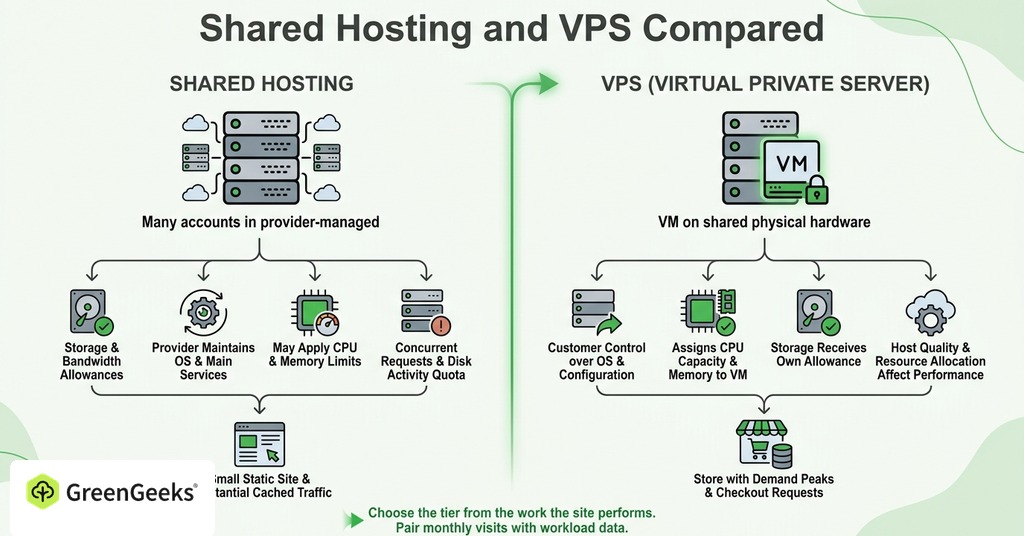
Shared hosting places many customer accounts in a provider-managed environment. Each account receives storage and bandwidth allowances, while hosts may also apply CPU and memory limits. Disk activity may have its own quota, and concurrent requests can have another. The provider maintains the operating system and the main server services.

A VPS is a virtual machine on shared physical hardware. Its plan assigns CPU capacity and memory to the VM. Storage receives its own allowance. The customer gains control over the operating system and server configuration. Host quality and resource allocation continue to affect performance.
Choose the tier from the work the site performs. A small static site can serve substantial cached traffic from shared hosting. A store with fewer visits may require allocated resources because checkout requests and background jobs create short demand peaks.
Pair monthly visits with workload data. Twenty thousand cached page views and 20,000 account requests place different demands on the server.
Resource Limits and Site Symptoms
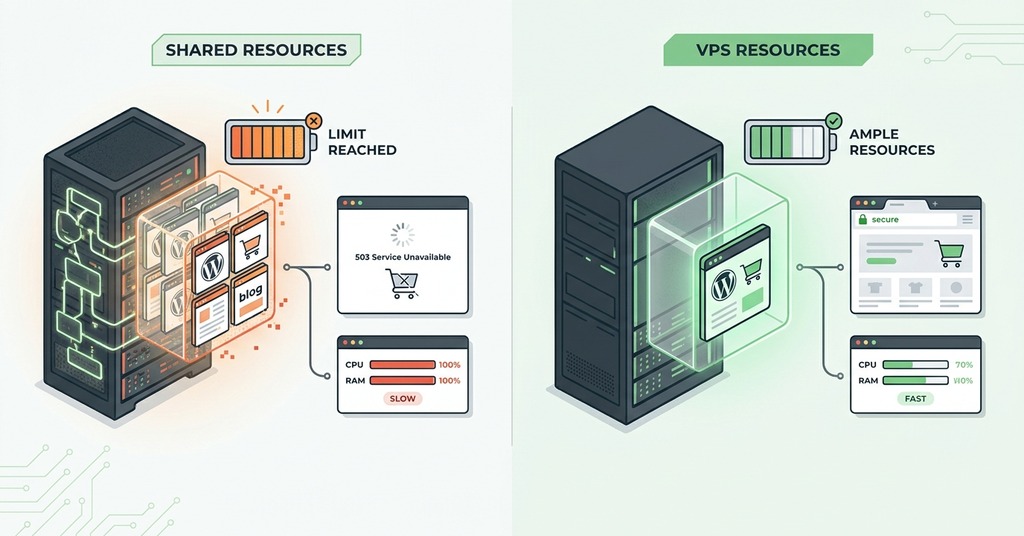
Traffic totals do not reveal how much work the server performs. Cached pages require little processing, while uncached searches or account requests may use the database on every visit. Diagnose the workload during the busiest period.
Shared Hosting Faults
Shared hosts can limit CPU time and physical memory for each account. Disk input and output may have distinct limits. Some platforms also cap entry processes, which represent concurrent requests entering the account.
CPU or disk throttling usually appears as slower responses during demand peaks. Memory and process faults can produce 500 or 503 errors. Exhausted entry processes may produce a 508 response on systems using CloudLinux limits.
Ask the host for the account’s resource-fault history. Compare the timestamps with slow periods and error logs. A recurring fault under normal business demand is stronger evidence than a monthly visit estimate.
VPS Resource Behavior
A VPS gives the site a defined pool inside its virtual machine. Isolation reduces direct competition at the account level and makes capacity planning more predictable. The VM can exhaust its assigned memory or CPU.
Several virtual machines use one physical server. Provider policies and host contention can affect results, so a plan labeled VPS does not prove that a workload will become faster. Test the exact application on the proposed service.
Slow database queries or missing cache rules can consume a larger allocation as demand grows. An upgrade then postpones the symptom until the inefficient work fills the new capacity.
Server Control and Software Requirements
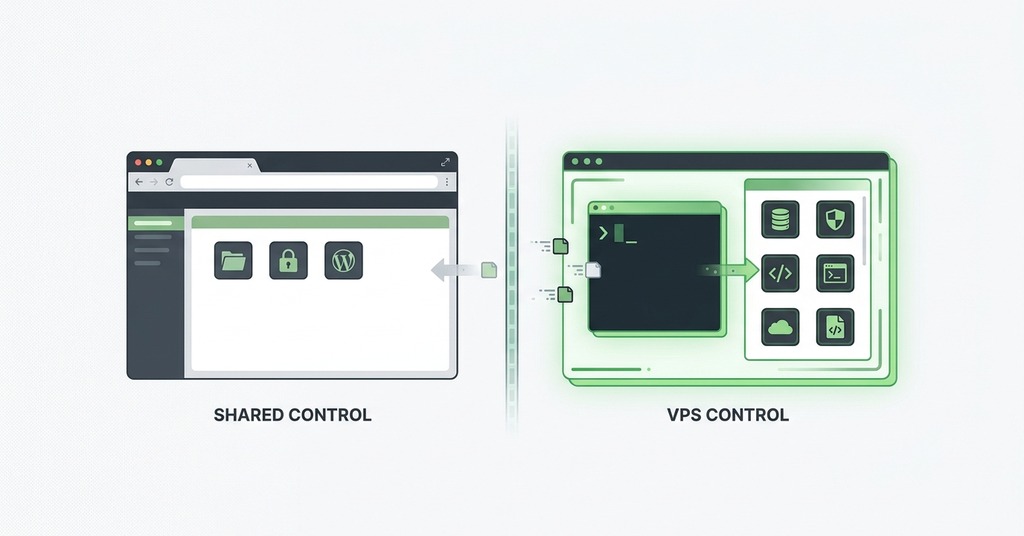
Root access permits operating-system packages and custom daemons. It also allows containers and server-wide configuration. It is a required capability when an application needs a runtime or network policy unavailable in the shared stack.
That access gives the administrator control of updates and firewall rules. The administrator also configures the web server and database service. Resource limits require configuration as well. An error at this level can affect every site on the VM.
The administrator responsible for a custom component must maintain and secure it throughout the service term.
Managed VPS plans assign system updates and monitoring to the provider. Security duties should appear separately in the service terms. Does the agreement also cover application debugging and custom packages? Read that scope before assigning an internal labor value of zero.
The Full Cost of a VPS
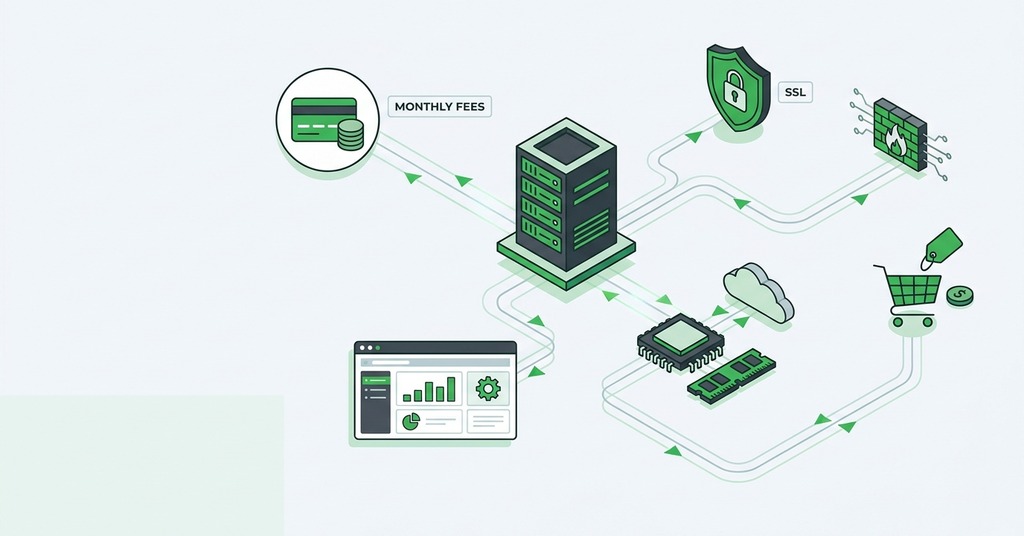
Compare both options over the same renewal term. Introductory prices can obscure the recurring amount, and an inexpensive unmanaged VM can require several additional services.
Invoice Costs
Start with the plan renewal price. Add any control-panel or commercial software license. Include remote backup storage and a monitoring service if the plan does not provide them.
Migration also has a cost. Files and databases need transfer, while DNS and certificates require verification. Email adds another workstream if it shares the hosting account.
The invoice calculation should cover the first year and a normal renewal year. A one-time migration charge belongs in the first figure, while licenses and backup storage belong in both.
Administration Costs
Suppose an unmanaged VPS agreement assigns operating-system updates and alert review to the customer. Backup tests are also the customer’s job. Capacity warnings and security incidents require a response. One hour each month for patching and review creates 12 annual hours. Two two-hour backup tests and a four-hour incident allowance raise the estimate to 20 hours. At an internal labor value of $75 per hour, administration adds $1,500 a year before a serious failure occurs.
A managed service can change that result by returning named duties to the provider. Its value depends on the written boundary, because “managed” has no universal scope. A plan may cover monitoring and system patching. The customer still needs time or outside help when application recovery falls outside that scope. Recalculate the annual labor value from the duties that remain.
What to Test Before Upgrading
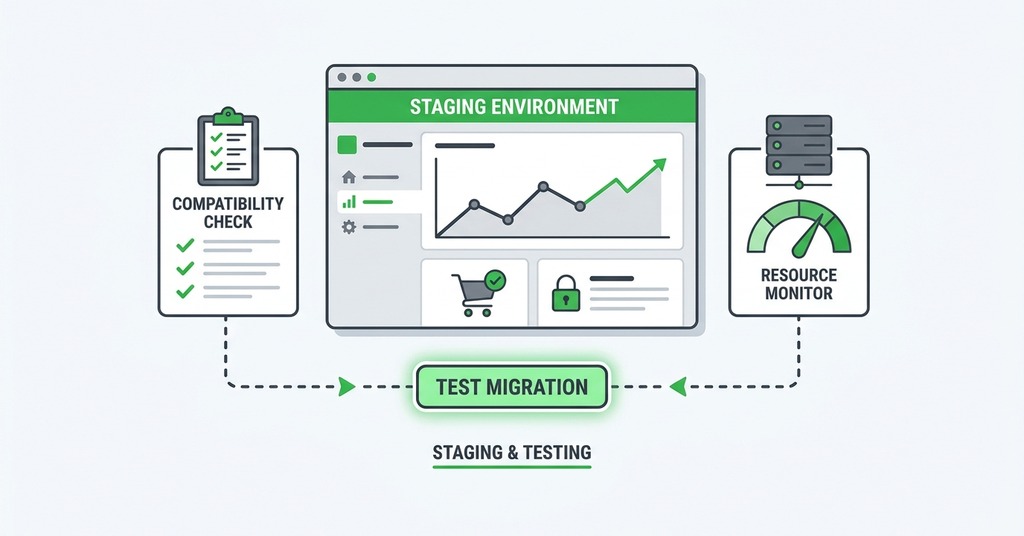
Rule out application causes before moving the site because a new server preserves inefficient code. Use the following diagnostic checks to tie the capacity question to evidence.
- Test caching and inspect slow database queries.
- Review large assets, plugin errors, bot demand, and slow calls to outside services.
- Benchmark a staging copy or the production site under representative demand.
- Record 95th-percentile response time, error rate, CPU faults, and memory use.
- Review disk activity and database logs during the same demand period.
A host cannot promise that a tier change will repair inefficient application work. For a GreenGeeks customer, support can help identify resource-limit evidence on the current service. If recurring faults appear during normal peak demand, comparing GreenGeeks shared hosting with its VPS Hosting line becomes a specific capacity decision. Repeat both performance measurements under comparable demand after migration. Those results show if the new capacity met the threshold written before the move. Keep the old measurement window and test conditions in the migration record so the comparison remains usable months later.
Include migration effort in the result. A modest response-time improvement may have little business value for a brochure site. A store can justify the cost through a measured reduction in checkout errors.
VPS Upgrade Thresholds
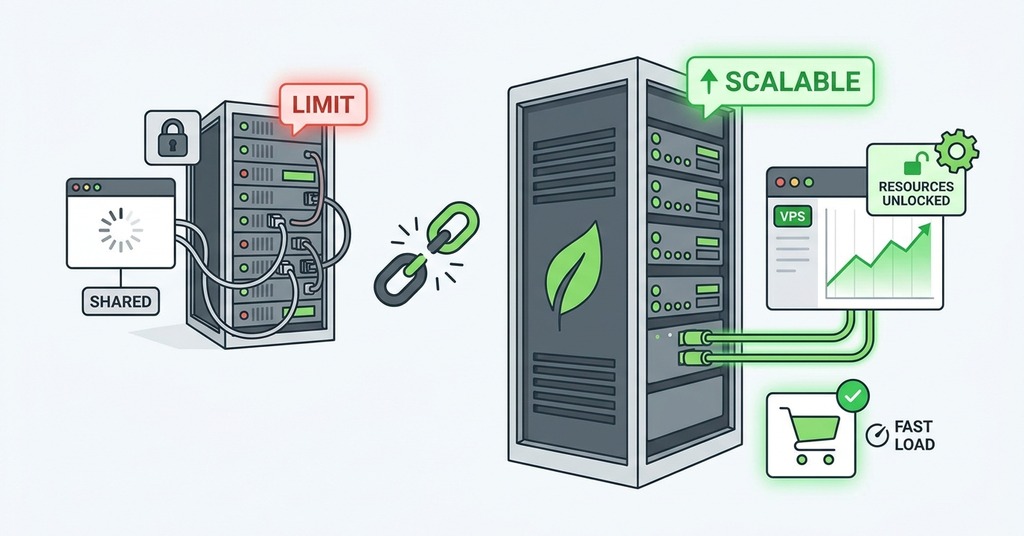
Stay on shared hosting when peak performance meets the site’s requirement and resource-fault logs remain empty. The approved software stack must also support the application. Shared hosting is suitable when the owner has no administrator and a managed VPS would exceed the value of added control.
Upgrade when normal peak demand repeatedly produces confirmed CPU or memory faults after application work is complete. Disk and concurrency faults provide the same evidence. A required daemon or container creates an independent trigger. The need for a different runtime or firewall policy also supports the move. Businesses may choose allocated resources when a short failure period has a documented revenue cost.
Write the threshold before buying. It may be an error-rate ceiling or a response-time target. If the site requires a package unavailable on shared hosting, record that requirement as the capability threshold. Price the VPS with management and migration included, then compare that annual cost with the losses or labor caused by the current constraint. The upgrade is justified when the measured benefit exceeds the full cost.