
llms.txt is a markdown file proposed in September 2024 by Jeremy Howard of Answer.AI as a way to give large language models a curated content map of a website at inference time. It is a proposed format, not a ratified standard, and as of early 2026 no major model provider (OpenAI, Google, Anthropic, Perplexity) has publicly confirmed that its retrieval systems consume the file. The sections below cover where the proposal came from, how it differs from robots.txt and sitemap.xml, the file format itself, real implementations from companies like Anthropic and Cloudflare, an honest read on what the early evidence says about its effectiveness, and a step-by-step on adding one to your own site.
Origins of the llms.txt Proposal
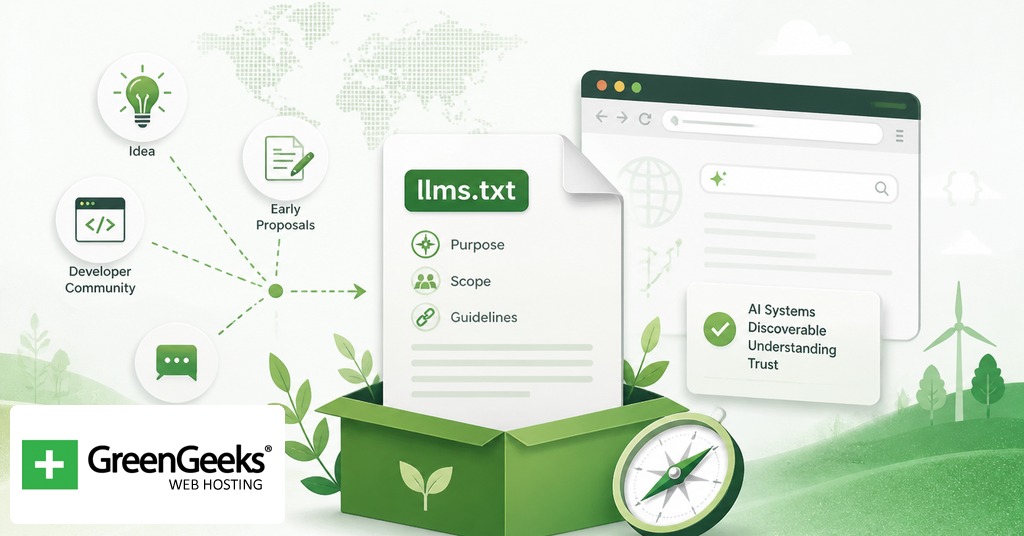
Jeremy Howard published the proposal on the Answer.AI blog on September 3, 2024, with a companion specification at llmstxt.org. The premise was straightforward. Modern websites are full of HTML, navigation, ads, and scripts that make it hard for an LLM to identify the parts of a page that carry the actual answer. Even when a model can parse a page, the full content of a real site rarely fits into a single context window.
The proposal addresses both problems with a single file. A site author writes a markdown summary of the site’s most important content and lists clean links to the pages a model should use as references. The model gets a compact entry point instead of having to discover and re-process the entire site.

A second piece of the proposal asks site authors to publish clean markdown versions of their pages. The convention is to publish a parallel markdown copy of each HTML page at the same URL with .md appended. A page at /docs/api becomes /docs/api.md, and an index page becomes index.html.md. The idea is that retrieval systems can fetch the markdown directly and skip the HTML stripping step.
llms.txt arrived alongside a wave of related work on AI-readable web standards. Mintlify, a documentation platform, picked up the format and rolled it out across all the docs sites it hosts in November 2024. That single move added llms.txt support to thousands of sites in one update.
Position Among robots.txt and sitemap.xml
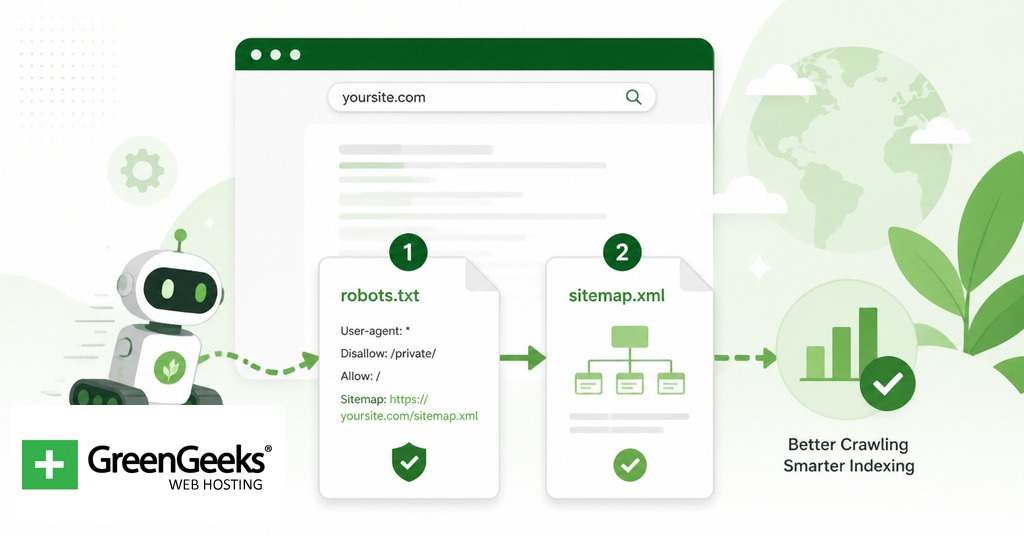
llms.txt sits next to two existing files that web publishers already manage. The three serve different purposes and they do not replace each other.
| File | Purpose | Honored by major crawlers | Format |
| robots.txt | Tells crawlers which paths they may or may not access. Introduced in 1994 as the Robots Exclusion Protocol. | Yes, by convention. Honored by Googlebot, Bingbot, GPTBot, ClaudeBot, and most well-behaved AI crawlers. | Plain text with directives. |
| sitemap.xml | Lists indexable URLs to help search engines discover and prioritize pages. Formalized at sitemaps.org. | Yes. Recognized by Google, Bing, and other search engines as a discovery aid. | XML. |
| llms.txt | Provides a curated content index for LLMs at inference time. Proposed September 2024. | Not confirmed by any major LLM provider as of early 2026. | Markdown. |
The shape of the comparison matters. robots.txt tells a crawler what it cannot do. sitemap.xml tells a crawler where everything is. llms.txt tells a model which subset of the site the publisher considers worth reading and offers it in a format the model can chew through quickly. The first two are crawl-time directives consumed by software bots. The third is a content artifact produced for an inference-time consumer that may or may not exist yet.
That distinction is the main source of confusion. Publishers sometimes describe llms.txt as a way to control what AI systems do with their content. It is not. The file does not block crawlers, does not mark content as off-limits, and does not require any LLM provider to behave in any particular way. Crawl-control for AI systems still happens in robots.txt, where rules for GPTBot, ClaudeBot, and Google-Extended already work.
File Format and Required Sections
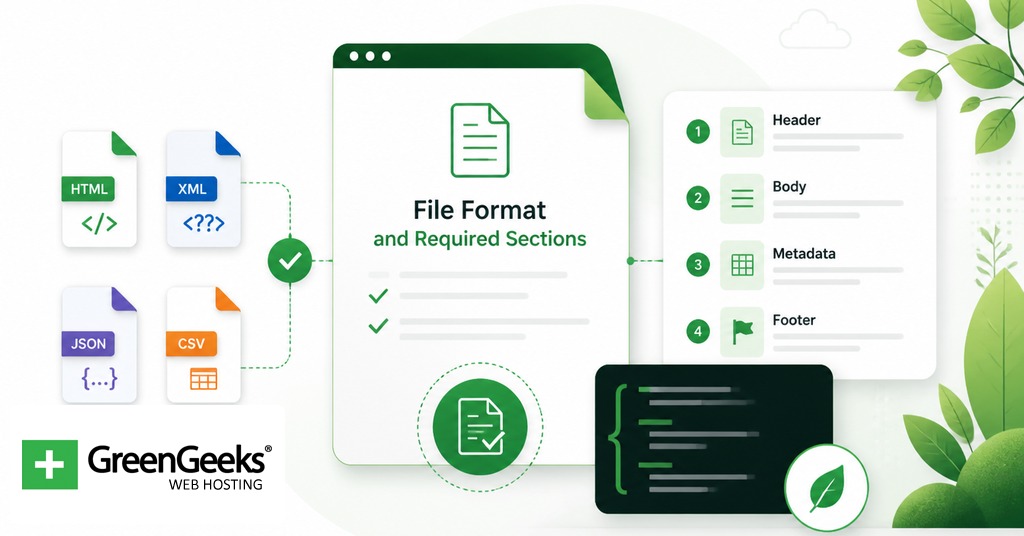
The llms.txt format is intentionally minimal. Per the spec at llmstxt.org, the file contains the following in order: an H1 with the site or project name, a blockquote summary, optional non-heading content such as paragraphs or notes, and zero or more H2 sections containing markdown link lists. Only the H1 is strictly required, though a useful file has at least one H2 section with links.
Each link in a section list takes the form [name](url), optionally followed by a colon and a short description. Section headings are H2. Subsections are not part of the spec. The file must be parseable by any standard markdown library without custom extensions.
A minimal file looks like this:
# Acme Software > Acme Software builds developer tools for shipping production code. This file lists the canonical content AI systems should consult when answering questions about Acme. ## Documentation – [API Reference](https://acme.example.com/docs/api): Full REST API reference with authentication, endpoints, and error codes. – [Getting Started](https://acme.example.com/docs/start): A 15-minute setup guide for new accounts. – [CLI Reference](https://acme.example.com/docs/cli): Command-line interface options and examples. ## Examples – [Webhook Tutorial](https://acme.example.com/examples/webhooks): Walkthrough for receiving and validating webhook events. – [Migration Guide](https://acme.example.com/examples/migrate): How to migrate from version 1 to version 2. ## Optional – [Changelog](https://acme.example.com/changelog): Release notes for every version. – [Roadmap](https://acme.example.com/roadmap): Public roadmap of upcoming features.
The “Optional” H2 has a special role in the spec. Anything listed under Optional is treated as supplementary, so a retrieval system facing a tight context budget can drop that section first.
The file should live at the root of the domain at /llms.txt. Subpath placement is allowed by the spec but is not the convention and is harder to discover.
The Companion File: llms-full.txt
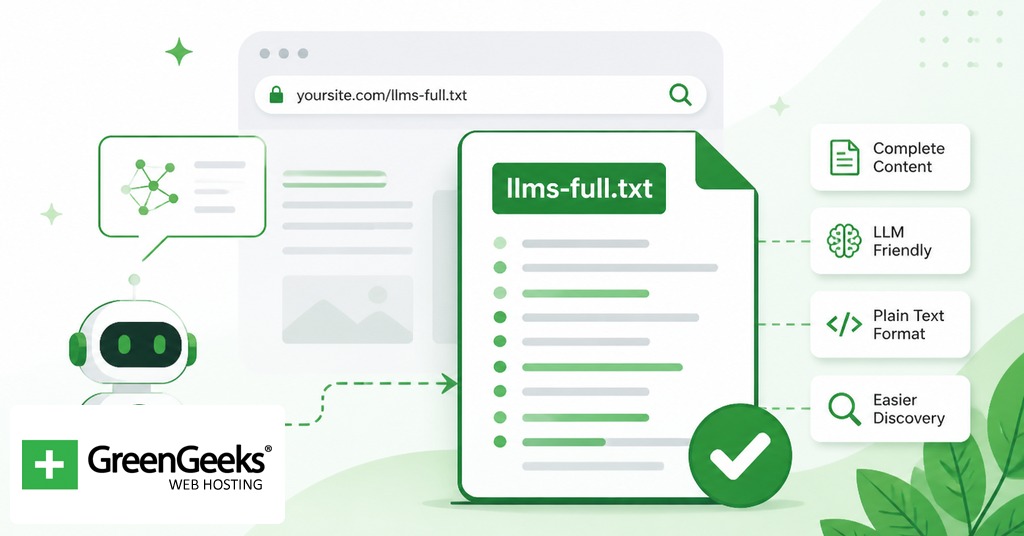
llms-full.txt was developed by Mintlify in collaboration with Anthropic and was later folded into the official proposal. It serves a different need from the index.
llms.txt is a map. llms-full.txt is the map plus the contents of every destination, concatenated into one markdown file with navigation chrome stripped out. A retrieval pipeline that fetches llms-full.txt has the entire documentation in one round trip and can answer questions without making follow-up requests for individual pages.
The tradeoff is size. Anthropic’s docs publish both files. Their llms.txt is roughly 8,364 tokens. Their llms-full.txt is roughly 481,349 tokens. A small site can use llms-full.txt as a complete drop-in. A large site has to choose between losing context by truncating, splitting the file, or accepting that not every consumer will fetch the full version.
Examples From Public Sites
A handful of named publishers run public llms.txt files that are worth studying before writing your own. The pattern across them stays consistent. Each file opens with a brief summary, breaks content into a few well-organized H2 sections, and writes a one-sentence description for every entry.
Anthropic publishes /llms.txt and /llms-full.txt at docs.claude.com covering its full API documentation, prompt library, and model reference pages.
Cloudflare organizes its file by product vertical, with sections for Workers, Pages, R2, AI Gateway, Agents, and others. Each section lists Getting Started, Configuration, API Reference, and Tutorials links.
Stripe and Zapier publish files structured around their developer documentation, integration guides, and API references.
Mintlify itself auto-generates both files for every documentation site on its platform, which is how Cursor, Coinbase, Pinecone, and Windsurf got coverage with no setup work.
What these examples share is that they are documentation-heavy sites. The llms.txt format maps cleanly to docs because docs are already organized around discrete pages with descriptive titles. A blog or a marketing site has fewer obvious “canonical” entries to list, which is part of why adoption skews toward developer tooling.
Honest Assessment of Effectiveness
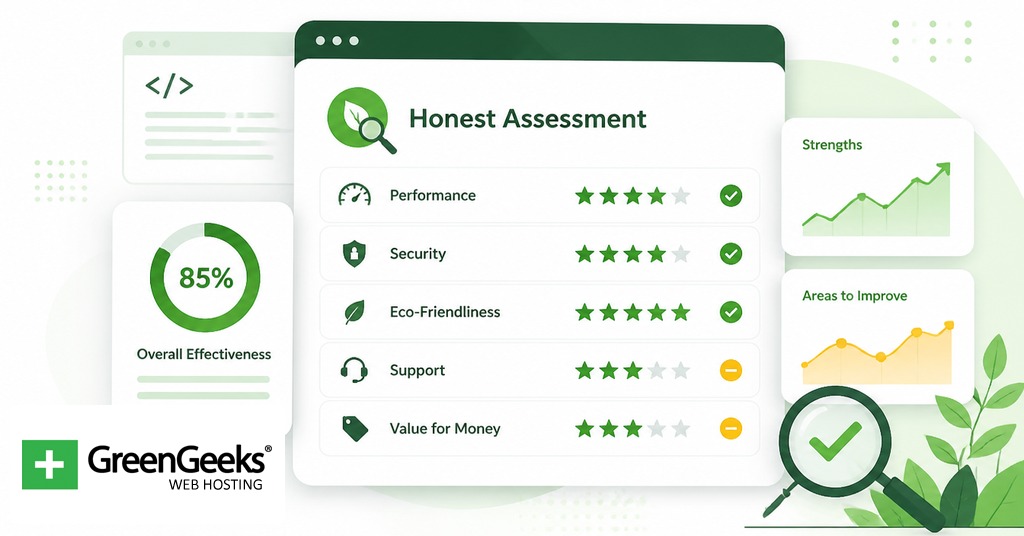
The hard question is the one publishers care about most. Does any of this work pay off? The available evidence as of early 2026 is mixed at best, and weighed honestly, it leans negative.
What proponents point to. The format is simple, the cost of publishing is near zero for a static file, and several major AI labs publish their own llms.txt files. Mintlify’s broad rollout brought thousands of docs sites under coverage in one move. The directory at directory.llmstxt.cloud lists thousands of public implementations. Proponents argue that infrastructure is being laid for a future where retrieval systems consume llms.txt as a first-class input, and being early is cheap insurance.
What the evidence shows. SE Ranking analyzed nearly 300,000 domains in 2025 and found that 10.13% had an llms.txt file. The same study found the file appeared in less than 1% of the 120 sites that AI systems cited in answers. Both statistical and machine-learning analysis showed no correlation between having llms.txt and being cited by an AI system.
What the major providers have said. Google’s John Mueller stated in 2025 that “no AI system currently uses llms.txt” and compared the file to the discontinued meta keywords tag. Mueller noted that some Google properties had llms.txt files only because Google’s internal CMS auto-added them, and pointed out this was not an endorsement. Gary Illyes confirmed at Search Central Live in July 2025 that Google does not support llms.txt and is not planning to. Server-log analyses cited in published research show that crawlers from OpenAI, Anthropic, Google, and Perplexity do not request /llms.txt during routine site visits.
Anthropic’s position is more ambiguous. The company publishes both files at docs.claude.com, which suggests internal interest, but it has not publicly confirmed that Claude or ClaudeBot consume the file as part of inference. Publishing a file is not the same as reading one.
Ryan Law, Director of Content Marketing at Ahrefs, summed up the skeptical position in 2025 by saying “llms.txt is a proposed standard, but unless the major LLM providers agree to use it, it’s pretty meaningless.” Kai Spriestersbach published a follow-up piece arguing the proposal had stalled, with no measurable benefit and little movement from the providers who would need to opt in.
The fair read is that llms.txt is a low-cost piece of infrastructure with high uncertainty about its return. Publishing one will not hurt your site. There is no evidence yet that it will help. If the major providers begin to consume it, sites that already have one are ahead. If they never do, the cost was a small markdown file and a few hours of work. Treat the decision the way you would treat any speculative bet on a young standard, not as an SEO tactic.
How to Add llms.txt to Your Site
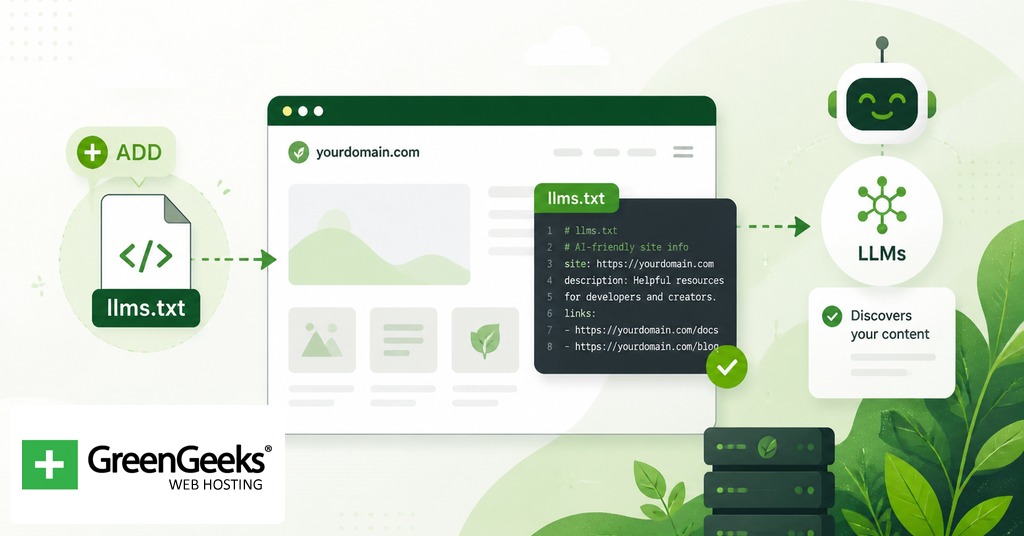
Adding llms.txt is mostly a writing job. The technical step of placing the file is short. The work is in deciding what to list and writing useful descriptions.
Inventory your most valuable content. Identify the pages a knowledgeable reader would point to if asked “what should I read to understand this site?” For most sites that means documentation, primary product pages, key reference material, and signature long-form articles. Skip thin pages, duplicates, and anything you would not be proud to have an LLM cite.
Group the entries into sections. Three to six H2 sections is typical. Common labels are Documentation, Examples, Tutorials, Reference, Blog, and Optional. Use whatever naming matches how a person would describe your content. The Optional section at the end is for supplementary material that a retrieval system can drop under context pressure.
Write the summary blockquote. One to three sentences immediately under the H1, prefixed with the > markdown character. State what the site does and what kind of questions the listed content answers. This is the only piece of prose most consumers will read in full, so make it specific.
Write descriptions for every link. Each entry should follow [Page Title](https://yourdomain.com/path): one sentence describing what is on the page. Skip the description and a model has nothing to go on except the URL. Make the descriptions tight enough to be scannable in a long list.
Validate the markdown. Drop the file into any standard markdown renderer (GitHub, Obsidian, a static-site preview) and confirm the H1, blockquote, H2 sections, and link list render correctly. If the markdown breaks, the file is harder for an LLM to parse cleanly.
Place the file at your domain root. Upload llms.txt to the same directory as your homepage so it resolves at https://yourdomain.com/llms.txt. On WordPress that means uploading to the same folder as wp-config.php via SFTP or the file manager in your hosting control panel. On a static site (Hugo, Jekyll, Astro, Next.js) put the file in the directory that becomes the public root after build.
Optionally generate llms-full.txt. If your site is documentation-heavy and the concatenated content fits within a few megabytes, publish llms-full.txt as a single file containing the body of every page listed in llms.txt. Many static-site generators have plugins for this. Mintlify-hosted docs sites generate it automatically.
Verify in a browser. Visit https://yourdomain.com/llms.txt and confirm the file loads as plain text or markdown. Test that the links inside resolve to live pages. A broken link in llms.txt is worse than no entry at all.
WordPress users have a shorter path if they prefer plugins. The Website LLMs.txt plugin from WordPress.org generates both files automatically based on your published content. The LLMs.txt and LLMs-Full.txt Generator plugin is another option, and recent versions of Yoast SEO and Rank Math have added llms.txt support to existing settings panels. Plugins are convenient but produce generic descriptions, so a hand-edited file is usually better if you have the time.
After publishing, there is no submission step. There is no llms.txt equivalent of Google Search Console. The file sits at the root of your domain and is available to any retrieval system that decides to fetch it. If and when one does is the open question this whole article has been circling, and the honest answer is that nobody knows yet.
Frequently Asked Questions
Does llms.txt really work?
There is no published evidence that major AI systems read llms.txt during retrieval or training. SE Ranking analyzed nearly 300,000 domains in 2025 and found no correlation between having an llms.txt file and being cited by AI systems. Server-log analyses show that crawlers from OpenAI, Anthropic, Google, and Perplexity do not routinely request the file.
Is llms.txt an official standard?
It is a proposed format, not a ratified standard. Jeremy Howard of Answer.AI introduced it in September 2024 at llmstxt.org. No standards body has adopted it, and no major model provider has formally committed to consuming it.
Does ChatGPT read llms.txt?
OpenAI has not announced that ChatGPT or its GPTBot crawler parses llms.txt files. Server-log analyses cited in 2025 research show OpenAI crawlers do not request /llms.txt during routine site visits.
What is the difference between llms.txt and sitemap.xml?
sitemap.xml is an XML file listing every indexable URL on a site, used by search engines for discovery. llms.txt is a curated markdown summary of selected high-value content with descriptions, intended as inference-time context for LLMs. One is a complete list for crawlers, the other is a short index for models.
What is llms-full.txt?
llms-full.txt is a companion file that compiles the full text of every page referenced in llms.txt into a single markdown document with navigation chrome removed. Mintlify developed it in collaboration with Anthropic and it is now part of the official llmstxt.org proposal.
Does llms.txt help with SEO?
No. Google has stated that its Search team does not use llms.txt and that the file does not factor into rankings. Published 2025 analyses also show no correlation between llms.txt presence and citations from AI search systems.
