
n8n is a node-based workflow automation platform with about 400 built-in integrations, a fair-code license, and the option to run in the cloud or on your own server. Teams use it to sync customer data between SaaS tools, run scheduled scrapers and ETL jobs, orchestrate AI agents, and build internal alerting systems. The product was created by Jan Oberhauser in 2019 and is developed by a Berlin-based company. Its source code is publicly available, but it is not technically open source under the Open Source Initiative definition. The license question matters more than it sounds, and the rest of this guide explains why, along with the concepts you need to read or build a workflow.
Origins and Provenance of n8n
The project began in June 2019 when Jan Oberhauser pushed the first commits to a public repository. The name “n8n” is a numeronym for “nodemation,” which is itself a contraction of “node-based automation.” The pattern matches words like “i18n” for internationalization, where the digit replaces the letters in the middle.
Adoption was largely organic for the first several years. By early 2026 the GitHub repository had crossed roughly 127,000 stars, and the platform had over 230,000 active users with more than 2,200 community-contributed extensions and over 6,500 community workflow templates. Funding caught up with the user growth in 2025. n8n closed a EUR 55M Series B led by Highland Europe in March 2025, then raised an additional USD 180M in October 2025 led by Accel, with NVentures (Nvidia’s venture arm) joining the round at a reported USD 2.5B valuation. Sacra estimated the company hit about USD 40M in annual recurring revenue by July 2025, with revenue growing roughly 5x year over year.

The Fair-Code License Question
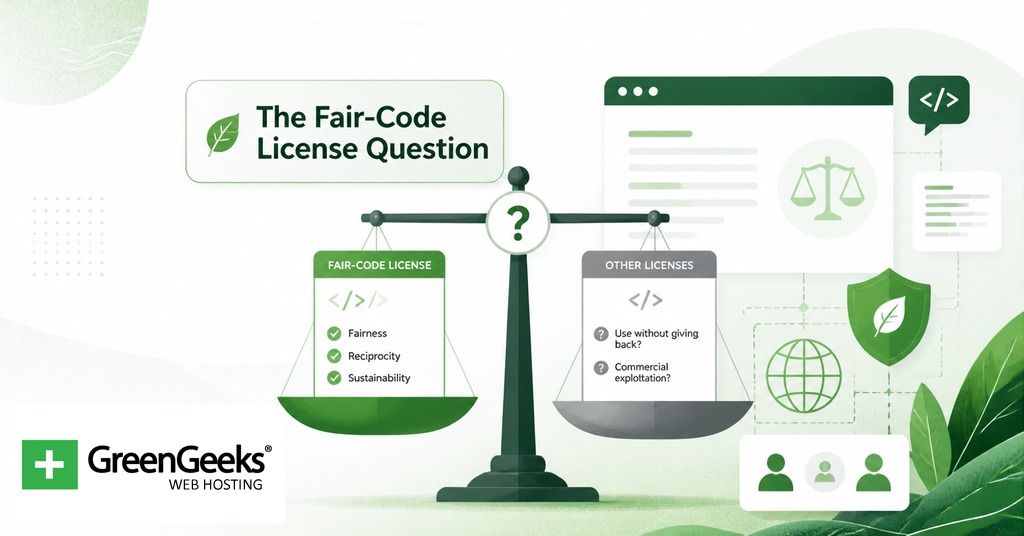
n8n’s license is the first thing engineers tend to ask about, because it shapes what you can legally do with the code. The product is distributed under the Sustainable Use License, which n8n introduced in March 2022, and an additional n8n Enterprise License for paid features.
Under the Sustainable Use License, you can read the source, run the software for any internal purpose, modify it, and self-host it for your team or your customers’ workloads as part of a service that has its own primary value beyond simply reselling n8n. What you cannot do is take the code and offer it as a managed n8n service that competes with the company’s own cloud product.
This is the important distinction. The Open Source Initiative defines open source through ten criteria, one of which forbids restrictions on fields of endeavor. A use restriction on commercial reselling fails that criterion. n8n therefore does not call itself open source, even though the source is publicly readable. The maintainers use the term “fair-code” to describe this middle position. For most practical purposes, including running n8n inside a company, modifying its code, or building custom nodes for internal use, the Sustainable Use License gives you the same freedoms you would get from MIT or Apache 2.0 licensing.
Core Concepts: Nodes, Triggers, and Expressions
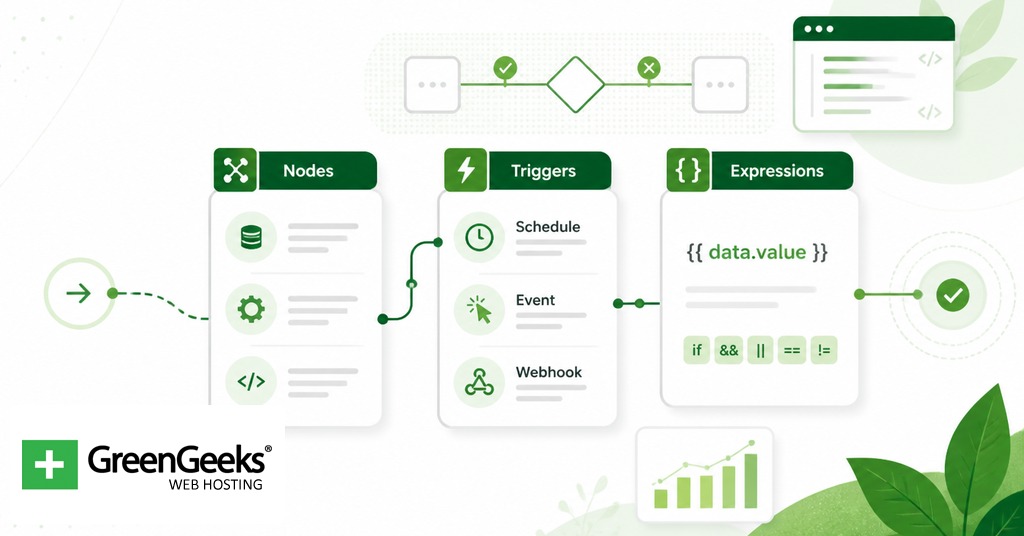
A workflow in n8n is a directed graph of nodes connected by lines that carry data. The unit of work is the node. Each node accepts an array of items, performs some operation, and emits an array of items to the next node in the chain.
The pieces you encounter in any non-trivial workflow:
Trigger nodes start a workflow. The most common are the Webhook trigger, which exposes an HTTP endpoint that fires the workflow on incoming requests, and the Cron trigger, which runs the workflow on a schedule. n8n also ships event-based triggers for individual apps, such as “New row in Google Sheets” or “New issue in GitHub,” and an Email Receive trigger that polls or watches an inbox.
Action nodes do the work. These include generic primitives like HTTP Request, Function (custom JavaScript), IF (branching), Merge (joining streams), Set (transform fields), and Switch (multi-branch routing). They also include hundreds of app-specific nodes for services like Postgres, Slack, Stripe, Salesforce, and Notion.
Connections carry items between nodes. Items flow as JSON objects in an array. A node that receives 10 items will run its operation 10 times by default, once per item, which is how n8n handles batch processing without an explicit loop.
Expressions let you reference data from upstream nodes. The syntax uses double curly braces and JavaScript-style accessors, so {{ $json.email }} pulls the email field from the current item, and {{ $node[“HTTP Request”].json.id }} pulls the id field from a specific upstream node’s output. Expressions are evaluated at runtime.
Credentials hold the secrets nodes use to authenticate, such as API keys and OAuth tokens. They are stored encrypted in the database using a key from the N8N_ENCRYPTION_KEY environment variable. The same key must be used across migrations and worker instances or stored credentials become unreadable.
Executions record every run of a workflow with timestamps, input and output data per node, status, and error details. The execution log is useful for debugging and for replaying failed runs. A separate concept, the error workflow, is a regular workflow you can designate to run automatically whenever another workflow fails, which lets you centralize error handling and notifications.
A workflow author who understands these six pieces can read or build most of what the platform offers without consulting documentation for each new node.
Self-Hosted versus Cloud Trade-offs
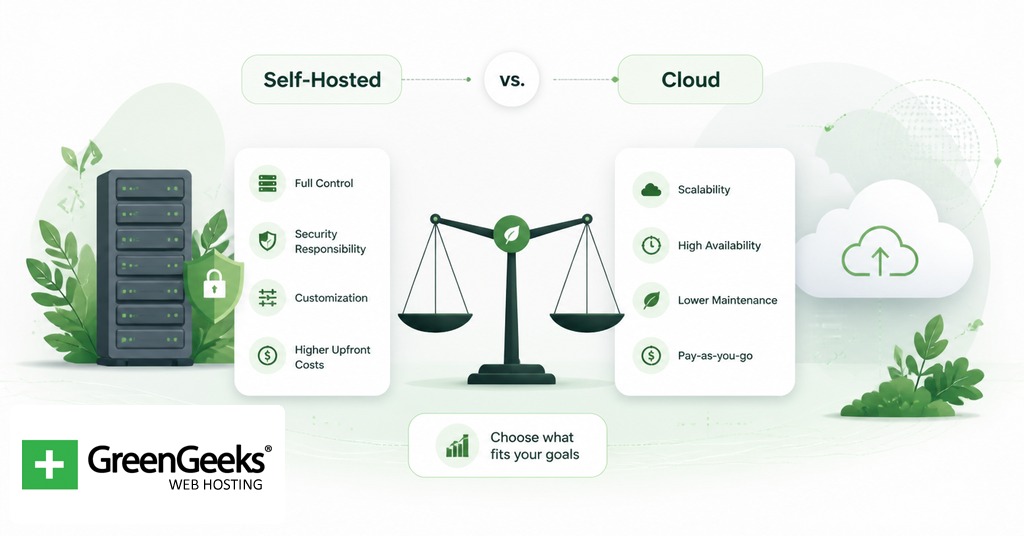
n8n is one of the few large automation platforms that supports both running it yourself and using a managed cloud service. The two paths trade off control against operational burden in fairly predictable ways.
| Dimension | Self-hosted (Community Edition) | n8n Cloud |
| Cost model | Free software, you pay infrastructure | Per-month subscription with execution caps |
| Pricing range (2026) | Roughly $5 to $50/month for a VPS | EUR 24 (Starter), EUR 60 (Pro), EUR 800 (Business) |
| Data residency | Full control, data stays on your server | Hosted on n8n’s infrastructure |
| Execution limits | None | 2,500 / 10,000 / 40,000 per month by tier |
| Workflow limits | None | Unlimited workflows on all plans |
| AI Starter Kit | Bundled Docker Compose template available | Not applicable |
| Maintenance | You handle updates, backups, scaling | Managed for you |
| Free tier | Free forever to run yourself | 14-day trial only, no permanent free plan |
The Community Edition is appropriate for teams that already operate Linux servers and want both the cost profile and the data residency control of running their own stack. n8n Cloud removes that operational work and is easier to recommend to teams that do not have someone on call for infrastructure. The economic crossover depends mostly on execution volume. Self-hosted has no per-execution cost, so high-volume workloads tend to favor it once you account for the time spent on operations.
Use Cases in Practice
Five short examples of what running n8n looks like in real work:
A nightly Cron trigger fires at 2:00 a.m. and pulls fresh order rows from Postgres. An IF node splits orders by region, two HTTP Request nodes ship the data to a regional warehouse and a global BI tool, and a final Slack node posts a single summary message to a finance channel. The workflow replaces a Python script that broke any time someone changed a column type.
Engineering teams have used n8n to cut incident-response toil. A Webhook trigger receives PagerDuty alerts, a Function node enriches the alert with the most recent deploy hash from GitHub, an OpenAI node drafts a likely cause and suggested first commands to run, and the result lands in the on-call channel before the engineer has finished reading the original page. Vodafone reported saving over GBP 2.2M by automating incident response and threat intelligence workflows along these lines.
Slack plus an LLM plus Notion turns a meeting note into a structured page. A Slack trigger watches a specific channel for messages tagged with an emoji, a Function node extracts the message text, an OpenAI Chat node runs a summarization prompt with a fixed structured output schema, and a Notion node creates a page in the right database with the correct properties. Most of the workflow is a single screen with seven nodes.
Internal HR tooling fits the pattern of “form fills a database, database fires a workflow.” A Typeform trigger fires when a new hire submits a form. The workflow creates accounts in the company’s identity provider, opens a hardware request ticket, schedules calendar invites for the first two days, posts an introduction message in the right Slack channel, and writes a row to the people-ops tracker in Airtable. The same workflow runs at any volume, from one hire a quarter to one hire a week.
Delivery Hero reportedly automated workflows with n8n that saved approximately 200 hours per month, mostly by replacing scripts that moved data between operational systems. The advantage of doing that work in n8n rather than in a one-off script is observability. Failed executions show up in the execution log with the exact item that failed, and an error workflow can repost the failure to the team that owns the data.
n8n, Zapier, and Make: A Comparison
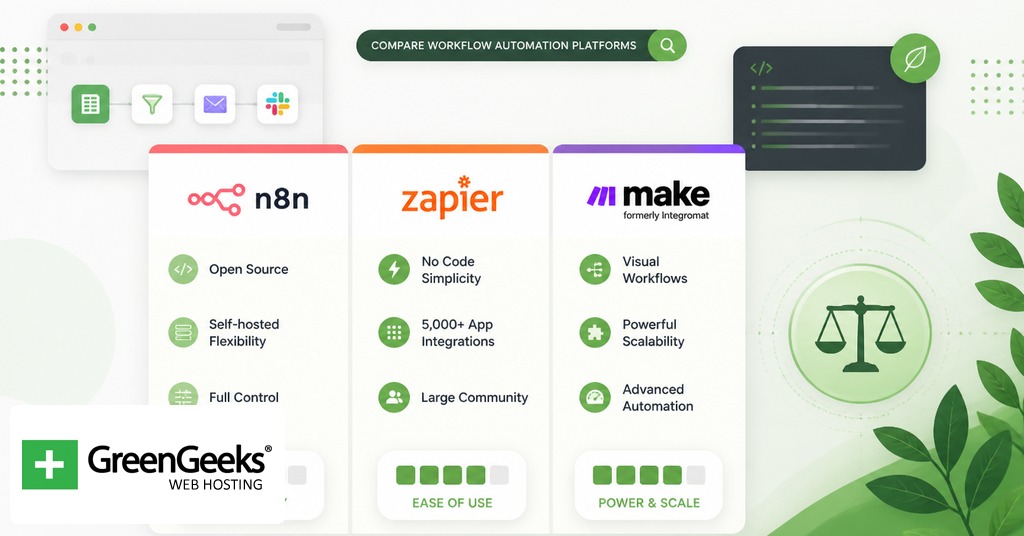
n8n, Zapier, and Make are the three platforms most often considered together. They serve overlapping needs but with meaningful technical differences.
| Feature | n8n | Zapier | Make |
| Hosting | Cloud or self-hosted | Cloud only | Cloud only |
| License | Fair-code (Sustainable Use License) | Proprietary | Proprietary |
| Pricing model | Per-execution (Cloud) or free (self-hosted) | Per-task | Per-operation |
| Custom code | Full JavaScript and Python in nodes | Limited Code by Zapier steps | No arbitrary code |
| Native AI nodes | About 70, including LangChain and AI Agent | Growing AI toolkit | AI-related modules |
| Integrations | 400+ native, 2,200+ community | 6,000+ apps | 1,500+ apps |
Zapier remains the easiest to recommend for non-technical users and has the largest catalog of third-party app integrations. Make sits in the middle with a visual scenario builder that handles complex branching well, particularly through iterators and routers, but it is cloud-only and does not support arbitrary code. n8n is the option that fits when you need self-hosting for data control, want to write real code inside the workflow, or expect to chain dozens of LLM calls together with persistent agent memory.
Getting Started with Self-Hosting
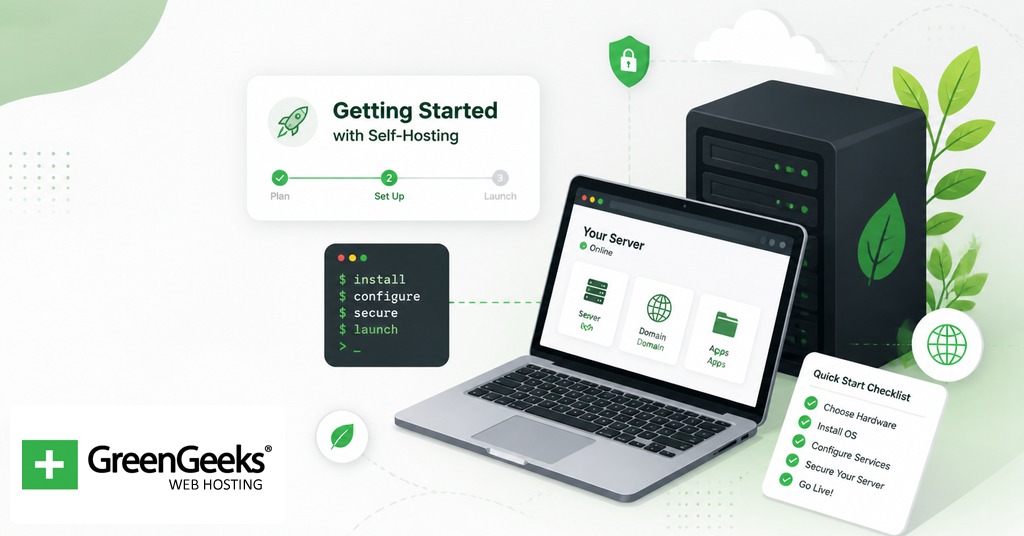
The fastest way to try n8n locally is Docker. The official image exposes the editor on port 5678 and stores its data in a named volume. You can read our full installation guide for n8n on a VPS.
Frequently Asked Questions
Is n8n free?
The Community Edition is free to run. You only pay for the server it runs on, which is typically a small VPS in the $5 to $50 per month range depending on volume. n8n Cloud has paid plans starting around EUR 24 per month with a 14-day free trial, but it no longer offers a permanent free tier.
Is n8n open source?
Not by the Open Source Initiative’s definition. The source is publicly available under the Sustainable Use License, which restricts reselling n8n as a competing managed service. Because that use restriction violates the OSI’s open source definition, n8n calls itself “fair-code.” For internal use, modification, and self-hosting, the practical freedoms are similar to MIT or Apache 2.0.
What is n8n used for?
Common uses include keeping data in sync between SaaS tools, running scheduled scrapers and ETL jobs, building AI agents and chained LLM workflows, handling alerts and incident response, running internal automations like onboarding flows, and replacing one-off scripts with workflows that have built-in logging and retry behavior.
What database does n8n use?
n8n ships with SQLite as the default and supports PostgreSQL for production. SQLite is fine for small single-instance deployments, but it locks the file on every write and cannot be used with queue mode for horizontal scaling. PostgreSQL 13 or higher is recommended for production. Support for MySQL and MariaDB was deprecated in version 1.0.
How many integrations does n8n have?
n8n ships with more than 400 native integration nodes covering most major SaaS products, databases, and AI providers. The community has contributed over 2,200 additional nodes and more than 6,500 ready-made workflow templates that you can import and adapt.
