
WordPress 7.1 arrived on August 19, 2026, on the final day of WordCamp US in Phoenix, the second major release of the year. It is named Mary Lou, after the jazz pianist in whose Harlem apartment bebop’s pioneers played most nights through the 1940s.
The release follows a summer in which the 7.0 line took four releases between July 9 and August 12, three of them security fixes. Installing 7.1 on a production site this week is still unwise. The risk comes from the plugin stack rather than from the core code.
What’s New in WordPress 7.1
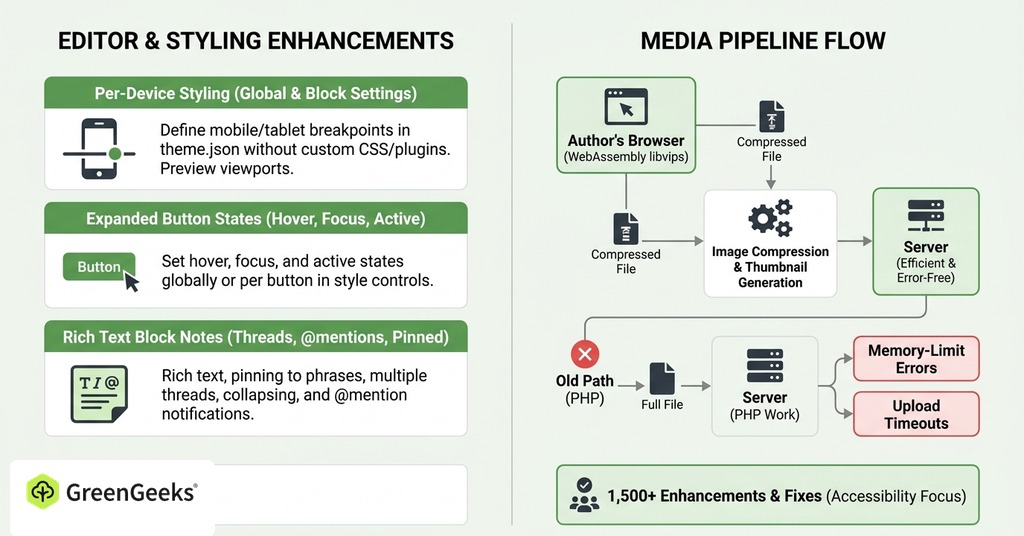
Most of the work in 7.1 happens inside the editor and the media pipeline. More than 800 contributors shipped over 1,500 enhancements and fixes across 310 tracked tickets, with accessibility drawing the largest share of the editor work.

Responsive Styling and Hover States
Until this week, changing how a block looks on a phone meant writing custom CSS or installing a plugin. WordPress 7.1 adds per-device styling to Global Styles and to individual block settings, with a preview of each viewport size while you work.
Block themes can define their own mobile and tablet breakpoints in theme.json. Buttons gained hover styling in the style controls, along with focus and active states. You can set them on one button or apply them across a whole site.
A beta tester at a university running thousands of WordPress sites called per-device styling a real improvement but found the device menu confusing, because its dropdown uses one checkmark for two different meanings. Non-technical users would need detailed instructions, and large networks would absorb the support burden.
Notes Get @Mentions and Rich Text
Notes arrived in 6.9 as annotations attached to whole blocks. In 7.1 they gained rich text, so a note can carry its own emphasis and its own links. You can pin a note to a selected phrase and run several threads on a single block. Long threads collapse out of the way. An @mention sends a notification to the person you name.
Client-Side Image Processing
The largest practical change in 7.1 never appears on the front end. Image compression and thumbnail generation now happen in the author’s browser before the file reaches the server, handled by a WebAssembly build of libvips. The old path sent the full file to the server and asked PHP to do the work, which is where memory-limit errors and upload timeouts came from.
The rest of the media work is format support and reliability. Sites can now upload AVIF and HEIC files directly, HDR gain maps included. An opt-in conversion turns GIFs into video. Uploads show progress and retry on their own when a connection drops.
Browser processing works only on Chrome-based browsers. Everywhere else WordPress falls back to the old server-side method. Check the browser before telling a client the upload failures are gone.
New Blocks and the Media Editor
7.1 adds two new blocks. Playlist groups audio tracks with an optional waveform visualization. Tabs turns a long page into a set of switchable panels.
The media editor is now a modal with freeform or fixed-ratio cropping, and the admin bar persists across the Site Editor and the post editor, small continuity fixes instead of new features. The “Howdy” greeting survived another cycle. Its removal was discussed and never shipped.
What WordPress 7.1 Did Not Ship
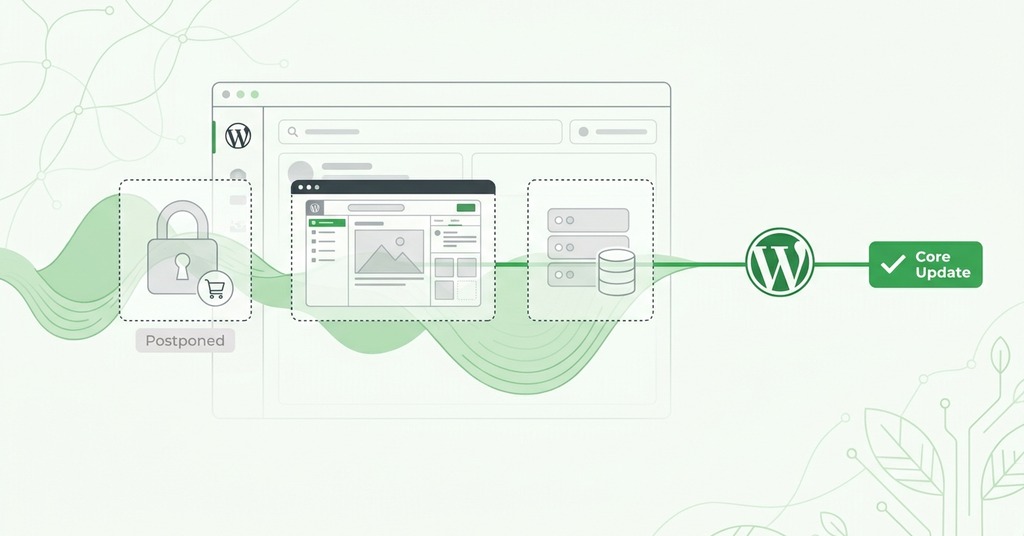
Real-time collaboration was the headline of the 7.0 cycle until May 8, when Matt Mullenweg pulled it twelve days before release over race conditions and server load. It stayed out of 7.1 as well. The collaboration investment went to asynchronous review instead. The June roadmap still listed open questions about scope and storage, and development moved back into the Gutenberg plugin while core waited.
React 19 is present only as an experimental flag for developers, and Unicode email addresses were removed at the third beta over security concerns, with that work redirected into a community plugin. The Table of Contents block, announced in June alongside Playlist and Tabs, did not ship.
The 7.1 cycle absorbed three security releases mid-stream and picked up an extra beta and an extra release candidate.
7.0 ran six weeks late, while 7.1 shipped on the exact date the project had published in March.
Does WordPress 7.1 Remove the Classic Block
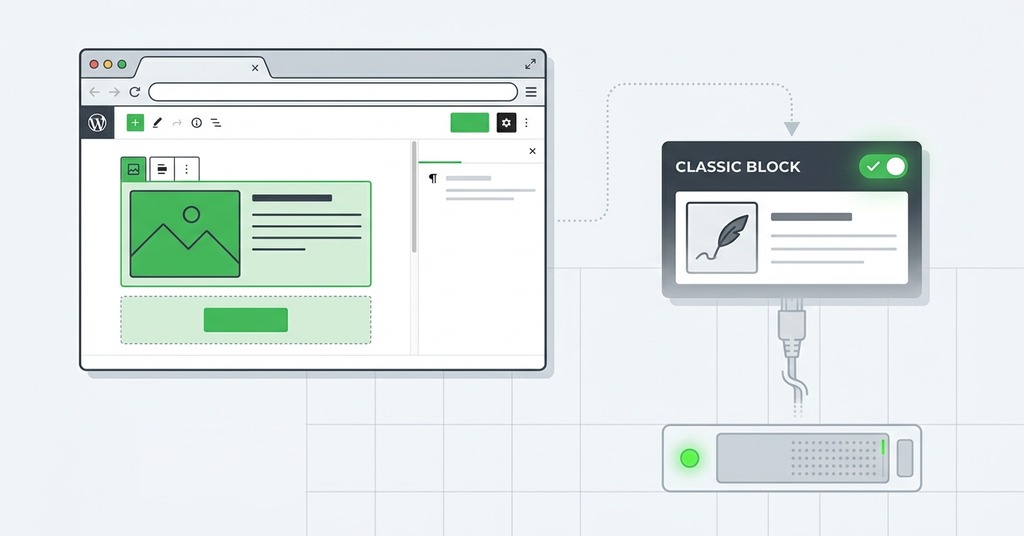
No. The June 23 change would only have hidden the block from the inserter and block library, slash commands included, while existing Classic blocks kept working.
The Classic block renders opaque HTML through an embedded TinyMCE editor, and every improvement to the block library has to special-case it. The tracking issue for the change described TinyMCE as probably the largest single asset core ships to the post screen.
The community response was fast enough that on July 7 the committer behind the change, Marin Atanasov, reverted it in full and closed the companion plugin. His written takeaway was that the Classic block should become obsolete through user choice rather than force. The separate Classic Editor plugin has more than 9 million active installations, which explains the reaction speed. In 7.1 the Classic block is exactly where it was in 7.0.
Security Fixes Inside WordPress 7.1

The case against waiting indefinitely comes from what happened to the 7.0 line over the summer. Between July 9 and August 12 the project shipped one maintenance release and three security releases. The July 17 release fixed a critical pre-authentication remote code execution involving SQL injection, and the security team forced automatic updates onto affected sites.
A pre-authentication cross-site scripting flaw on the login screen, rated 8.9, was one of twelve issues closed on August 6. The August 12 release fixed CVE-2026-65640, an authenticated remote code execution reachable by any account with Author privileges through a malicious file upload, rated 8.8. That fix was backported to the 4.7 branch, covering nearly a decade of releases. The patch reached the 7.1 release candidate the same day.
Exposure to the upload vulnerability depends on the server stack. Because the flaw only exists where the server runs both Imagick and Ghostscript, two sites on identical WordPress versions faced different risk.
Those unscheduled 7.0 releases kept arriving because automated vulnerability research now probes WordPress far harder than it once did. Bug-bounty reports to the project ran at 20 to 30 a month for a decade and reached 450 in a single month this year. The project now flags every 7.0 release before 7.0.3 as insecure on its requirements page.
WordPress 7.1 Hosting Requirements
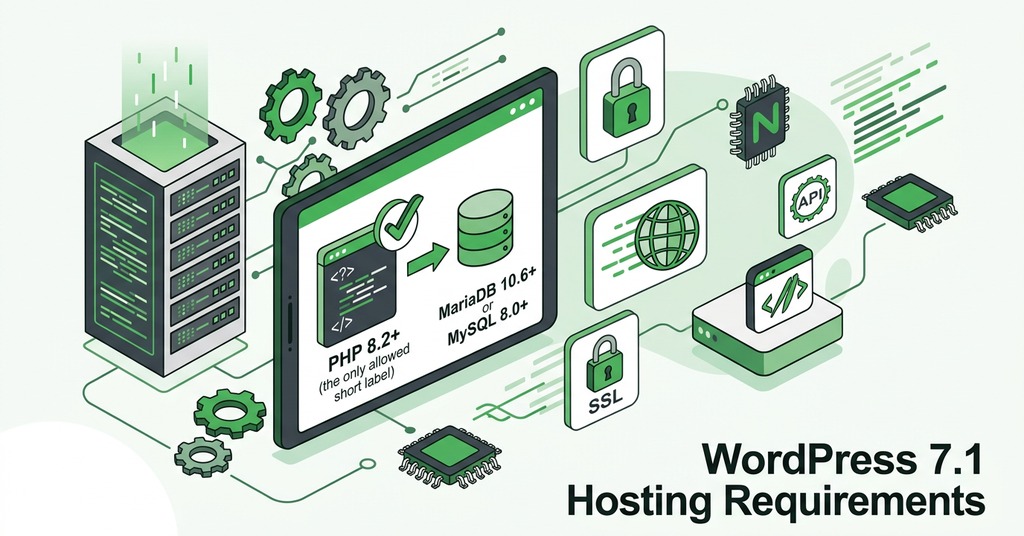
Nothing in 7.1 raises the server floor. The project recommends PHP 8.3 or greater with MariaDB 10.11 or MySQL 8.0. The hard floor for the entire 7.x line stays at PHP 7.4. Below it the updater never offers WordPress 7 at all, and the site remains on the 6.9 branch with security patches.
The server now does less work. Every image uploaded through a supported browser skips the server’s image pipeline entirely.
Hosts also gained direct control of speculative loading, the prefetching behavior introduced in 6.8, now configurable through environment variables or constants with no plugin required. GreenGeeks WordPress hosting customers are already past the PHP recommendation, running 8.4 with LiteSpeed and LSCache handling page caching at the server level.
Hosts still provision the server-side image libraries rather than retiring them, because the fallback path has to be available for every upload that arrives from a browser outside the supported group.
Will WordPress 7.1 Break Your Plugins
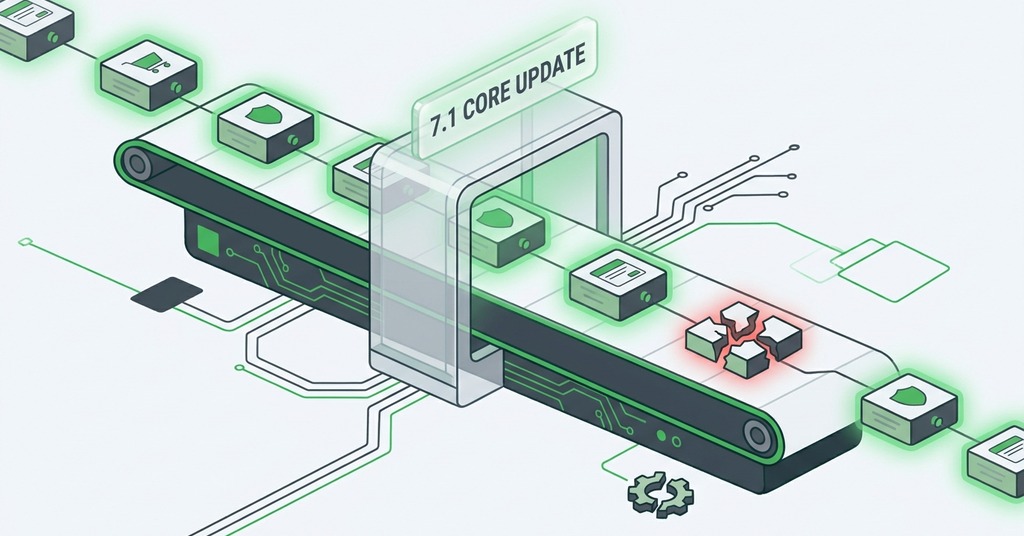
WP Rocket 3.23, a major commercial caching plugin, produced a fatal error on WordPress 7.1 within a day of release. Under 7.1 some callback keys in WordPress’s hook storage are integers where they used to be strings, and the plugin passed one to a function expecting a string. On a site running PHP 8.3 behind LiteSpeed, the report and a working patch in the plugin’s public issue tracker arrived the same morning.
The less visible risk shows up in the editor. The post editor canvas now always runs inside an iframe, which keeps admin styles from leaking into content. Blocks built on version 2 of the Block API may render incorrectly inside it, and any site with custom blocks needs a staging check before production. jQuery UI also moved to 1.14.2, which matters for older admin screens that lean on it for date pickers and drag-and-drop behavior.
The 6.9 release from December 2025 shows what to expect. WooCommerce broke on it. Yoast SEO and Elementor followed within two weeks. Major plugins repair quickly because their user bases demand it, and that repair speed is what the waiting advice relies on.
When to Update to WordPress 7.1
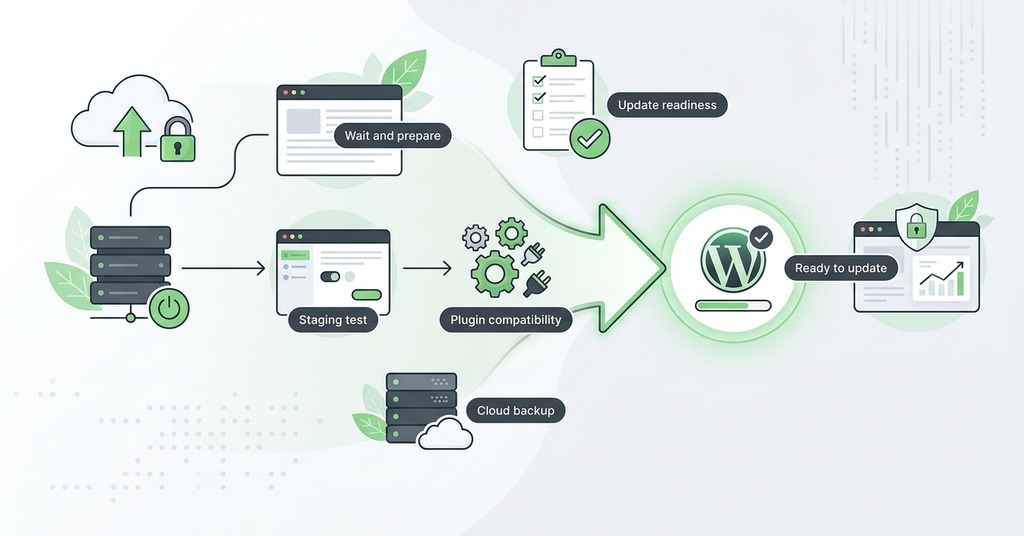
Waiting one to two weeks makes sense, because plugin authors need days to ship compatibility releases. A site’s real risk is in its plugin stack far more than in core. Before the core update comes a backup and a staging pass run against the live plugin set, with custom blocks re-checked afterwards.
A site running anything below 7.0.3 faces a security decision as well as an upgrade decision, and the security decision does not wait for a staging pass. A site maintaining custom blocks on the older Block API has no meaningful way to skip the staging step.
WordPress 7.2 is already scheduled for December, timed around the State of the Word. A site that updates deliberately now, with a backup and a staging pass behind it, will treat 7.2 as ordinary maintenance.
Should New Sites Start on WordPress 7.1
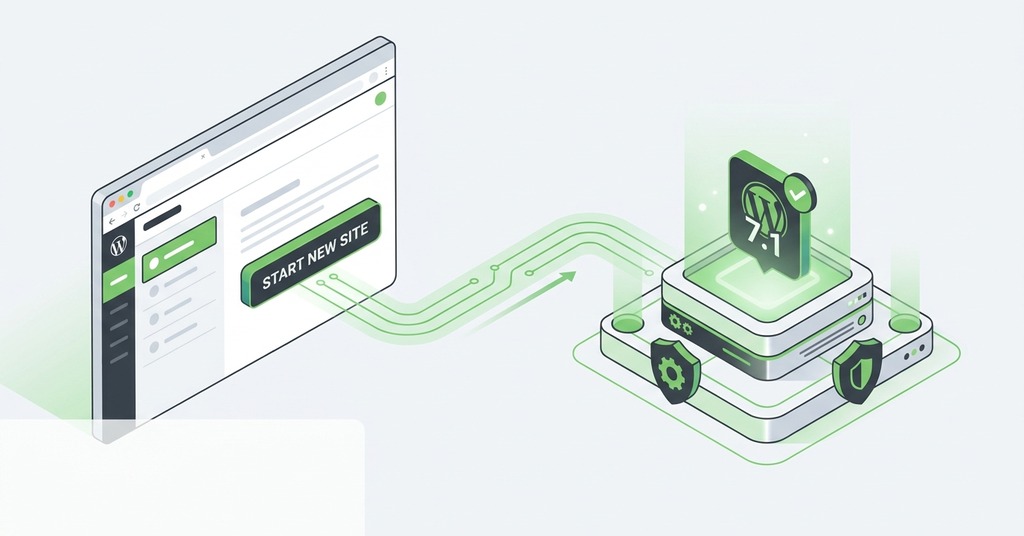
Yes, immediately. A new site has no plugin history to break and nothing cached to go stale, so the waiting advice does not apply and anything built this month should be built on 7.1.
