
Two-factor authentication on a hosting account blocks an attacker who already has the password. On a cPanel login that single credential reaches files, databases, email and DNS at once. That makes the panel a more valuable target than the site it serves.
cPanel issues no recovery codes, so recovery after a lost handset runs through the host’s support desk. Support response time is part of the security decision on that panel, and an owner who never captured the enrollment secret has no other way back in.
What a Hosting Login Controls
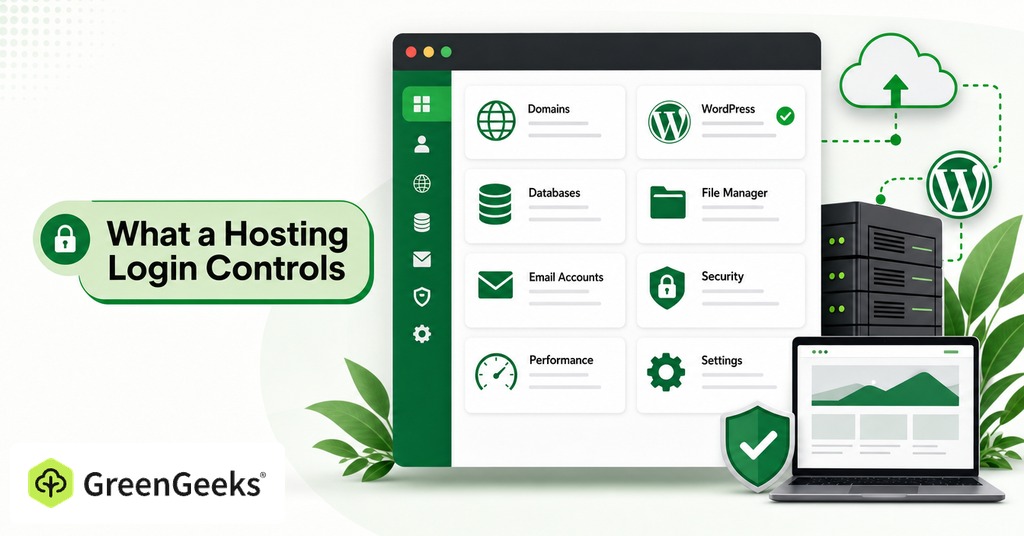
A cPanel account controls far more than the website it serves. From one session a cPanel account manages file storage, databases, email accounts, DNS records and SSL certificates, with WHM a level above it controlling every cPanel account on the server, and one password stands in front of all of it.

The consequence of losing that account extends past the owner. Compromised WordPress sites are working infrastructure for phishing operations, and the Kratos kit was found running across disposable domains and hijacked WordPress installs. A taken-over hosting account becomes somebody else’s phishing page or malware host, operating under the owner’s domain.
The Case Against Turning On 2FA
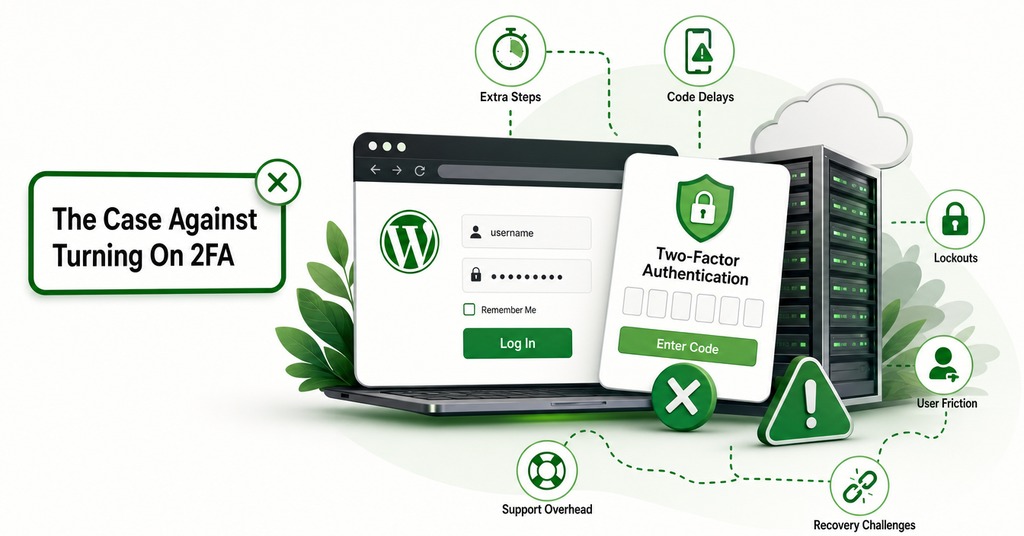
The strongest argument against enabling it comes from people who enabled it, got locked out, and decided the trade was a bad one. SMS enrollment followed by a dead handset is the common version of the complaint, and it appears often enough on developer forums to be a common position. Recovery codes exist on most services and the lockout still happens, sometimes repeatedly, while the same person’s password-only accounts go years without being touched.
The cPanel version of this problem is worse, and cPanel documents it. The panel issues no recovery codes and no backup codes, and the complete official recovery procedure is to contact the hosting provider and ask them to disable 2FA so the owner can set it up again. The standard advice to save backup codes somewhere safe cannot be followed on the most widely deployed hosting panel there is.
The technical objection is separate and sharper, because in 2026 breach data, vulnerability exploitation overtook credential abuse as the top initial access vector at 31% against 13%. The year’s clearest hosting incident never reached the login form. Roughly 44,000 servers were compromised by a pre-auth bypass that runs before any second factor.
Social engineering against the registrar or the host defeats every factor at once. In July 2026 a domain owner with privacy enabled lost control of his account because password reset could be initiated from the domain name alone, and a caller convinced phone support the domain belonged to his club. Reseller and agency accounts fail the same way, where a phone call requesting a routine DNS change is answered with full access, and neither route touches a login form.
Security fatigue produces its own failures. The prospect of losing access outright pushes owners toward weaker habits, including moving every credential into plain text files after a password manager database has been lost to corruption.
None of those complaints is a bad argument, though the technical objection has a direct answer and the recovery objection has one built from a handful of decisions made at enrollment.
What Two-Factor Authentication Stops
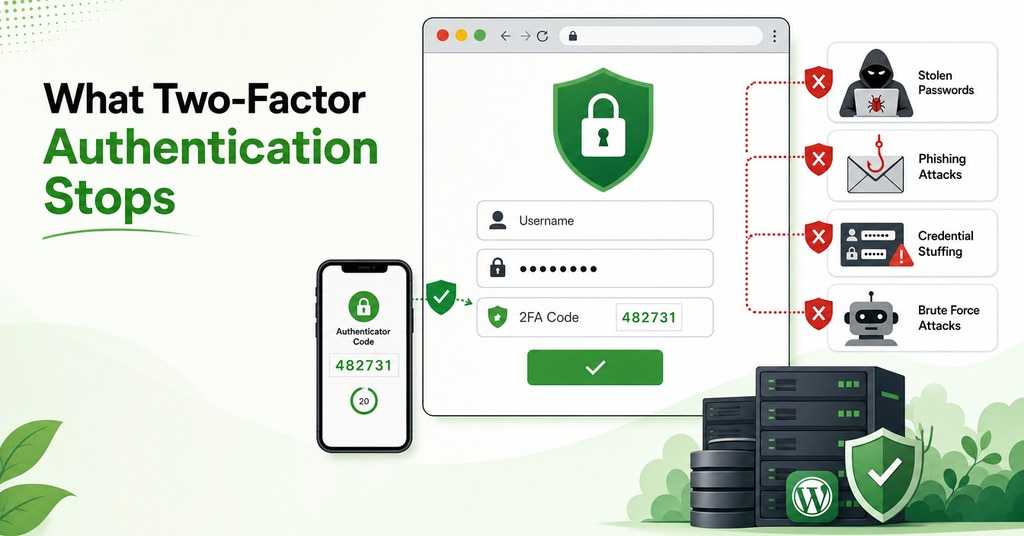
Most of the traffic arriving at a hosting login comes from an attacker who has the password and nothing else, and a second factor stops exactly that.
A low success rate still produces a large number of entries once the volume reaches this scale. Credential-stuffing volume against consumer login endpoints grew 148% year over year through the end of 2025, and success rates for a site running password plus optional SMS are between 0.3% and 1.2%. One mid-market retailer logged 38 million stuffing attempts a month against 11 million genuine logins. At 0.3% that is 114,000 successful entries.
WordPress receives a disproportionate share of this volume, because the login path is identical on every installation. Attacks aimed at the WordPress login URL are the bulk of the 6.4 billion brute-force attempts a month blocked across the Wordfence network alone.
None of that arrives as a targeted operation. A script works through a list of email addresses and passwords taken from somewhere else entirely, trying each pair against a login form that has no idea the pair was ever stolen, and moving on within a second of failing.
Vulnerability exploitation leads credential abuse across breach data as a whole, and that ordering reverses once the data narrows to hosting panels and site logins. In Basic Web Application Attacks, the category a hosting panel and a WordPress admin belong to, credentials are compromised in 52% of breaches and stolen credentials remain the top action.
Against automated attacks, every second factor performs, and measurements taken in 2019 put SMS at 100% of automated bot attacks blocked and 96% of bulk phishing, authenticator apps at 99% of bulk phishing, and security keys at all three attack classes. Those numbers are seven years old and effectiveness against targeted attacks has fallen since, while the automated figures have held, because a script cannot supply a code it does not have.
Can Hackers Bypass Two-Factor Authentication?
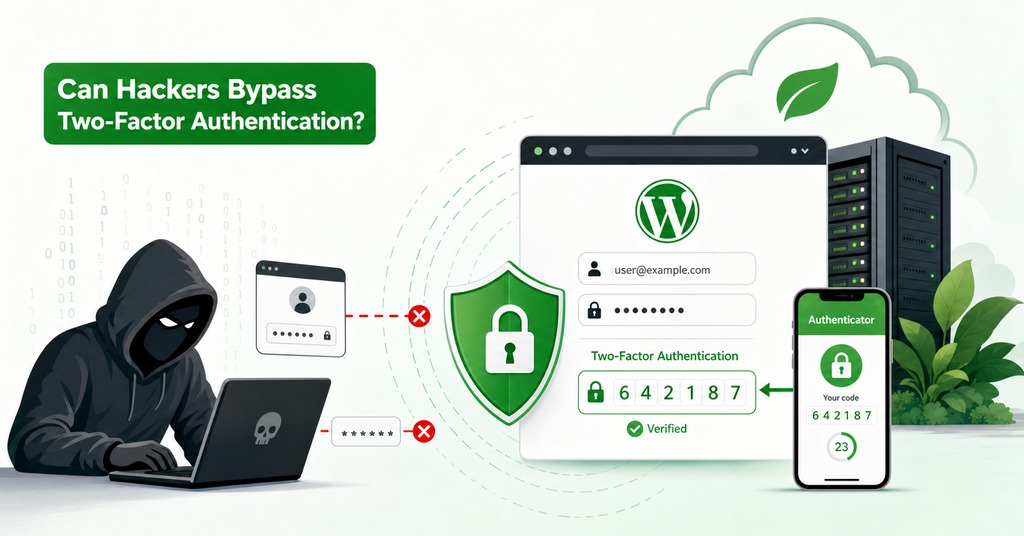
Two-factor authentication can be bypassed, and the mechanism explains why the channel a code travels through matters more than the TOTP-or-SMS question.
How an Adversary-in-the-Middle Attack Runs
An email arrives with a QR code in a PDF, or a link in an HTML attachment. The victim opens it and reaches the real login page, because the attacker’s server is relaying it. The password goes in and travels through to the real service, which issues a challenge, and the six-digit code goes in and travels through as well. The service authenticates and issues a session cookie, and the proxy keeps a copy of it as the response travels back to the victim.
Cheap tooling made the technique ordinary, with Evilginx the open-source framework that popularized it and Tycoon2FA the operation that industrialized it, sending tens of millions of phishing messages a month at more than 500,000 organizations, with panel access sold from $120 for ten days. Kratos, taken down by German and US law enforcement in July 2026, ran roughly 15,000 campaigns a month for about 1,800 paying customers.
The attack defeats TOTP and SMS identically, because both are shared secrets the victim types into a page, and whoever is proxying the page receives them.
How a Stolen Session Cookie Survives a Password Reset
A session cookie is post-authentication material representing a login that already happened and passed the second factor, so replaying it from another machine raises no challenge. Standard incident response stops at the password reset. The stolen session stays live unless active sessions and tokens are explicitly revoked. A replayed cookie authenticates as the user without any second factor, so the Kratos kit was built to steal it alongside the login.
Infostealers reach the same material without any phishing, since malware took more than 1.8 billion credentials during 2025 from roughly 5.8 million infected machines, and session cookies come off those machines with them.
TOTP, SMS and Passkeys Compared
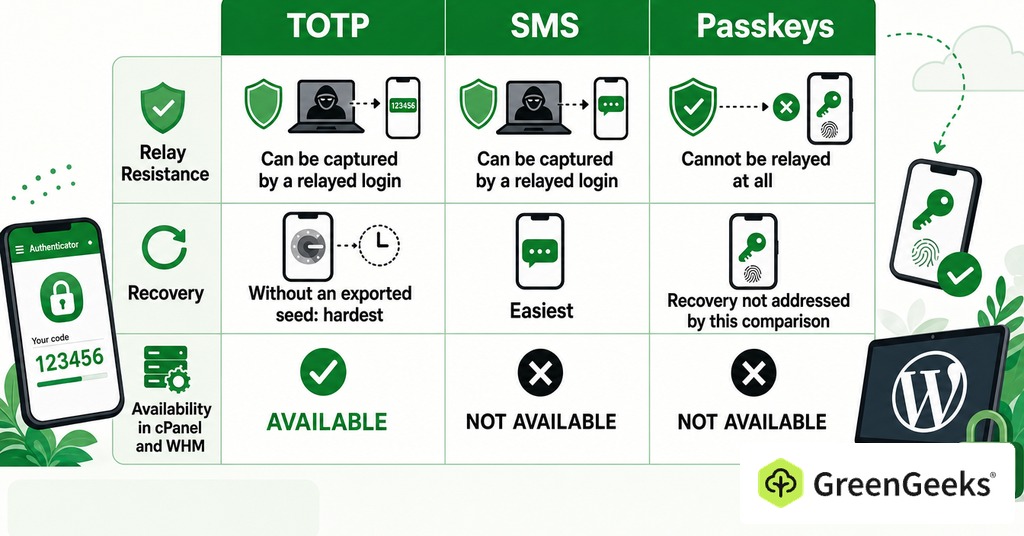
These methods differ on three points, and the answers do not run the same way. An attacker relaying the real login page captures TOTP and SMS with equal ease, while a passkey cannot be relayed at all. After a lost handset, SMS is the easiest of the three to restore and an authenticator app with no exported seed the hardest. Availability settles the practical question before the other two are argued, because only one of the three exists inside cPanel and WHM.
How TOTP Works
TOTP has been standardized since May 2011 in RFC 6238. At enrollment the server and the app agree on a shared secret, and both then derive a six-digit code from that secret plus the current time in 30-second steps. The secret never crosses the network again, so interception and SIM swapping both fail against it where they would work on SMS. A proxied login page is a different matter, since the code is typed into the page and forwarded like the password before it.
Two consequences follow from that design, starting with the enrollment QR code being the second factor in its own right, so a photograph of it is a working duplicate that never expires. That makes it a usable private backup and a serious exposure in a shared channel. Because both sides derive from a clock, drift breaks it.
Because an authenticator app with no export function leaves nothing behind when the handset dies, TOTP is the weakest of the three on recoverability unless that photograph was taken.
Is SMS 2FA Safe?
SMS is less safe than the alternatives and considerably safer than nothing. NIST classified SMS one-time passcodes as a restricted authenticator in revision 4 of SP 800-63B, meaning permitted with a documented risk assessment and a plan to move off it, and Microsoft 365 administrators have been told that SMS and voice will be removed as 2FA options on February 1, 2027.
The weaknesses are carrier weaknesses more than cryptographic ones. SIM swapping cost US victims $6.7 million in reported losses in 2025, and signaling interception exists. OTP bots, rentable for around $100 a week, phone the victim with a spoofed caller ID and ask them to read out the code they received a moment earlier, which works identically against a TOTP app.
SMS restores fastest of the three after a lost handset, so practitioners keep it. A SIM moves to another handset, and a carrier will reissue a number to somebody who can identify themselves, while authenticator seeds with no export leave no equivalent path.
How Passkeys Resist Phishing
A passkey is bound to the origin at the moment it is created, so the authenticator will not sign a challenge for a look-alike domain. No code exists for the victim to type, and origin binding is the only property in this comparison that leaves a proxy with nothing to relay.
Roughly 5 billion passkeys were in use worldwide as of May 2026, though 57% of organizations still rely on phishable methods for everyday sign-in. For this audience the comparison ends on availability, because WHM’s documentation names TOTP only and no passkey option appears anywhere in either panel. An owner working inside cPanel can enable TOTP or leave the login on a password alone.
How to Set Up 2FA on cPanel and WordPress
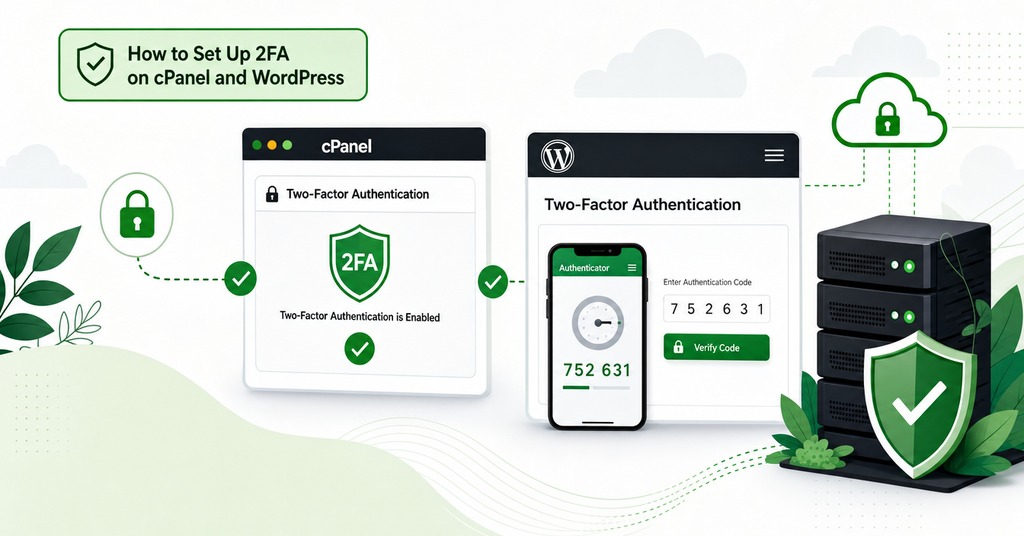
The two surfaces behave differently enough that treating them as one procedure produces mistakes.
Two-Factor Authentication in cPanel
The interface is at Home, Security, Two-Factor Authentication, and it accepts TOTP from a smartphone authenticator app. Setup is a QR scan or a manual key entry, confirmed with one six-digit code before it expires.
Three conditions govern how the cPanel setup behaves.
The host has to switch the feature on server-wide in WHM first. An owner who cannot find the interface is looking at a host setting rather than a mistake of their own.
Reconfiguring overwrites the existing setup the moment it begins. The old app entry dies even if the flow is abandoned halfway.
2FA does not automatically cover API requests. Password-authenticated calls are a separate surface, described further down.
Owners usually discover the API condition after the fact, when an integration keeps working and they assume the panel is protecting more than it is.
Two-Factor Authentication on WordPress
WordPress core has no two-factor authentication at all, and the reference implementation is the Two Factor plugin maintained by the WordPress project, currently version 0.16.0. It offers an authenticator app as the recommended method plus ten single-use backup codes, with email codes as a weaker fallback. FIDO U2F security keys were removed from it after browsers dropped support, and passkey support comes from a separate companion plugin.
Backup codes exist on this side and the plugin’s own guidance is to enable them, reversing the planning problem the panel creates. The core plugin is also per-user opt-in, so covering every account on the site means role-based enforcement from WP 2FA or Solid Security. It is one item on a longer list of ways to strengthen a WordPress install. WordPress.org itself made 2FA mandatory for every plugin and theme developer with commit access from October 2024.
Automations and API Access After Enabling 2FA
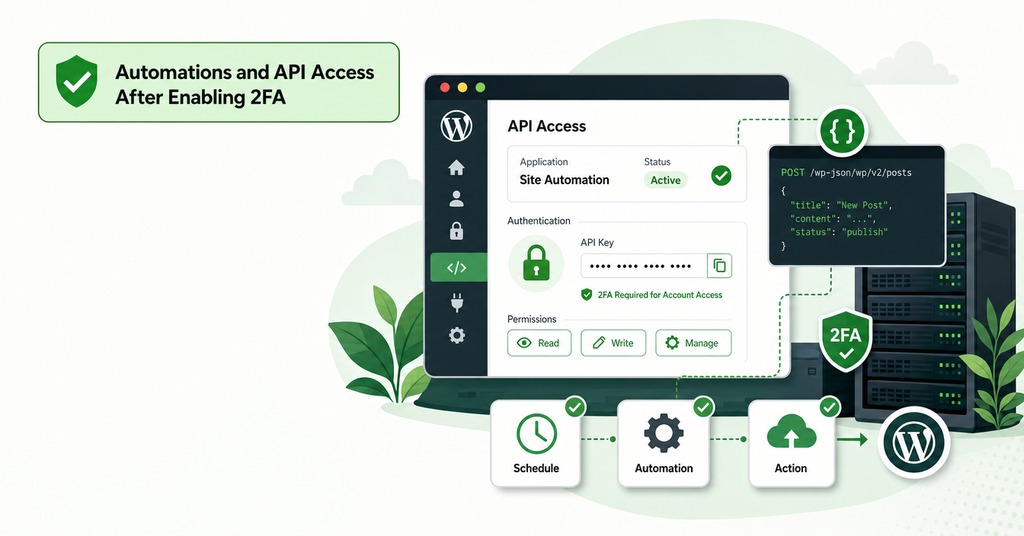
The friction most owners run into arrives an hour after the login, when an automation that used to authenticate on its own stops working.
Enabling 2FA on WordPress commonly breaks IFTTT recipes and backup tools, and the repair is an Application Password generated from the user profile. That feature has been in core since WordPress 5.6, and the frequent complication is a security plugin having disabled it, so the screen the documentation describes is not there. The same class of problem exists on the panel side, where password-authenticated API requests can bypass the 2FA challenge unless the host enables security policies for them, and enabling 2FA in WHM can cause third-party applications to fail.
Clock drift causes the other common failure, and because it presents as a lockout owners misdiagnose it. A correctly entered code gets rejected and the setup looks broken, when the cause is an inaccurate server clock. cPanel attributes its “security code is invalid” error to exactly that. The repair is a clock resync with ntpdate.
Planning for a Lost or Broken 2FA Device
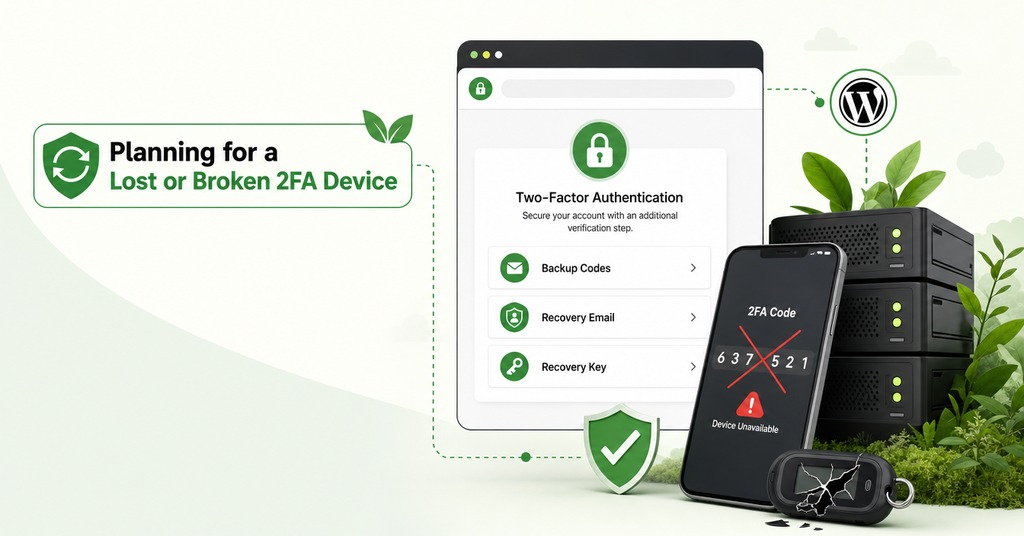
The lockout objection identifies the correct weakness and draws the wrong conclusion from it. Recovery is the weakest part of the cPanel and WordPress deployments described here, and building that path deliberately removes most of the objection.
Three decisions taken at enrollment are the difference between an inconvenience and a permanent lockout.
Two enrolled factors wherever the platform allows them. A single key or a single handset converts an ordinary accident into a permanent lockout.
The enrollment secret captured while the setup screen is still open. On cPanel a photograph of the QR code is the only backup that will ever exist.
Storage well away from the device the secret recovers. A single physical loss usually takes the handset, the email account the handset protects, and any code sheet kept beside it.
The recovery channel is the part the owner does not control. On cPanel it is a ticket with the host, and that puts support response time inside the security model. GreenGeeks staffs live chat and phone support 24/7 on every plan.
A passkey removes the proxy attack wherever the platform offers one, since nothing is typed for an attacker to relay. Where passkeys are unavailable, an authenticator app beats SMS, and SMS beats leaving the account behind a password that appears in 5.3 billion recaptured credential pairs. A second factor guards the login and does nothing about an unpatched plugin or the class of pre-auth flaw described earlier.
Frequently Asked Questions
Does cPanel have two-factor authentication?
Yes, at Home, Security, Two-Factor Authentication, using TOTP from a smartphone authenticator app. The hosting provider has to enable the feature server-wide in WHM before it appears, and it can also be hidden through WHM’s Feature Manager.
What do I do if I lose access to my cPanel two-factor authentication?
Contact your hosting provider and ask them to disable 2FA on the account, then set it up again. cPanel issues no recovery codes and no backup codes, so this support path is the entire documented procedure.
Does cPanel support passkeys or security keys?
cPanel and WHM documentation names TOTP authenticator apps only, with no WebAuthn, FIDO2 or passkey option in either panel.
Does WordPress have built-in two-factor authentication?
No. WordPress core is password-based by default and a second factor requires a plugin or an external identity provider. Application Passwords, which handle API authentication, are a core feature added in WordPress 5.6 and are a different thing.
What is the best two-factor authentication plugin for WordPress?
The Two Factor plugin maintained by the WordPress project is the reference implementation. It is per-user opt-in, so sites that need enforcement across every account usually add WP 2FA or Solid Security for role-based rules.
Is SMS 2FA better than no 2FA?
Yes, by a wide margin against automated attacks. NIST now classifies SMS one-time passcodes as a restricted authenticator, meaning permitted with a risk assessment and a migration plan attached, short of an outright ban.
Why does my authenticator code say invalid when it is correct?
Almost always clock drift. TOTP derives the code from a shared secret plus the current time, so inaccurate time on the server or the handset produces codes that do not match. The fix is resynchronizing the server clock with ntpdate.
Should I store 2FA codes in my password manager?
A manager that fills codes only on the matching domain removes a real phishing risk, and for a single operator that protection outweighs the cost. Keeping password and second factor in one vault means a single compromise takes both, which is the reason to separate them once more than one person holds the vault.
Does 2FA break API access or automated tools?
It happens often enough to plan for. On cPanel, password-authenticated API requests can bypass the 2FA challenge unless the host enables security policies for them. On WordPress, external services need an Application Password from the user profile.
What are backup codes and where should I keep them?
Single-use codes that let you authenticate once when the primary factor is unavailable. Keep them offline and away from the device that generates codes, since storing them inside the protected account defeats the purpose.
Is WordPress 2FA required for plugin developers?
Yes, and it has been mandatory since October 1, 2024. The rule covers all plugin and theme developers with commit access, because those accounts can send updates to millions of sites.
Is two-step verification the same as two-factor authentication?
Two genuine factors come from different categories, such as something you know plus something you have. A password plus a code emailed to a mailbox guarded by that same password is two steps and one factor.
