A host’s published uptime figure is self-reported, measured by the provider’s own probes. Independent monitoring from outside the account produces the one number describing a host’s reliability that the host does not control. It registers an outage within minutes. A customer email arrives only once the site has been down long enough for a visitor to notice and write in. The other signs of an unreliable provider can be checked from outside the account as well, and a running log of those checks turns them from an impression into something dated and specific.
What the Uptime Percentages Permit
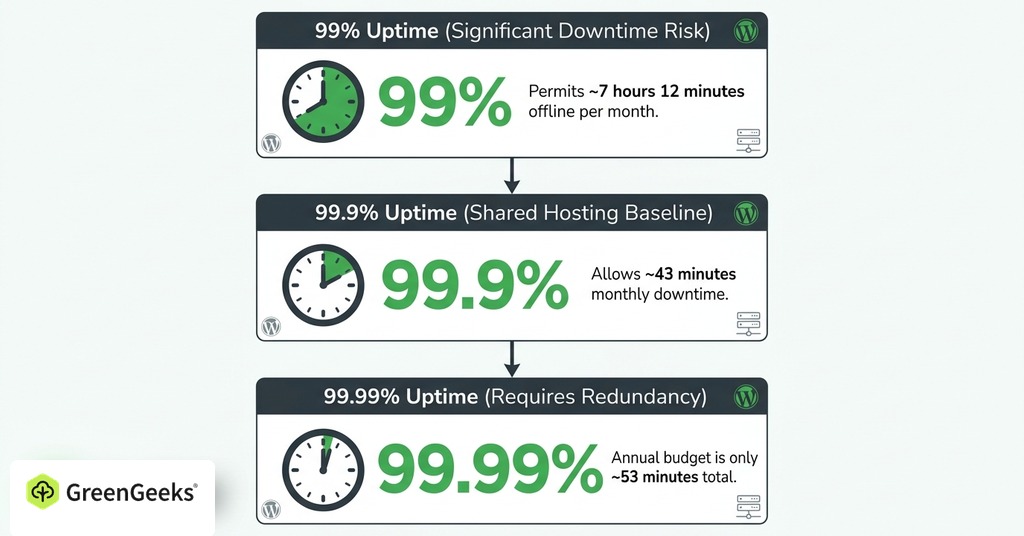
Converting an advertised uptime percentage into minutes shows the size of the downtime budget it sets. A 30-day month contains 2,592,000 seconds. At 99% uptime the host may be offline for about 7 hours 12 minutes of that month, which across a year adds up to more than three and a half days.
Shared hosting sells against a 99.9% baseline. The allowance narrows to about 43 minutes in a 30-day month, or roughly 8 hours 45 minutes measured across a full year. That percentage does less work than it appears to. The same commitment covers a provider that almost never goes down and one that loses forty minutes every single month.

One more nine changes the kind of operation the host has to run. The annual budget at 99.99% comes to about 53 minutes. A single multi-hour incident would exhaust it. Detecting and recovering from failures within minutes calls for on-call staffing and redundant systems behind the promise, so providers that cannot fund either do not advertise four nines.
A 99.9% figure on a sales page marks the floor a business site should accept. Nothing above that floor is guaranteed by the number itself. A host advertising less, or publishing no written guarantee, is declining to be measured.
Why the Host’s Own Numbers Are Not Proof
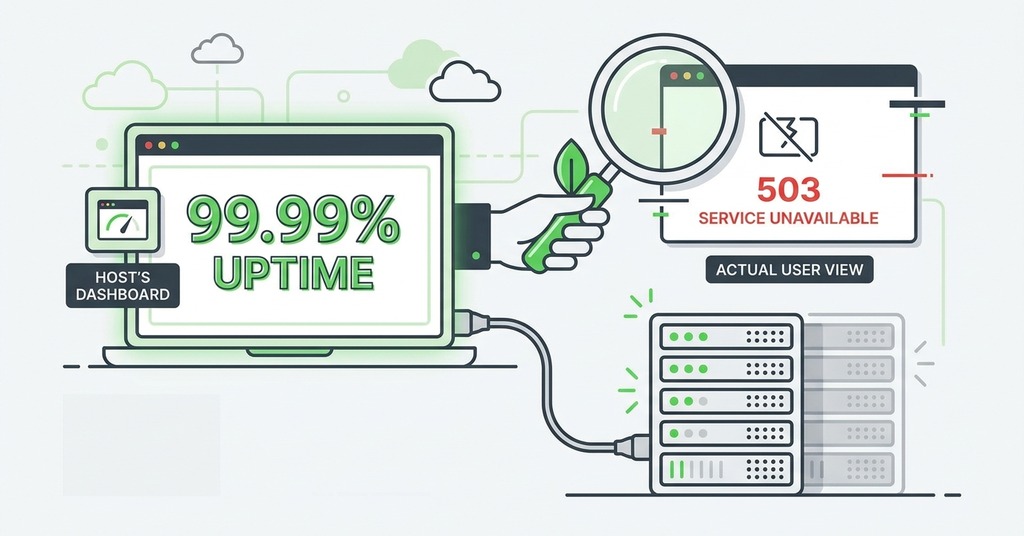
Because SLAs are calculated per month, one bad month can trigger the remedy even if the rest of the year was clean. The arrangement sounds favorable until the exclusions are read. Planned maintenance announced in advance is carved out of the calculation. So is force majeure. Problems the customer caused and failures at third parties fall outside as well. Those exclusions cover most scheduled work and every outage originating outside the host, which is where a large part of real downtime falls.
Many providers measure with their own probes pinging the customer’s endpoint, and a single probe can miss regional routing problems that visitors in another country are hitting. Customers running their own multi-location monitoring record more downtime than the provider’s measurement admits.
A store that loses a Saturday of sales will not come near recovering it from the compensation on offer. When uptime falls below the target, the payment is a service credit worth 5 to 25% of the monthly fee. One major budget host’s guarantee pays back 5%.
Because the remedy costs the provider so little, some hosts run status pages showing all systems operational while customer sites are down.
A status page hosted on the provider’s own infrastructure goes down with the provider, exactly when it is needed. During Reddit’s April 2025 outage, more than 90,000 user reports arrived on Downdetector within roughly 30 minutes before Reddit’s own status page confirmed elevated errors.
A host’s own numbers answer a different question than the customer’s, and most hosts are not lying when they publish them. Measurement taken from outside the account puts the two figures side by side.
How Uptime Monitoring Works
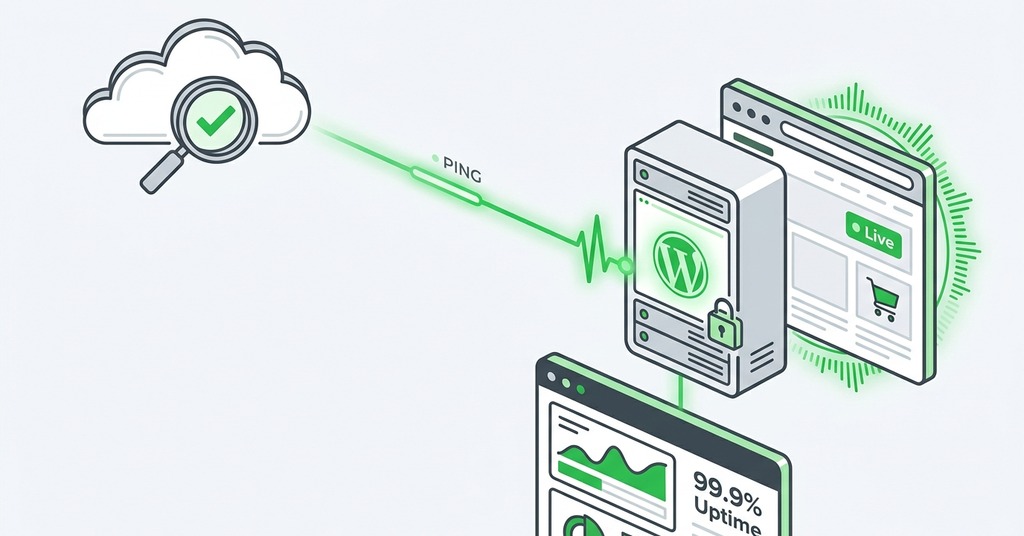
A monitoring service sends a request to the URL from external locations at a fixed interval of 1 to 5 minutes. If the server fails to respond or returns an error code, the monitor records a downtime event, and it does the same when the SSL certificate is invalid or the response exceeds a time threshold. The tool then alerts you and files the incident into an uptime history. A recovery notice follows when the site comes back.
What the monitor can see depends on the check type. A plain ping confirms only that the machine answers at the network level, since a server can answer ping while its web server is down. An HTTP check goes one layer deeper. A keyword check goes further again, confirming that the page returns the content it should.
Keyword checks and rendered-page comparison catch a failure the others miss. A WordPress plugin conflict can leave the server reporting success while visitors see a blank white page, which a basic up-down check records as available.
Too many false alarms train people to stop reading the alerts. Good tools re-verify a failure from a second or third location before sending anything. One probe in Tokyo failing while London and New York succeed points to a regional routing problem on the monitoring side. A 5-minute check can miss a 40-second outage entirely, the kind a misbehaving deploy produces. A 1-minute check catches it.
How to Set Up Monitoring That Catches Real Downtime
Any of the free tiers will take an account, a URL and an alert contact. What matters is which URLs get watched, at what interval, and who receives the alert.
What to Monitor
Watch at least two URLs. Take the homepage plus one page that depends on the application working, such as the checkout page on a store.
Monitor SSL certificate expiry separately. An expired certificate blocks the page behind a full browser warning while the server keeps answering requests, which means an uptime check can report success during a complete outage for visitors. Sites behind a CDN need two checks. One goes on the CDN address and one on the origin server. Without both, a failure cannot be traced to either side.
Free Tools and Check Intervals
UptimeRobot’s free plan monitors up to 50 URLs at 5-minute intervals with email alerts, enough for awareness though not for precise incident timing. Freshping checks every minute at no cost. Uptime Kuma is the self-hosted open-source option for a site owner who wants the monitor under their own control.
Paid tiers add shorter intervals and SMS or voice alerts, along with a longer response-time history. Most small sites need none of that at the start. Upgrade when the site earns enough that one short missed outage costs more than the subscription.
Alert Settings That Get Seen
A single failed probe is usually a network blip. Configure alerts to fire only after two or three consecutive failed checks.
Route the alert to a channel that gets checked. A store or client site belongs on SMS or Slack. An inbox read twice a day turns a 20-minute outage into an eight-hour discovery.
What to Do When Your Monitor Says the Site Is Down
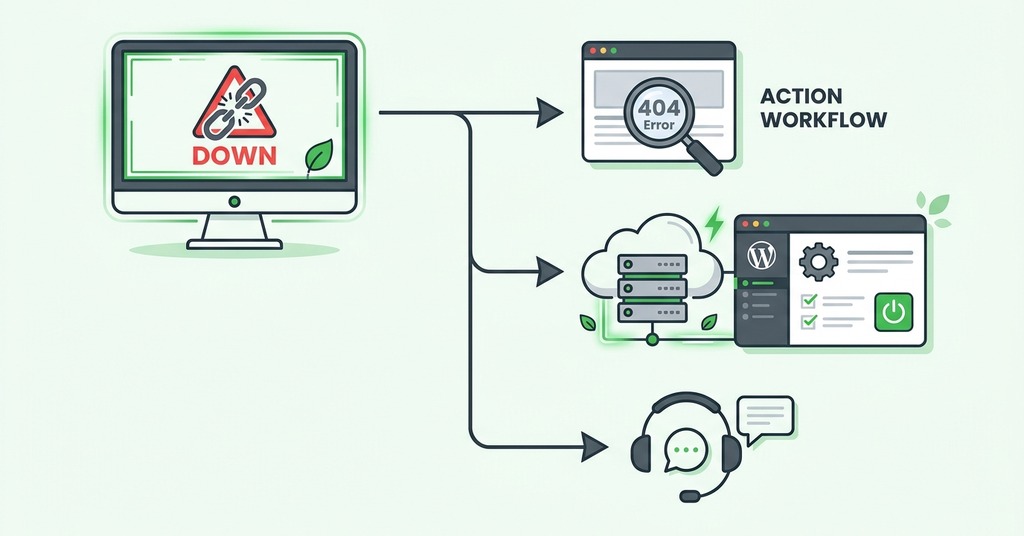
Work through the scope before you open a ticket. Run a multi-location down-checker to confirm the outage is global rather than local to your own network. Then check the host’s status page. Verify that the domain registration and DNS have not lapsed. An expired domain takes a site offline instantly and looks identical to host downtime.
Write down the error code and the start time your monitor logged, along with any recent changes you made. Support will ask for all of it. Handing it over in the first message skips a round of boilerplate replies.
A monitoring log grows more valuable the longer it runs, because it sets a host’s guarantee against independent measurement. GreenGeeks publishes a 99.9% uptime guarantee, and third-party measurement across 2024 and 2025 recorded 99.98%. When a claim survives that comparison the host’s numbers mean something, and when it does not, the log is dated evidence to take into a migration conversation.
A host’s uptime guarantee covers its servers and network, which leaves every failure on the owner’s side of the account outside it. A plugin update that whites out the pages, or a domain left unrenewed, shows up on the monitor as downtime the host had no part in. Check the owner-side causes first, or the log will record downtime the host did not cause.
Signs of an Unreliable Host
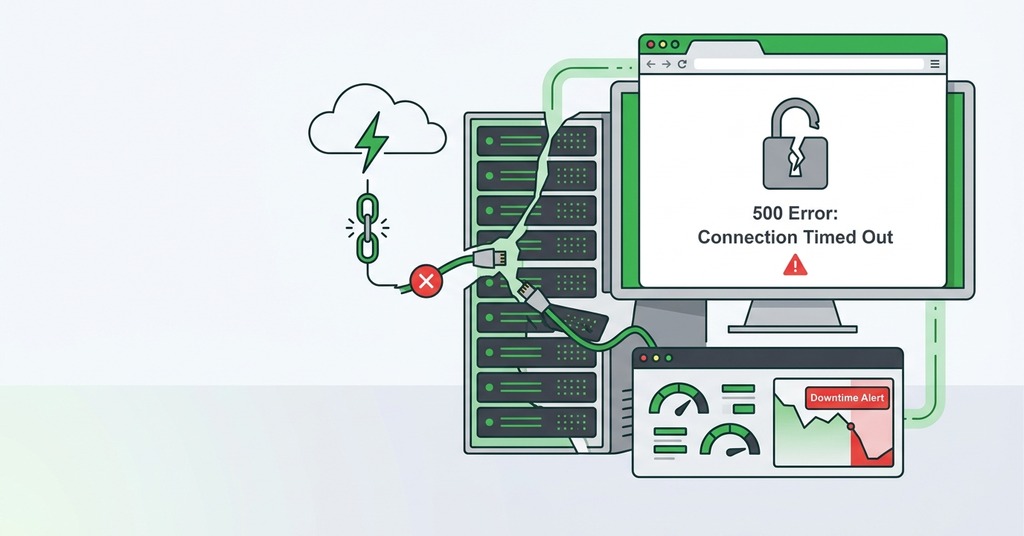
Each of the signs below can be verified from outside the account, without access to anything the host controls.
Downtime Beyond the Guarantee Floor
Repeated downtime past the SLA allowance is the plainest sign, and the only one the guarantee itself defines, so proving it takes a monitor that was already running before the argument started. Recurring server-error messages and long stretches when the site is simply unreachable are how customers describe it in reviews.
Support That Cannot or Will Not Diagnose
Ticket-only contact and business-hours-only help desks slow every response. A slow response multiplies the outage. Scripted replies that restate the customer’s message back to them are the same problem, delivered politely.
At one budget host, repeated downtime drew a support reply built out of ping statistics offered as proof that nothing was wrong. The reply blamed the customer’s CPU. It said nobody else had complained, though complaints about the same outages were already public at the time.
A ping result cannot see the failure the monitor recorded, and a reply built on it is written to close the ticket. The same pattern shows up hardest at cancellation, where a ticket system that is the only contact channel can absorb three separate attempts and return boilerplate each time while the renewal charge is still taken from the bank account early. When a host degrades, support access shrinks to the channel where nothing gets resolved.
A Status Page That Contradicts Your Monitoring
When the log shows an outage and the status page shows all green, believe the log. At least one large budget host leaves downtime and degraded performance off its status page entirely. The incentive behind that silence is the size of the service credit, which never approaches the cost of the outage.
Reliability Decline After an Ownership Change
After the UK host Brixly was acquired by Enix in mid-2024, with public promises of improvement, downtime lengthened and support slowed.
Before the sale that supplier had been one UK agency’s most reliable. A multi-day outage in February 2026 took 40 to 50 of the agency’s client sites offline. The provider offered little explanation. Mark the acquisition date in the monitoring history and read the following months against it.
What Downtime Costs a Small Site
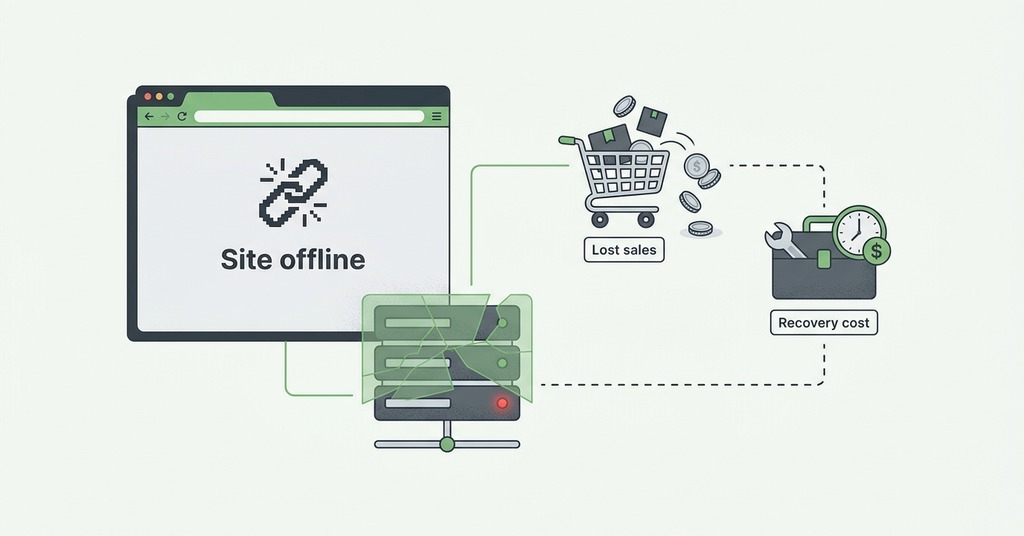
The published per-minute downtime figures describe enterprises. A small operator gets no usable number out of them. ITIC’s 2024 survey put a single hour of downtime above $300,000 for more than 90% of mid-size and large organizations, and its deliberately conservative estimate for firms under 25 employees still came to $1,670 per minute, a figure a brochure-site owner would call high and a store owner would recognize on a busy weekend. The older Gartner baseline of $5,600 per minute dates to 2014. Neither figure transfers to a site with one product line and a weekend peak. For a small operator the cost is whatever the busiest hour is worth. An outage is as likely to fall in that hour as in the slowest one.
Frequently Asked Questions

What Is a Good Uptime Percentage for a Website?
99.9% is the industry baseline, permitting about 8 hours 45 minutes of downtime across a year. Critical services target 99.99%, or roughly 53 minutes. A guarantee below 99.9% is a warning sign for a business site.
How Much Downtime Is 99.9% Uptime per Month?
About 43 minutes 12 seconds, since a 30-day month holds 2,592,000 seconds and 0.1% of that comes to 2,592 seconds.
How Do I Check If My Website Is Down?
Run a multi-location checker such as HostTracker’s or downforeveryoneorjustme.com. Failure from many independent locations at once means a global outage, and failure at only some of them points to your own network or a regional route.
How Can I Monitor My Website Uptime for Free?
Create a free account, add the URL and an alert contact, then set the check interval. UptimeRobot’s free plan monitors up to 50 URLs. Freshping checks every minute at no cost. The main limitation of a free tier is the alert channel, since SMS and voice alerts usually require a paid plan.
How Often Should a Website Be Checked for Downtime?
Every 1 to 5 minutes is the standard range. A 5-minute interval can miss a 40-second outage entirely, and faster intervals need tuned retries and multi-location confirmation to keep false alarms down.
What Is the Difference Between Uptime Monitoring and Synthetic Monitoring?
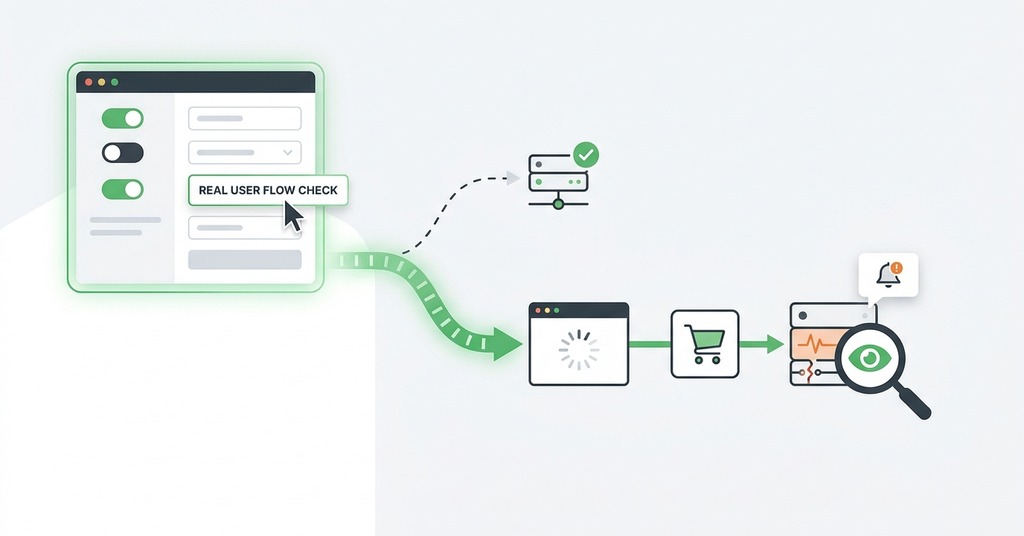
Uptime monitoring verifies that the server responds, through an HTTP success code or a successful ping. Synthetic monitoring simulates a full user journey such as logging in or completing a checkout, which confirms that the application and database work rather than only that the site is reachable.
Can a Site Be Up but Still Effectively Broken?
Yes. A WordPress plugin conflict can leave a blank white page while the server returns a success code. A page taking four seconds to load passes a basic up-down check while visitors give up and leave. Keyword checks catch the first case and response-time thresholds the second.
Does Website Downtime Affect SEO?
Short outages of a few hours typically cause no lasting damage. Googlebot slows crawling when it meets server errors and returns to its usual rate after recovery. Errors persisting for multiple days can temporarily drop pages from Google’s index.
What Is an Uptime Guarantee (SLA) and What Happens If a Host Breaks It?
An SLA is a contractual availability target with defined measurement rules and exclusions for maintenance and customer-caused problems. The remedy is usually a service credit. A 10% credit on a $10 shared plan returns one dollar. Credits normally have to be claimed within a set window after the bad month.
What Should I Do First When My Website Goes Down?
Confirm the scope with a multi-location check, then look at the host’s status page and rule out a lapsed domain or a DNS or SSL problem. After that, contact the host with the error code and affected regions, plus the start time your monitor recorded.